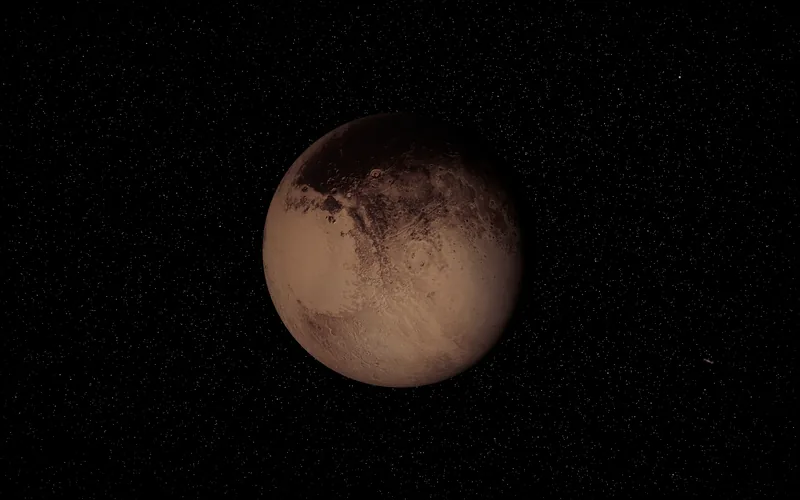
Our Solar System

A working atlas of the planets

The 3D solar system, as it is right now.

Every planet where it really is today, lit by the real Sun. Spin it, zoom from the Sun to Pluto, change the date or fly between worlds. Free in your browser, no signup.

Distance from Earth right now

Sun
149,296,428 kmLight: 8 min 18.0 s
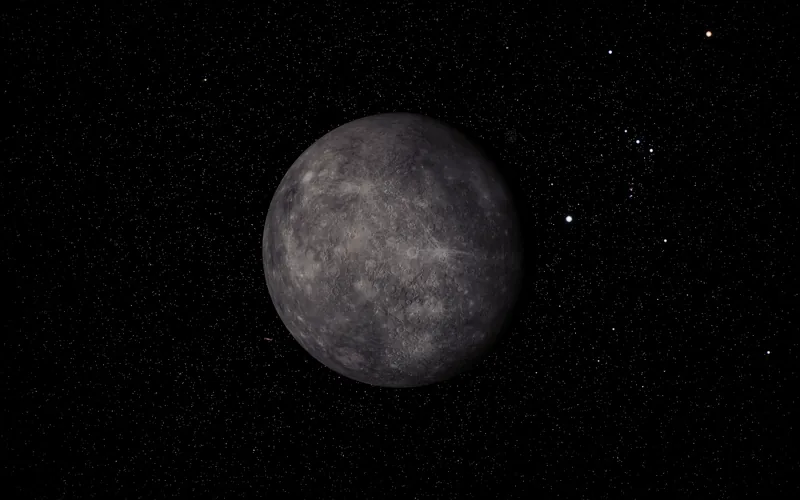
Mercury
148,967,846 kmLight: 8 min 16.9 s
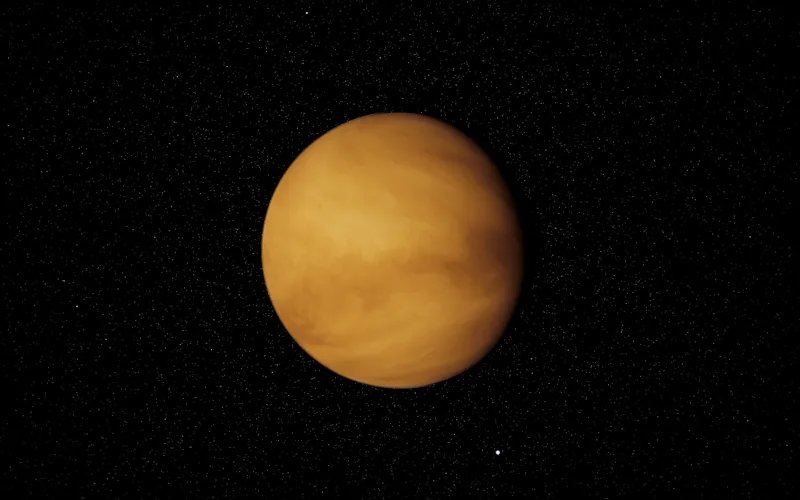
Venus
43,991,548 kmLight: 2 min 26.7 s
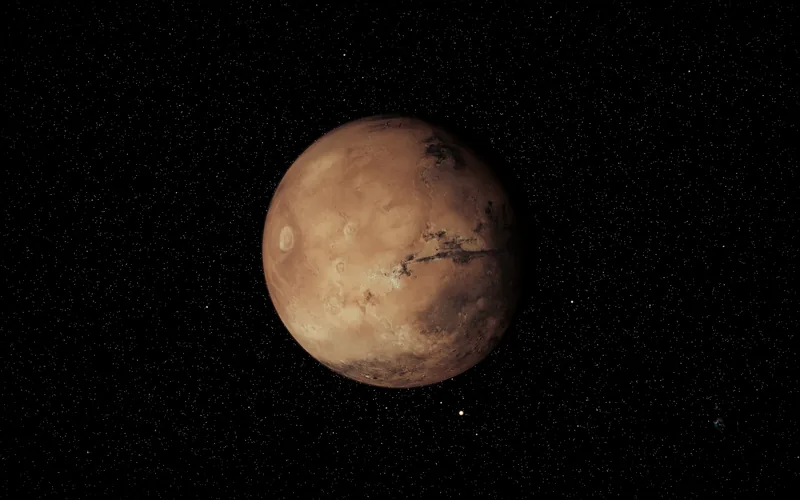
Mars
236,560,215 kmLight: 13 min 9.1 s
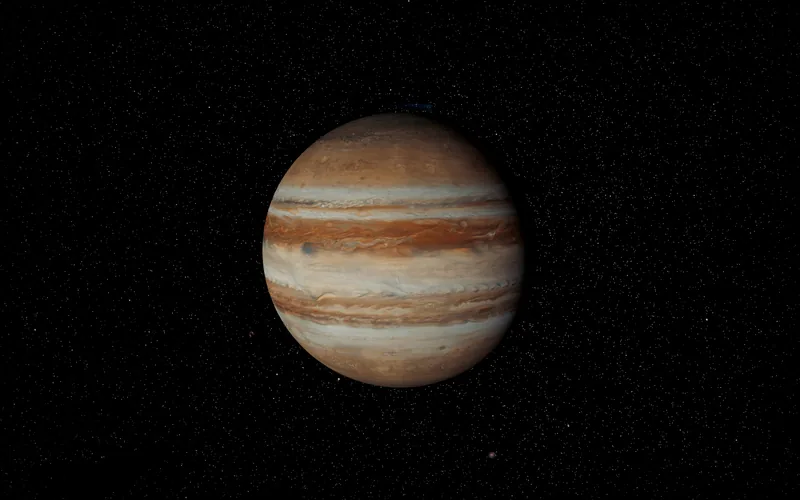
Jupiter
863,415,434 kmLight: 48 min 0.0 s
Saturn
1,263,306,598 kmLight: 1 h 10 min
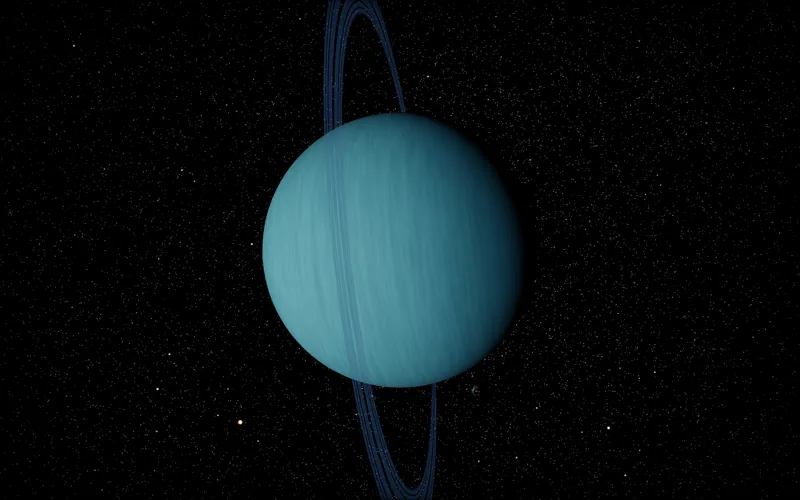
Uranus
2,801,152,729 kmLight: 2 h 36 min
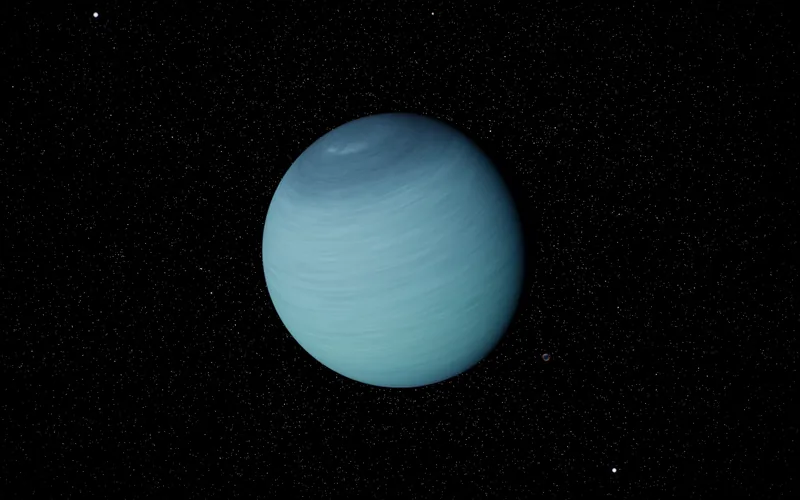
Neptune
4,326,595,859 kmLight: 4 h 1 min

Worked out in your browser from JPL's orbital elements, the same maths that moves the planets in the 3D viewer.

Inside the viewer

More than a model.

An interactive simulation with real orbital mechanics, real textures and a real fly-through.

Photoreal rendering

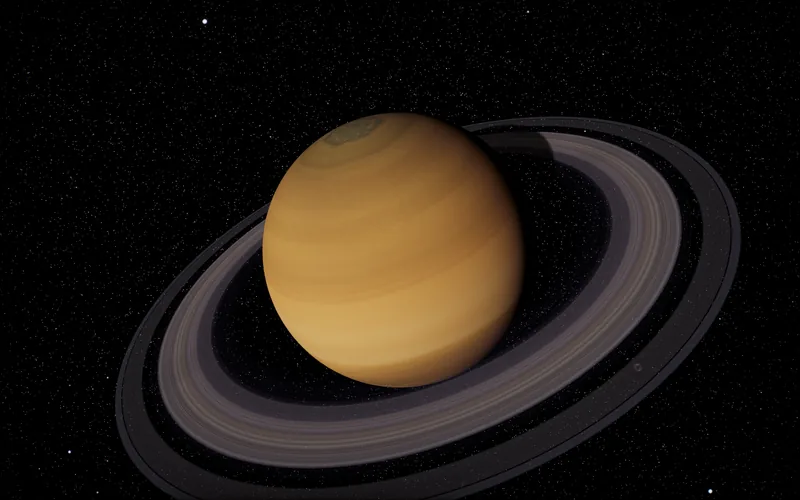
Saturn's rings, sub-pixel thin.

8K NASA-derived textures, custom GLSL shaders for the Sun and atmospheres, shadow-casting rings. Saturn's rings reach 282,000 kilometres from the planet, yet they are typically only 10 to 100 metres thick.

Read about Saturn
Fly mode

Pilot a spacecraft, planet to planet.

Switch into Fly mode and take the controls. Realistic gravity, momentum, and orbit stabilisation. Settle into low Earth orbit, slingshot past the Moon, then push out to Mars, all in real time.

Open the viewer
Science overlay

Live telemetry on whatever you're watching.

Toggle the science panel and the viewer streams real-time telemetry for the body in focus: phase, diameter, distance, velocity and orbital period, all from real ephemeris data.

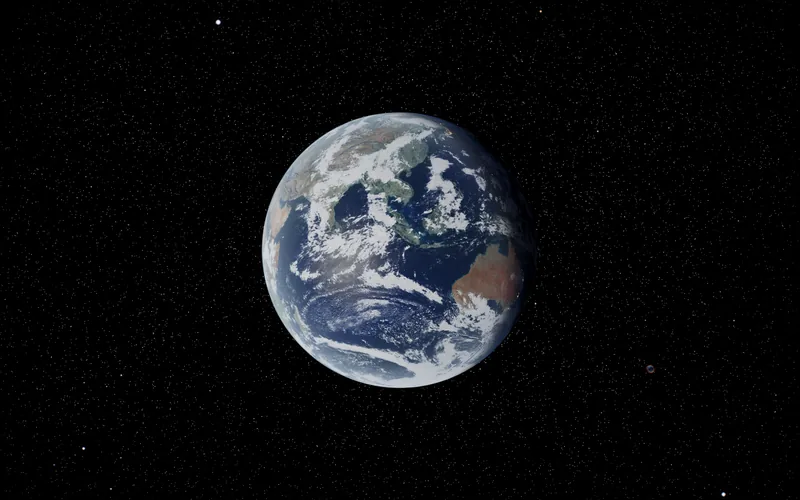
Read about Earth
Phase
86%
Distance
385,420km
Velocity
29.78km/s
Orbital P
365.25d
What you can do

Everything in the 3D solar system.

One interactive model, from the Sun's surface out to the stars around us, running on the real clock.

New · Screensaver for Mac

The solar system, live on your desktop.

When your Mac goes idle, the camera flies from world to world. Every planet sits where it really is right now, at true scale, lit by the real Sun. Watch the grand tour or stay with one world up close.

See the screensaver → $1.99 · one-time

Where everything is

The solar system from above, today.

Each planet sits in its real direction from the Sun on the date below. Drag through the year, or play it, and watch the inner planets lap the outer ones.

Today

Directions are true. Distances from the Sun are compressed (the square root of the real distance, with room left round the Sun) so Mercury and Pluto fit on one screen. For the real distances, see how far everything is from Earth right now.

The bodies

Every world, one page each.

Checked against the sources

How accurate is this 3D solar system?

Every planet and the Moon is placed from its orbit, and the maths is tested against the agencies that publish the real values.

Earth's sub-solar point, against NOAA
< 0.3°
Eclipse ground point, against NASA
< 1°
Full and new Moon times, against USNO
< 10 min
Lunar eclipse umbral magnitude, against NASA
< 0.015
Topics

Take the long way round.

Pages that compare, rank and put the numbers in context, each with a jump into the 3D view.

FAQ

Common questions.

Is this 3D solar system free?

Yes. The viewer runs in your browser with nothing to download and no account to make. The optional paid extras are the Mac screensaver, VR and AR on headsets, and the Moon, Mars, rovers and planes in the Qmax rocketry game.

Are the planets in their real positions?

Yes. Your browser works out each planet from JPL's orbital elements, and the Moon from the Meeus lunar theory, for the exact moment on the clock. Leave time on Real and the solar system keeps pace with the wall clock, or set any date from 1800 to 2200 (the planets' orbital elements are fitted for 1800 to 2050, so later dates are approximate). The moons of the other planets keep their real orbital periods, though where each one sits along its orbit is illustrative.

Is the 3D solar system to scale?

You choose. By default sizes and distances are spread out so every planet is visible at once, and a slider sets how much. The Realistic switch puts everything at its true size and distance, where the planets shrink to specks. To Scale mode lines up the Sun and planets side by side at their real relative sizes.

How do I move around?

Drag to turn the view, scroll or pinch to zoom, and click any planet or moon to fly to it. The arrow buttons step from world to world, the time bar runs the clock from paused through real time to most of a year every second, forwards or backwards, and the controls panel holds the rest: To Scale, satellites, sky events, eclipses and fly mode.

Does it work on phones, tablets and Chromebooks?

Yes, in any current browser with WebGL 2: Chrome, Safari, Edge or Firefox. Phones and tablets get touch controls and lighter graphics. Fly mode is easiest with a keyboard.

Can I use it to teach?

Yes. Teachers mode has 25 ready-made lessons for ages 5 to university, each with a Present mode for the classroom projector and a pupil version with questions and tasks. Every fact in a lesson cites its source.

Is it a simulation or an animation?

A simulation. Each body is placed from its orbit for the time on the clock, the Earth turns by its real rotation angle so the day side and the seasons match the date, and eclipses come out of the real geometry of the Sun, Earth and Moon. Run the clock backwards and everything retraces its path.

Where does the data come from?

Planet positions from JPL orbital elements, the Moon from the Meeus lunar theory, satellites from CelesTrak and launches from Launch Library 2 by The Space Devs. Surface maps come from NASA, USGS, ESA and EOX, with planet textures from Solar System Scope. The credits page lists every source.
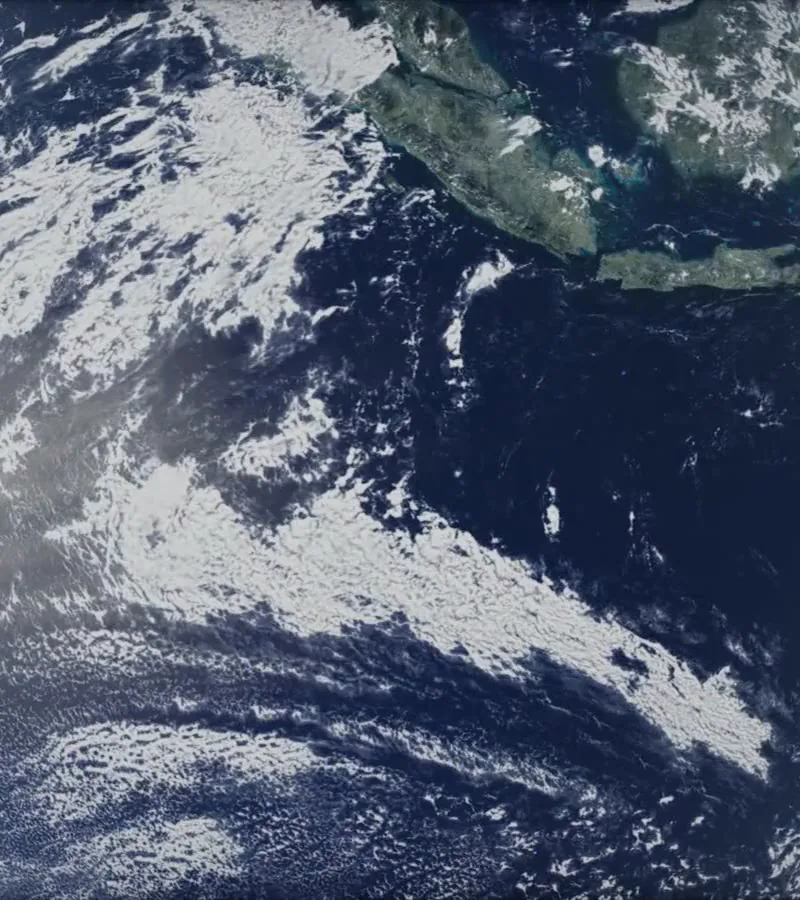
Open the atlas.
Take a look around.

Click any planet, drag to orbit, scroll to zoom. Or set the clock running and watch the solar system move on its own.

Open the viewer →