Solar System live wallpapers for Mac
Your desktop, in orbit.
Over 80 animated live wallpapers: the Earth, Saturn or any world, rendered live in 3D behind your desktop icons and lit by the real Sun at this moment. The camera drifts slowly round it, the planet turns at its real rate, and it all rests whenever the desktop is hidden.
Animated in real time · One-time purchase · macOS 12 or later, Apple silicon and Intel · Runs offline
An Apple-verified version is coming soon as a free update. Until then, macOS asks you to confirm the app once, the first time you open it, and your download page shows how.
Over 80 live wallpapers
Earth, Saturn and space live wallpapers, framed for a desktop.
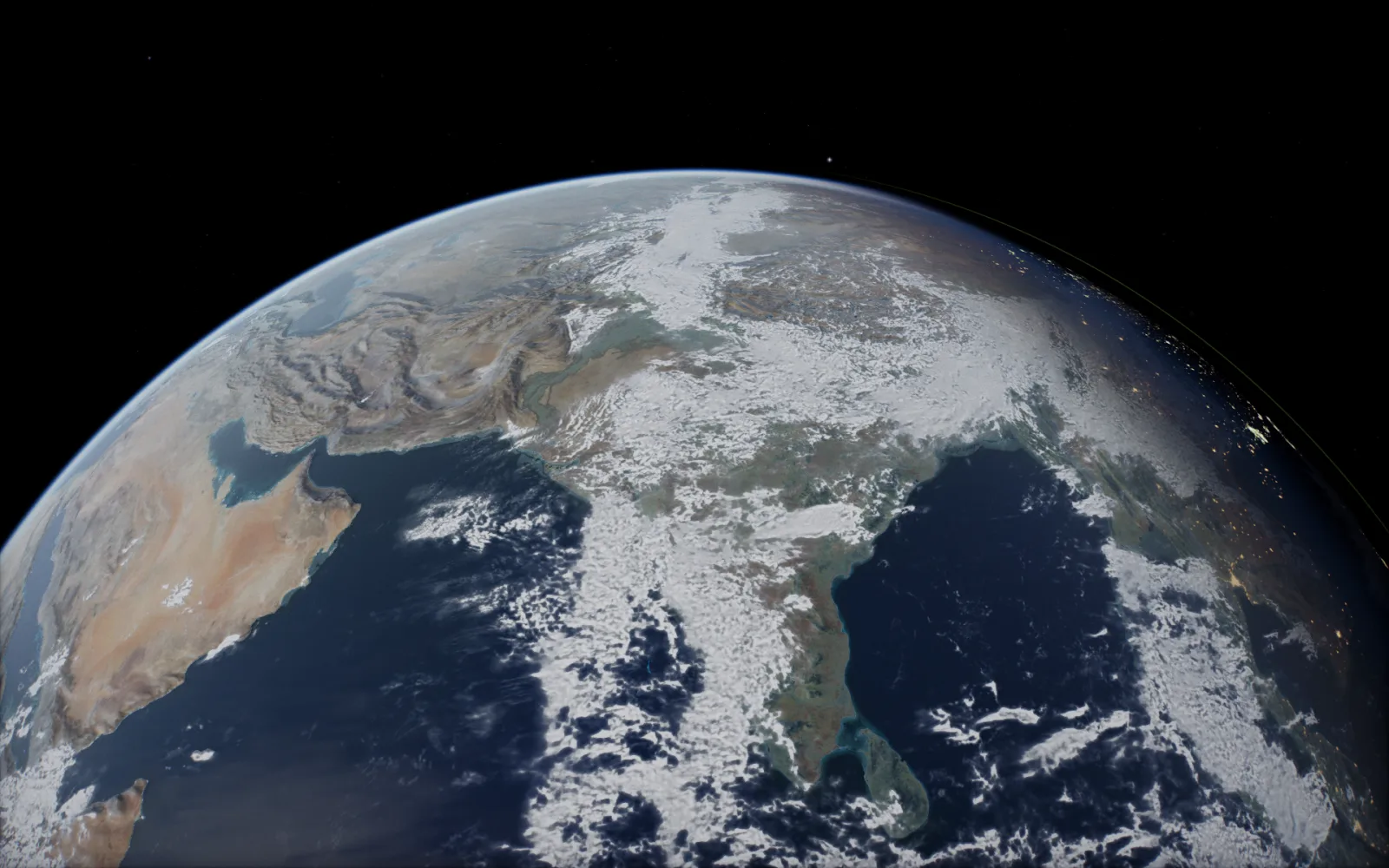
Eleven worlds, each in up to eight views at three zoom levels, plus the Milky Way, the black hole, the ISS and the grand tour. Choose a world and how it sits on the screen: the top half filling the desktop, the whole planet off to one side with room for your icons, or zoomed out with space all round. Every picture here is a frame from the animated wallpaper.

Earth live wallpaper, off to the side
The whole Earth on the left, its night side and city lights on the outer edge, and the rest of the desktop open for your icons. Off to the right works the same way.

Saturn live wallpaper
Any planet can sit to one side. Saturn’s rings get the room they need, and the lit side faces the open space.

Zoomed out
Close, Medium or Far: Zoom pulls every planet view back, so the world sits lower and smaller with more space above it.

Jupiter live wallpaper
Its bands and the Great Red Spot, from maps made of NASA’s images, turning once every ten hours as it really does.

Mars live wallpaper
Mars turning through its day, with Valles Marineris coming round once a Martian day and the day-night line moving across it.

Milky Way live wallpaper
Our galaxy from outside, built from stars and dust in 3D, slowly circling. The grand tour and the ISS are in the menu too.
By subject
Pick your world.
The Earth, Saturn, the Moon, the Milky Way and the black hole each have a page of their own, with more of their views. One purchase gets them all.


Made to stay on
Made to run all day, quiet when hidden.
Animated, not a picture
Every frame is rendered live in 3D, up to 30 a second. The camera drifts slowly round the world, the planet turns at its real rate, the Milky Way circles, and the grand tour flies from world to world.
Under your icons
It sits beneath the desktop icons, widgets and the Dock. Clicks go straight through to the desktop, and it never takes focus from what you are doing.
Pauses on its own
When windows cover the desktop, a full-screen app is open, the screen locks or sleeps, or a screensaver starts, it stops drawing until the desktop shows again.
Easy on the battery
On battery or in Low Power Mode it drops to 15 frames a second, or pauses, whichever you pick. Its usual pace is 30.
The real sky, now
Each world is placed and lit for the current date and time. The Earth turns at its real rate, so the night side and its city lights creep across through the day.
Runs offline
Everything it shows is inside the app. When you are online, the ISS shows also fetch the station’s latest orbit.
How it works
On your desktop in a minute.
- BuyPay $2.99 once through Stripe’s secure checkout, by card, Apple Pay or Google Pay.
- DownloadYour download is on the next page. Keep the link: it always gives you the latest version.
- OpenDrag Solar System Wallpaper to Applications and open it. A globe appears in the menu bar, and the Earth fades in behind your icons.
Bundles
Get more of the solar system.
Questions
Good to know.
Can a Mac have a live wallpaper?
Yes. macOS has no setting of its own for animated wallpapers, so an app draws one behind the desktop icons. This one renders the real solar system live in 3D, lit by the Sun for this moment, with no video loops.
Is there a free version?
You can watch the same shows free in your browser in the 3D viewer: press See it live at the top of this page. The wallpaper app for your desktop is $2.99 once.
Is it animated or a still picture?
Animated. The wallpaper is a live 3D scene, not a video or an image: the camera drifts slowly round the world you pick, the planet turns at its real rate, and the day-night line moves across it through the day. The Milky Way, the black hole, the ISS and the grand tour shows move too.
Does it work with more than one display?
Yes. It plays on your main display, or on every display at once if you tick Play on every display, and it follows you onto every Space.
Will it slow my Mac down?
It is built to stay on all day. It draws 30 frames a second rather than the display’s full rate, at the display’s normal resolution rather than Retina’s, and stops completely whenever the desktop is hidden. For the least power, pick Light quality, or 15 frames a second.
Which Macs does it run on?
Any Mac on macOS 12 Monterey or later, Apple silicon or Intel.
How do I change what it shows?
Click the globe in the menu bar. Show picks the show, Planet and View pick the world and how it is framed, and Zoom, Quality, Frame rate and On battery set how it runs. Pause stops it until you resume.
Does it start by itself?
Yes, it opens at login, and macOS tells you it was added. Untick Open at login in its menu to stop that.
Is it the same as the screensaver?
It uses the same engine and the same worlds, made to run behind your icons all day instead of when your Mac is idle. The wallpapers add views made for a desktop, such as the planet off to one side. The desktop bundle has both.
How many wallpapers are there?
Over 80: eleven worlds (the Sun, the eight planets, the Moon and Pluto), each in up to eight views, at three zoom levels, plus the Milky Way, the black hole, the ISS from outside and from its Cupola, the famous space photos and the grand tour.
What about Windows and Linux?
They are in the works. The Mac version comes first.
