Grand tour
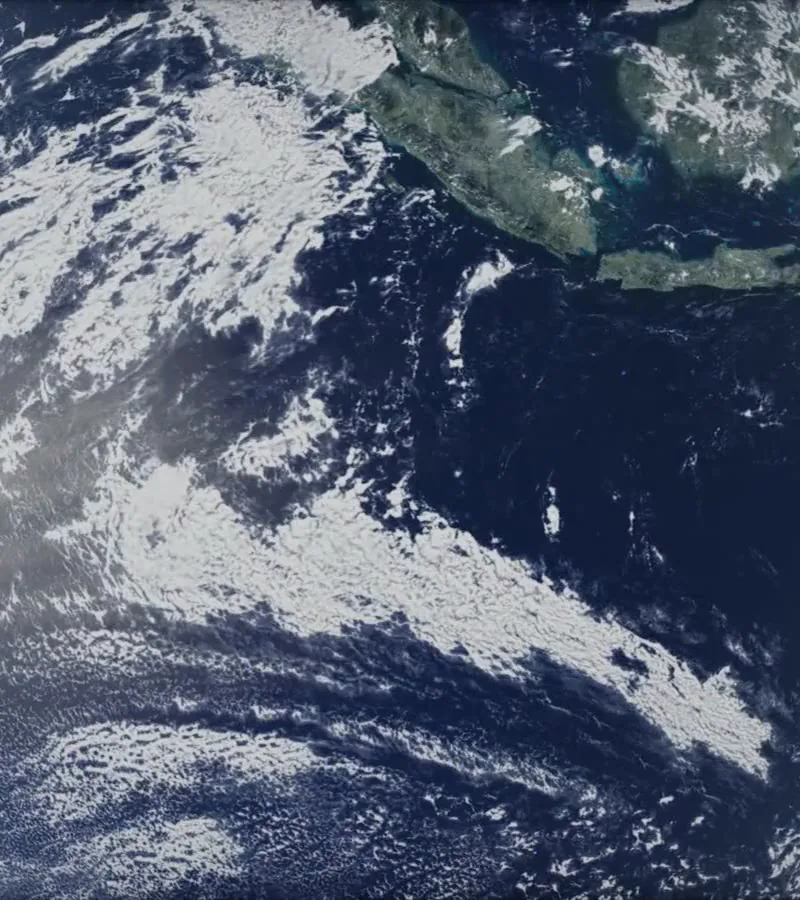
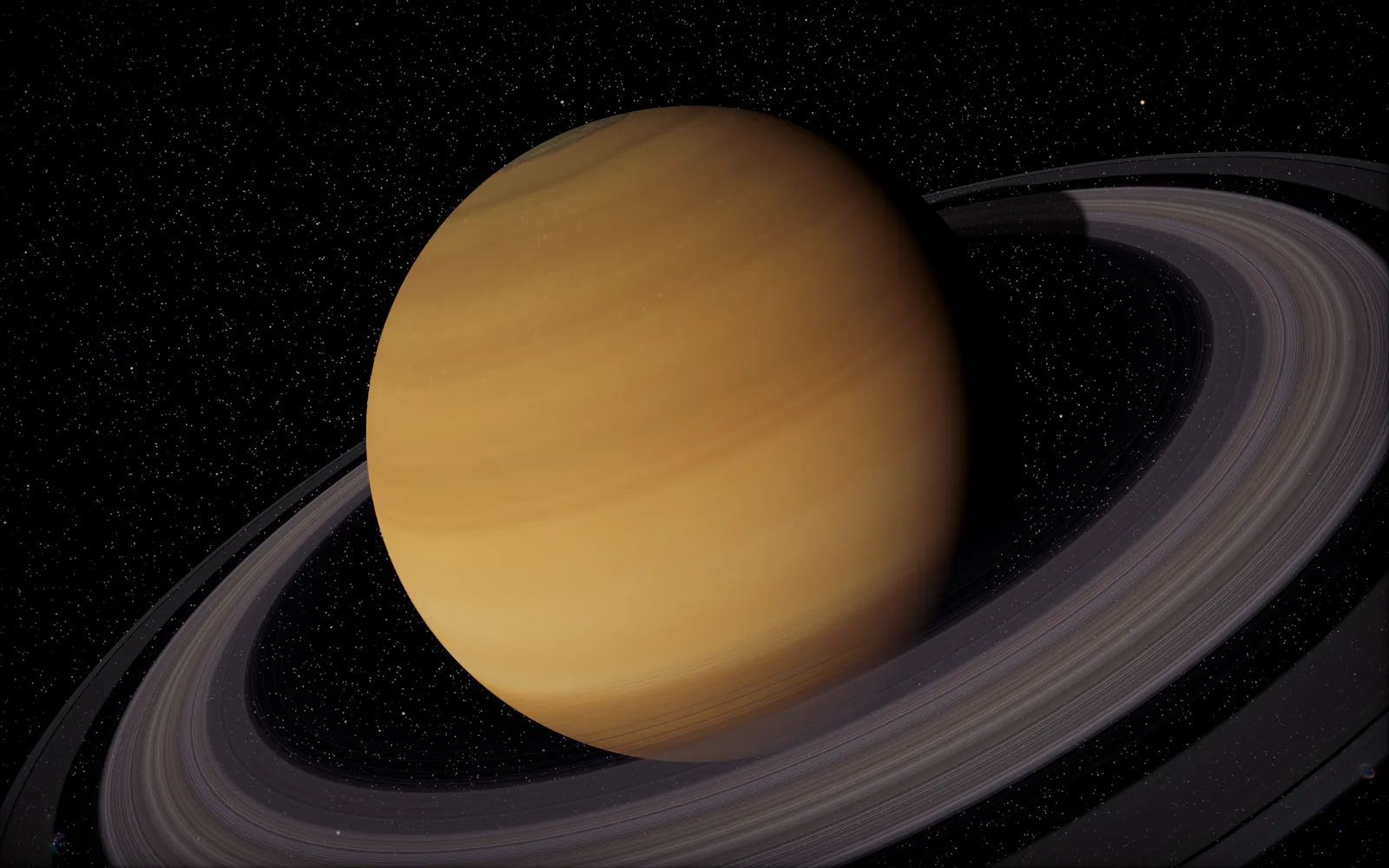
From the Sun out past Neptune, with a pass over Earth's night side and its city lights, then out to the Milky Way and a black hole. Each move is one continuous flight.
Screensaver for Mac
Every planet sits where it really is right now, at true scale, lit by the real Sun. When your Mac goes idle, the camera sets off from world to world.
One-time purchase · macOS 12 or later · Windows coming soon
What you see
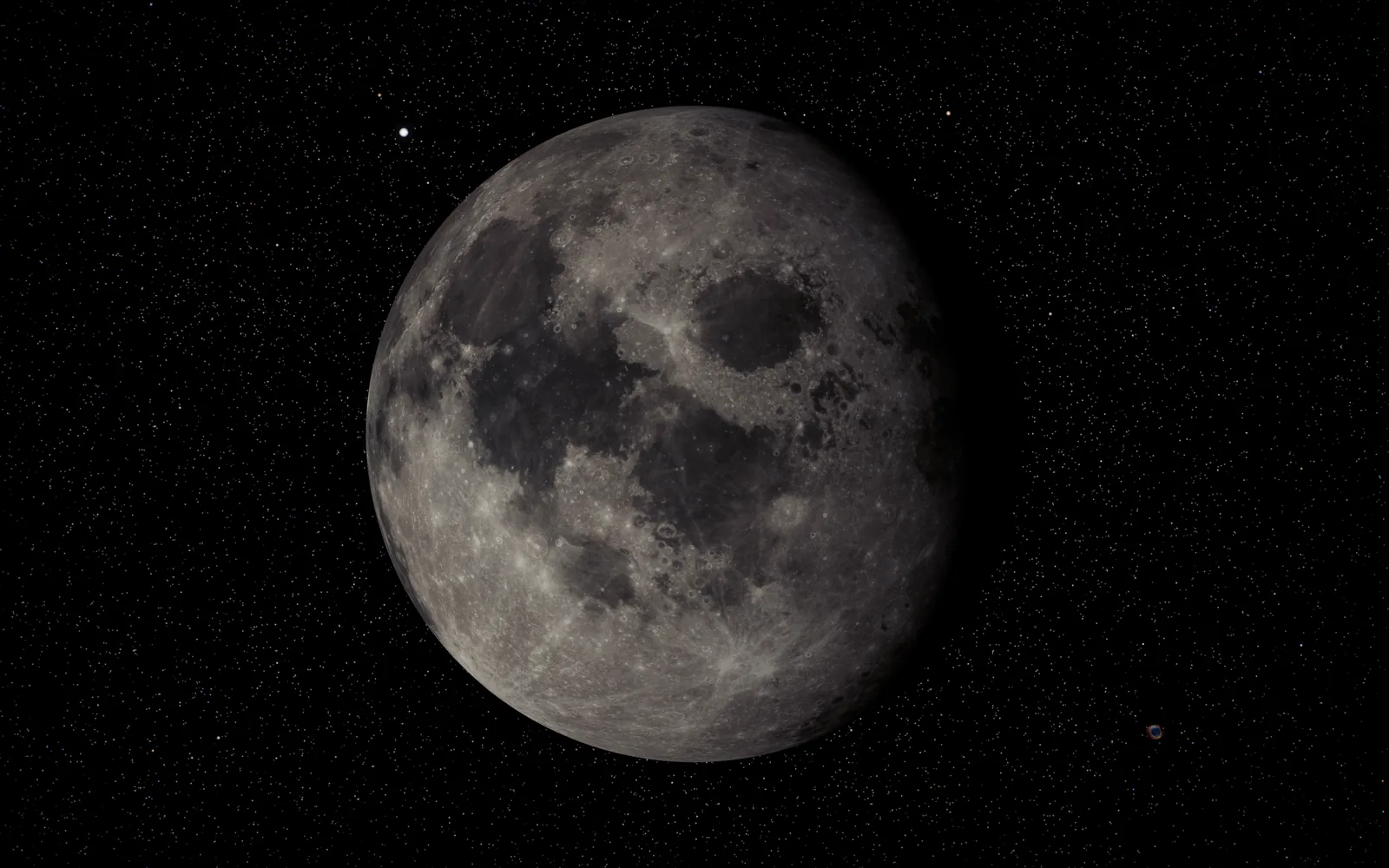
Each world is placed from its orbit for the current date and time, and the clock runs at the real rate. Earth's day side, the phase of the Moon and the planets' lighting all match this moment.
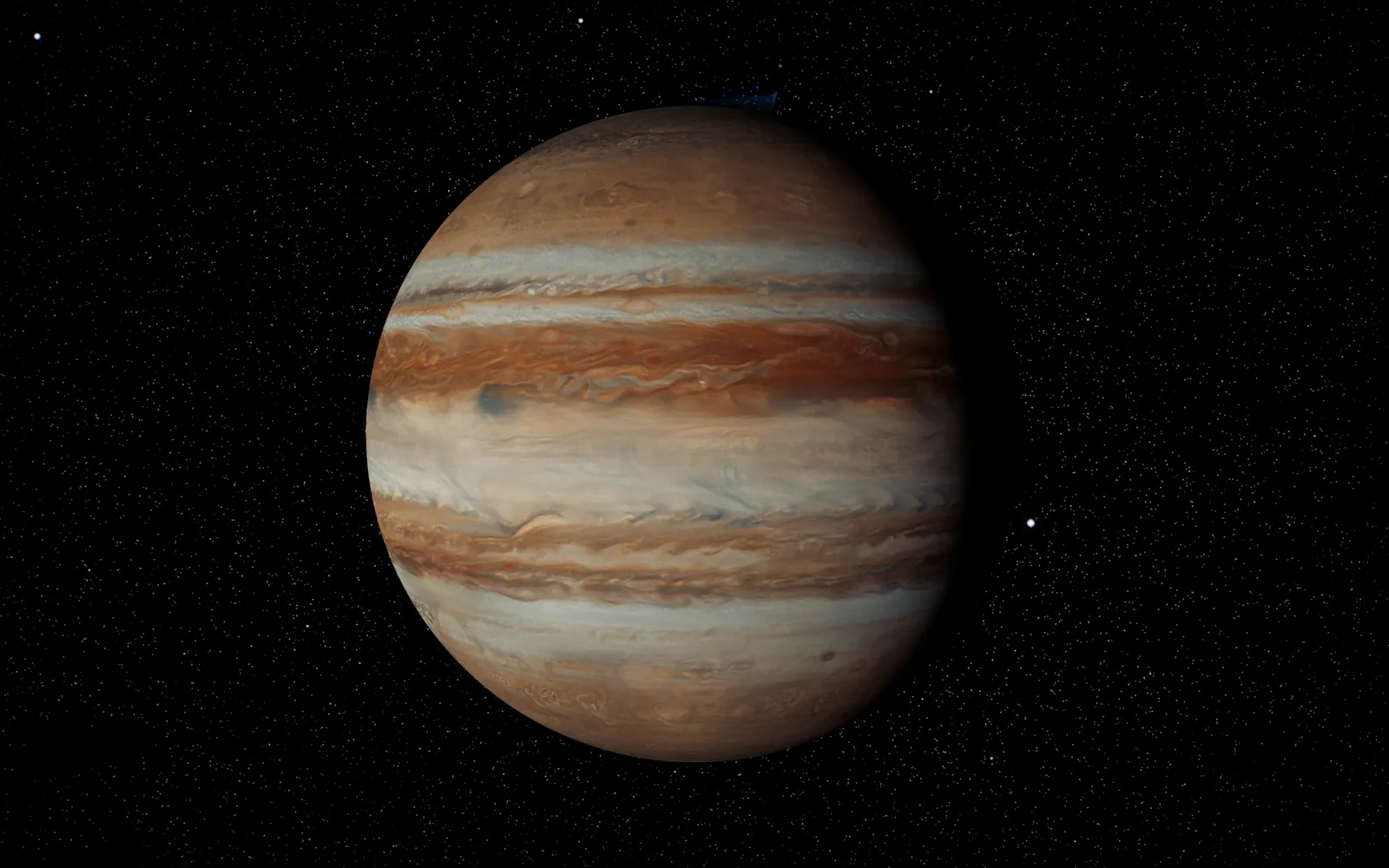
Sizes and distances are to scale. The Sun dwarfs everything, Jupiter dwarfs the rest, and the trip between them crosses real emptiness.
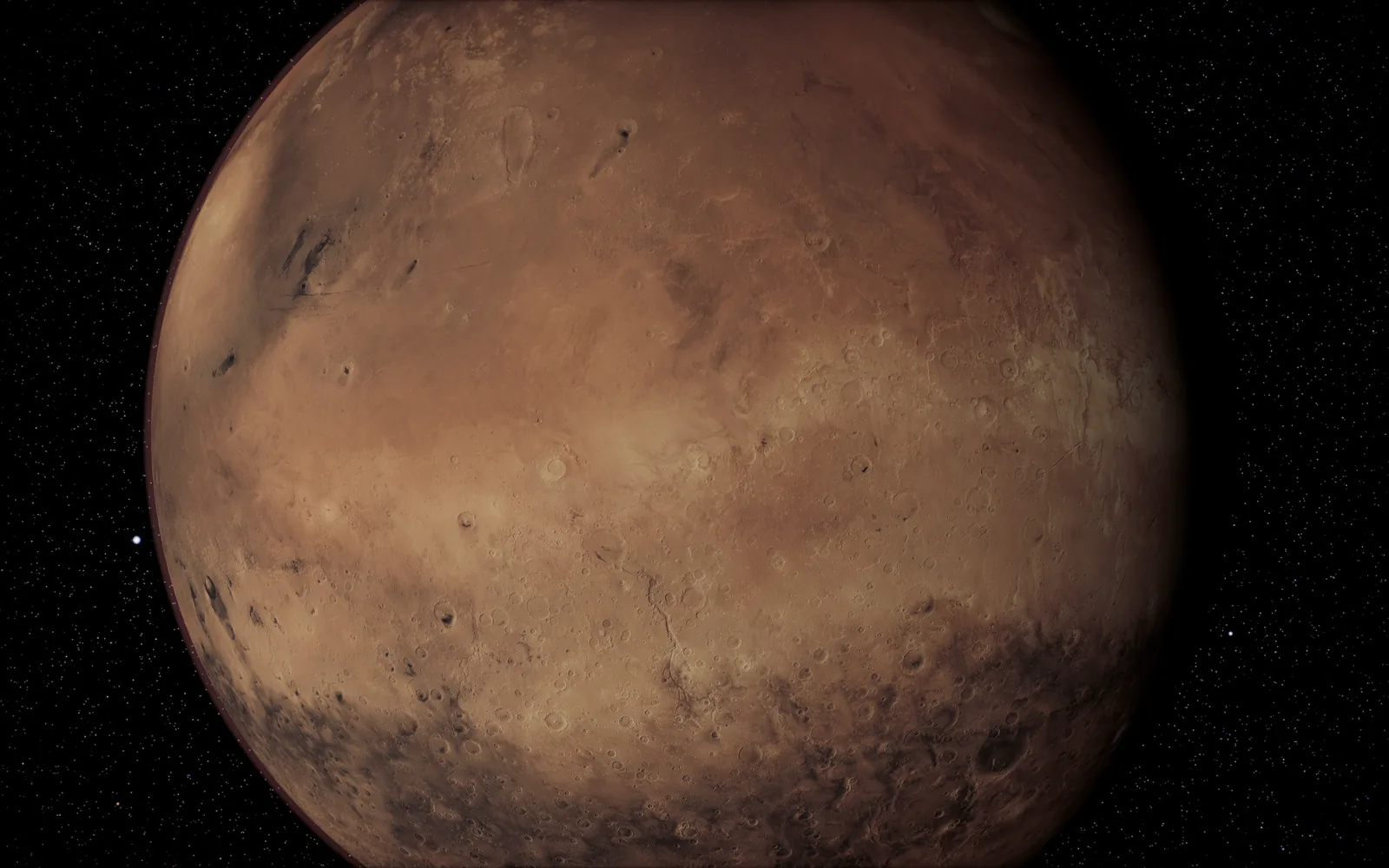
The camera comes in until a world's surface map runs out of detail, and stops there. Earth and Mars, with 8K maps, come the closest.
Two ways to watch
From the Sun out past Neptune, with a pass over Earth's night side and its city lights, then out to the Milky Way and a black hole. Each move is one continuous flight.
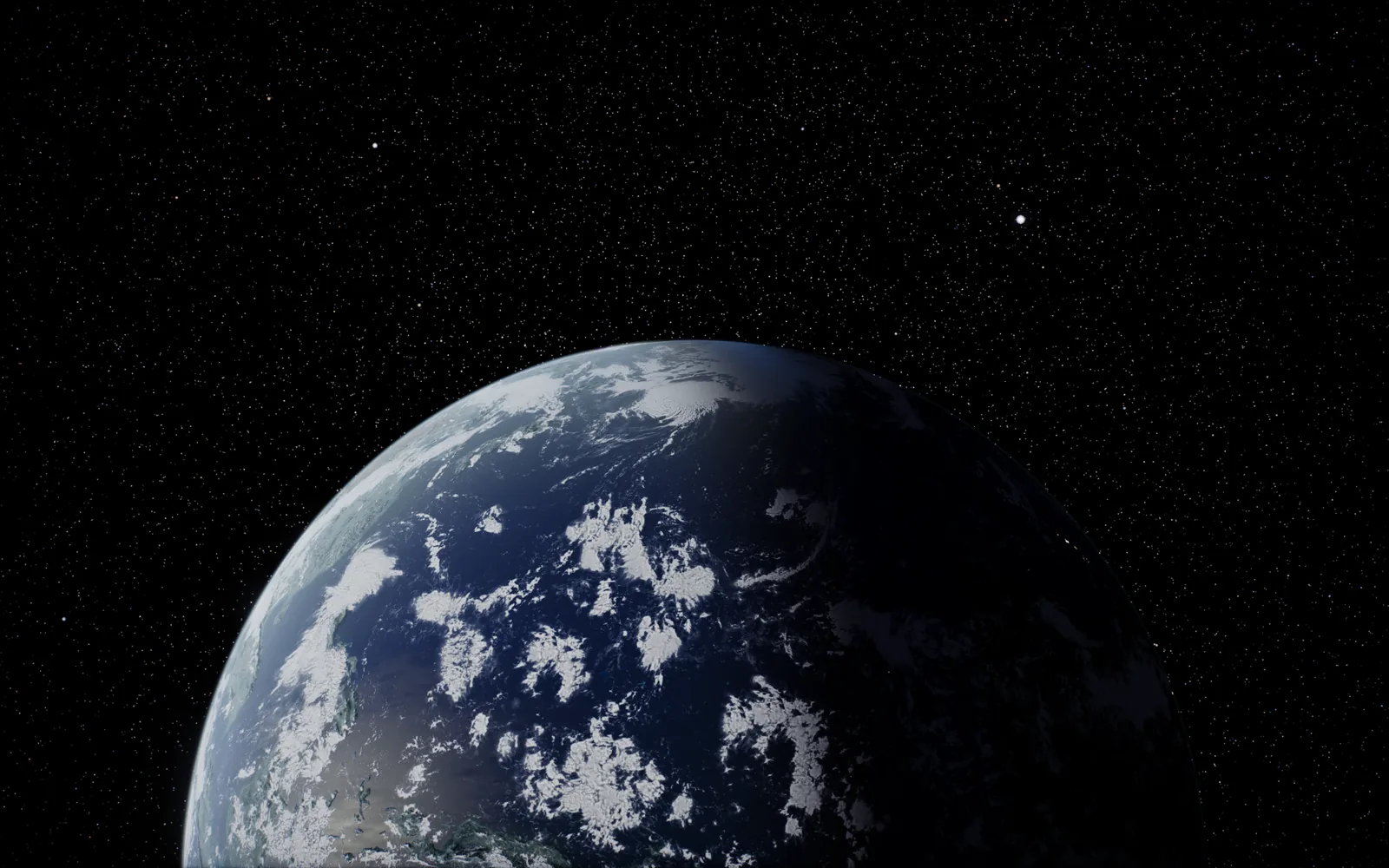
Pick a single body and stay with it: the whole disc, a close pass over the surface, the curve of the limb where day turns to night, and a high view that takes in its rings and moons.
The grand tour
The grand tour flies this route. Scroll it here: each world is drawn at its true size against the others, and the dark space between them is to scale too, 120 pixels for every astronomical unit.
00 · The centre
Where every show begins. Everything else on this page adds up to less than a thousandth of its mass.
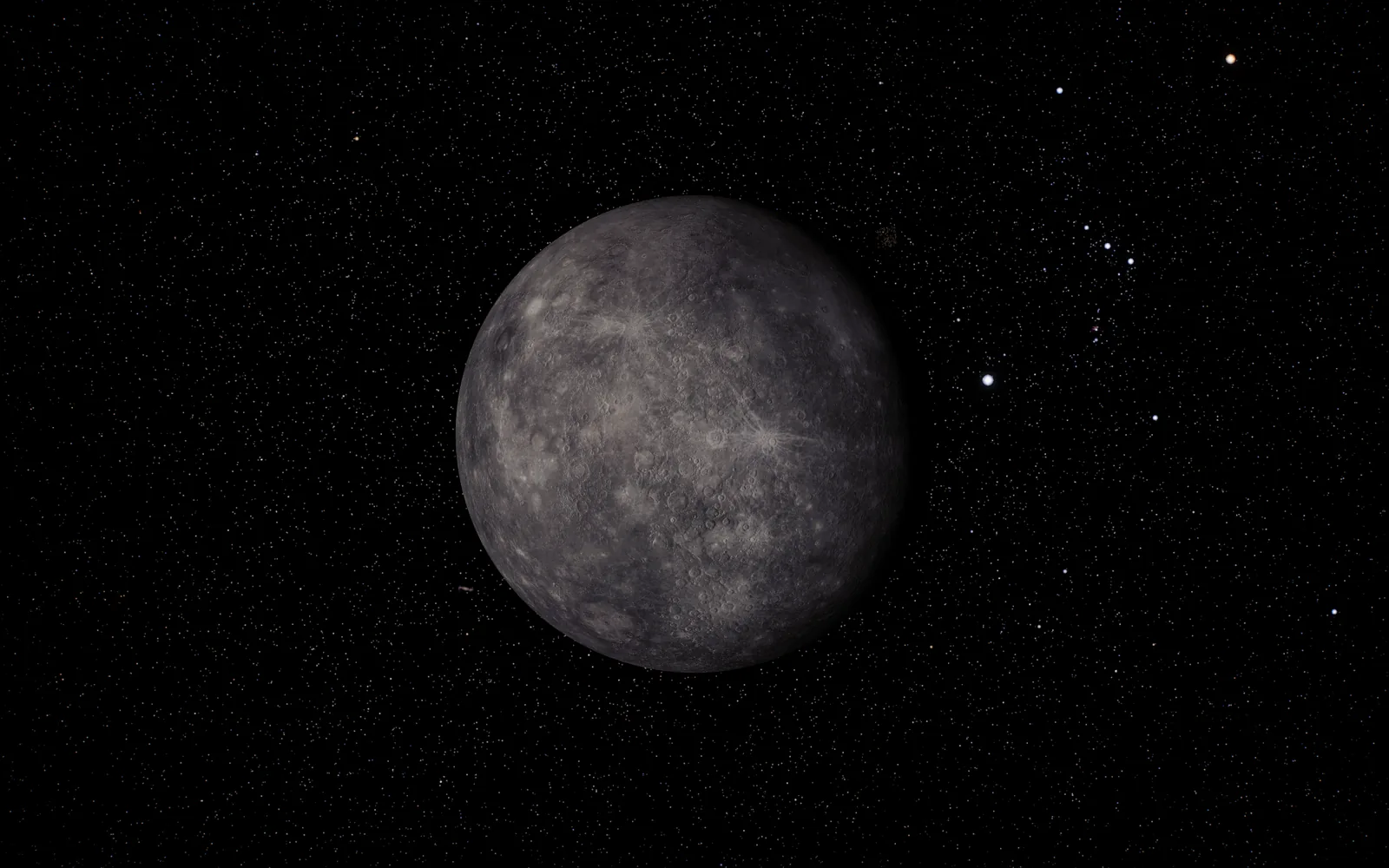
01 · 0.387 AU
The smallest planet, scorched on one side of every long day.
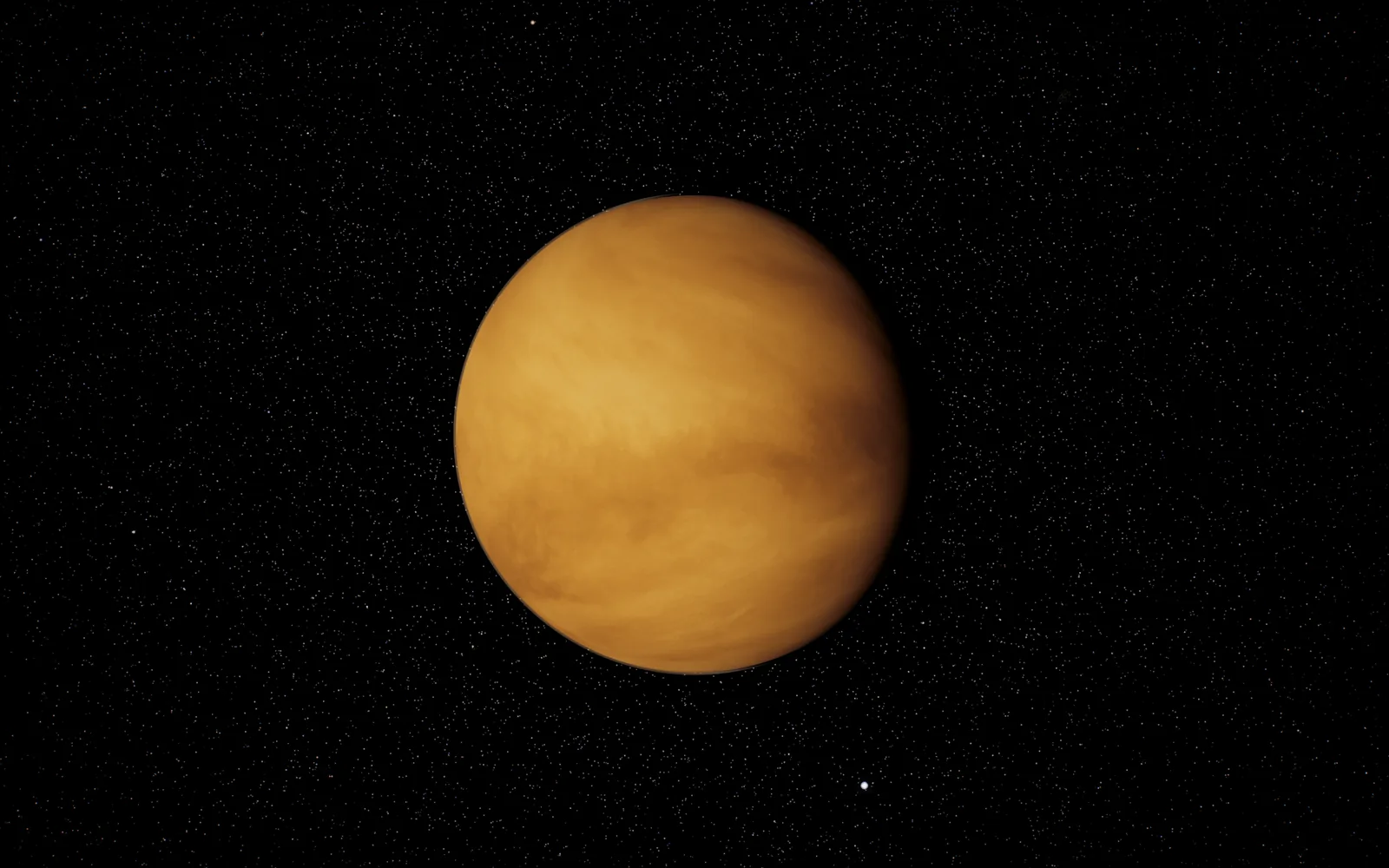
02 · 0.723 AU
Wrapped in cloud so thick its surface never shows.
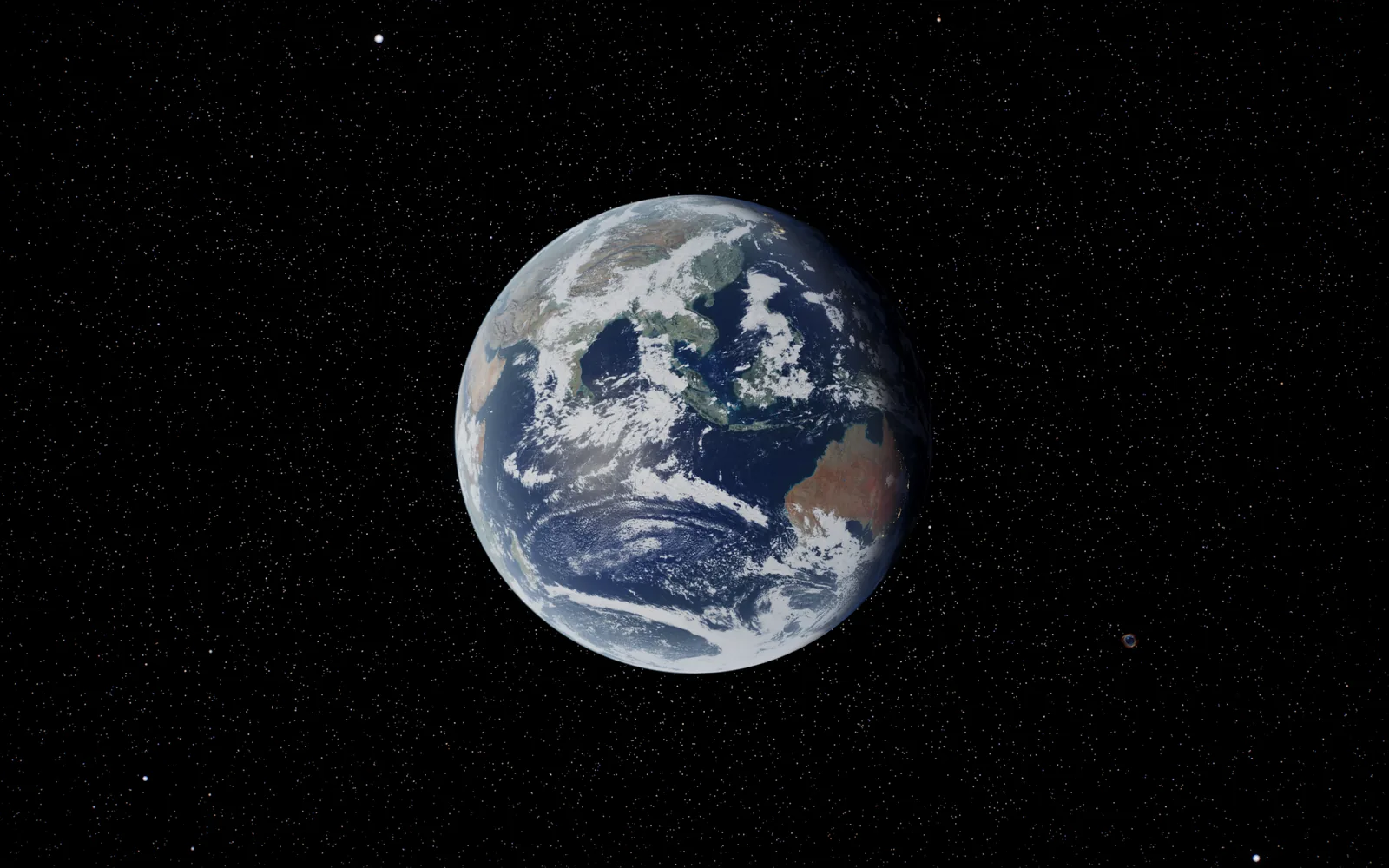
03 · 1 AU
The only world we know with oceans on the surface, and the only one with life.
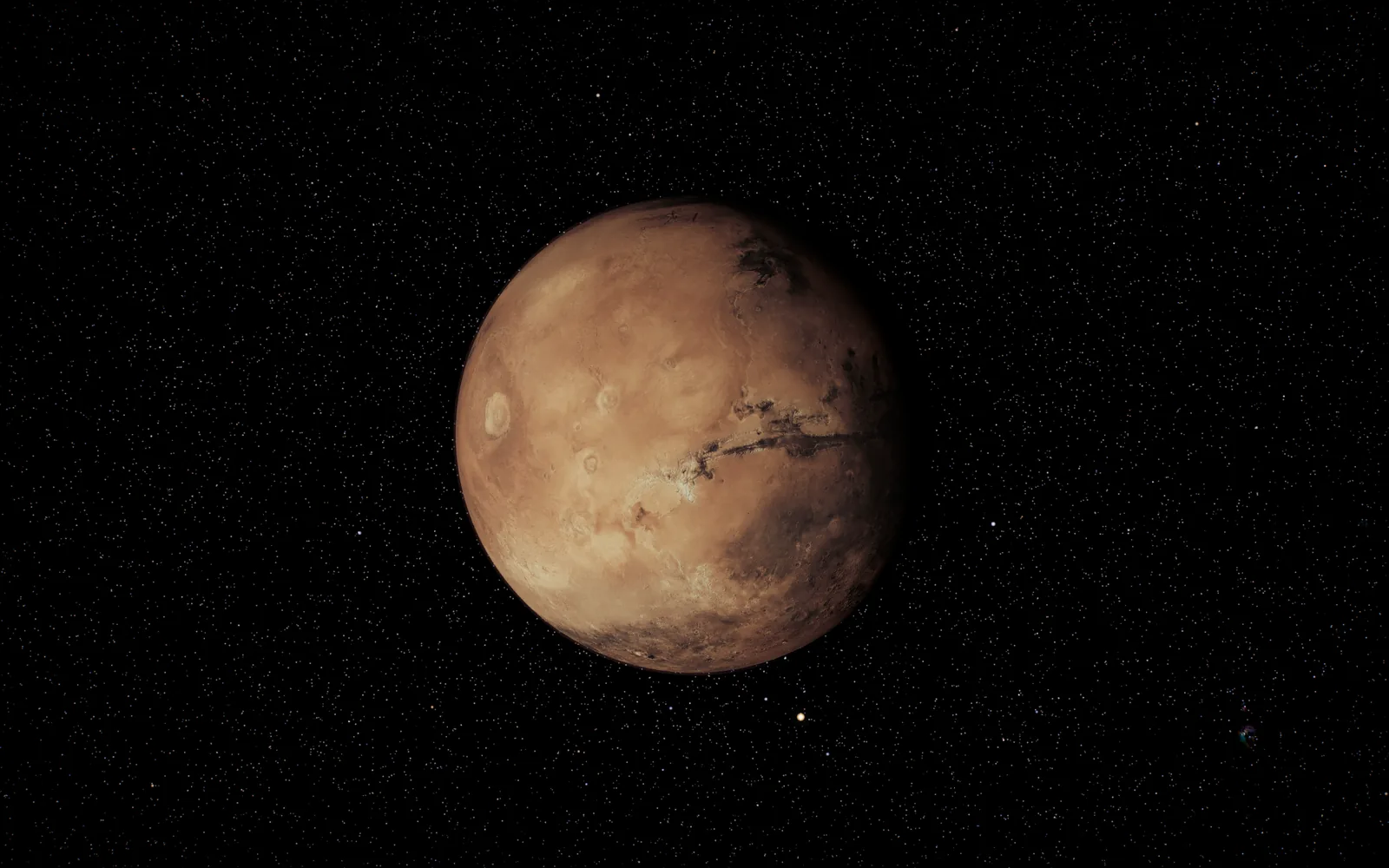
04 · 1.524 AU
Red dust, the tallest volcano in the solar system and a canyon longer than the United States.
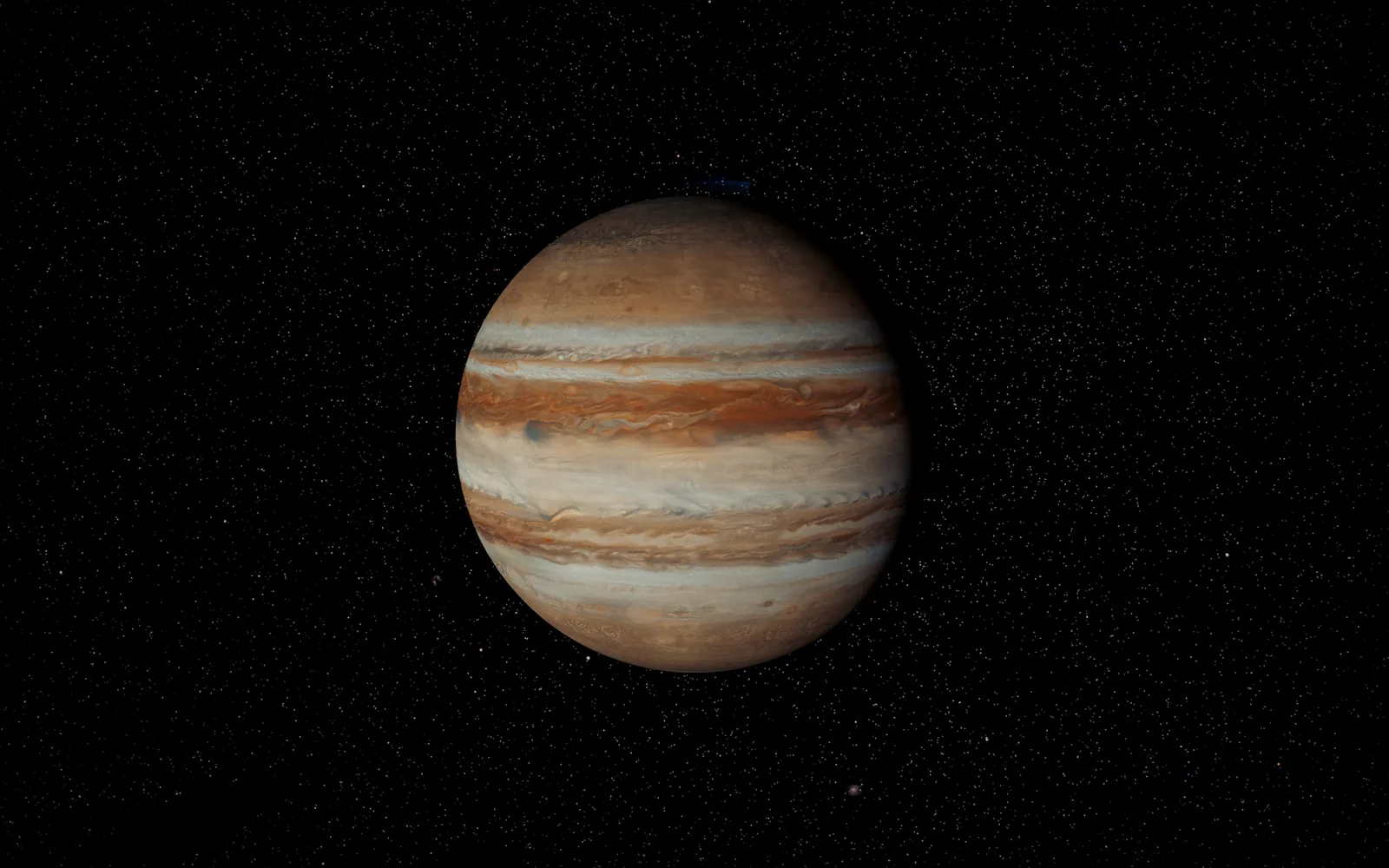
05 · 5.203 AU
More than twice the mass of every other planet put together.
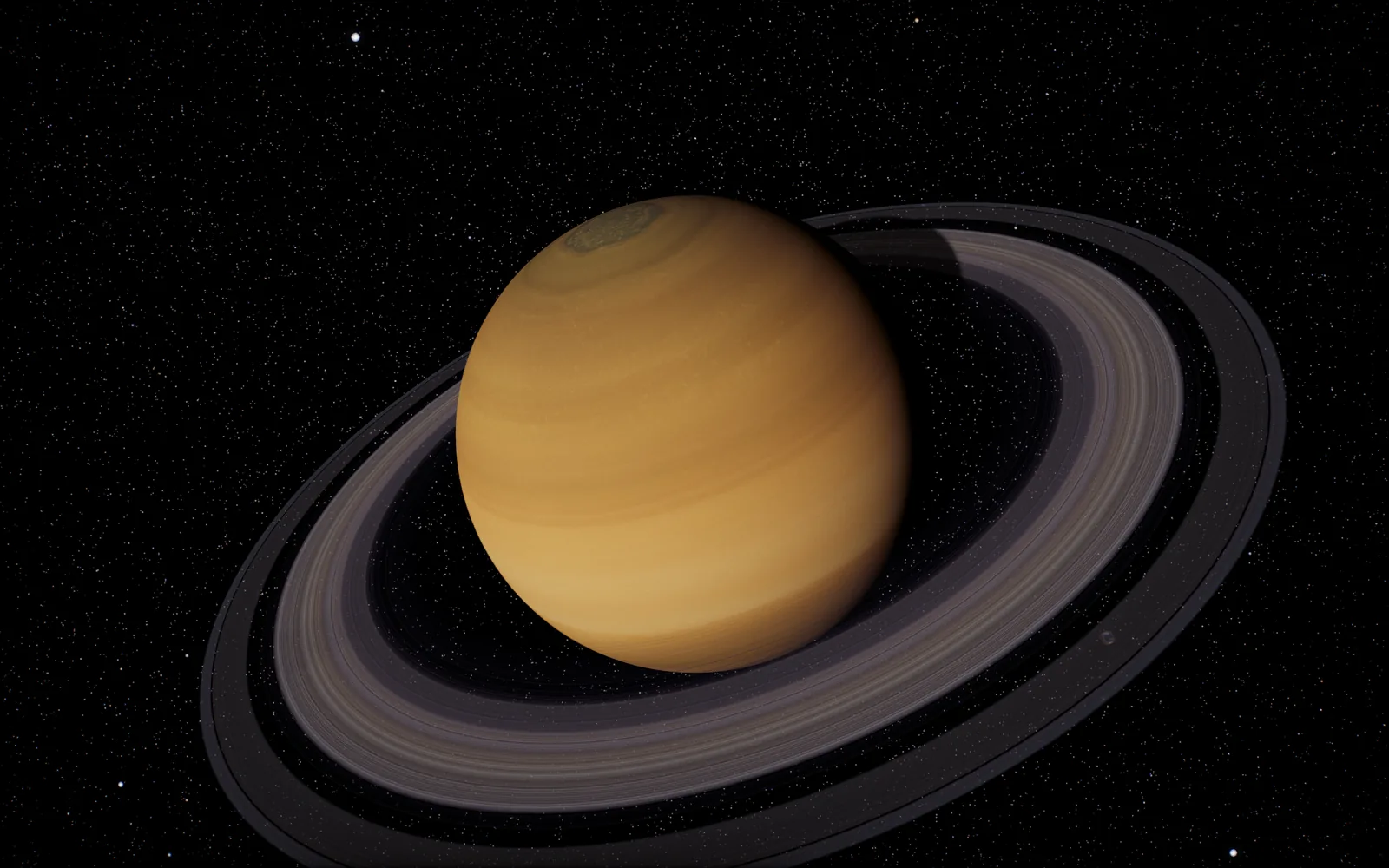
06 · 9.537 AU
Rings 280,000 km across and, in places, only about ten metres thick.
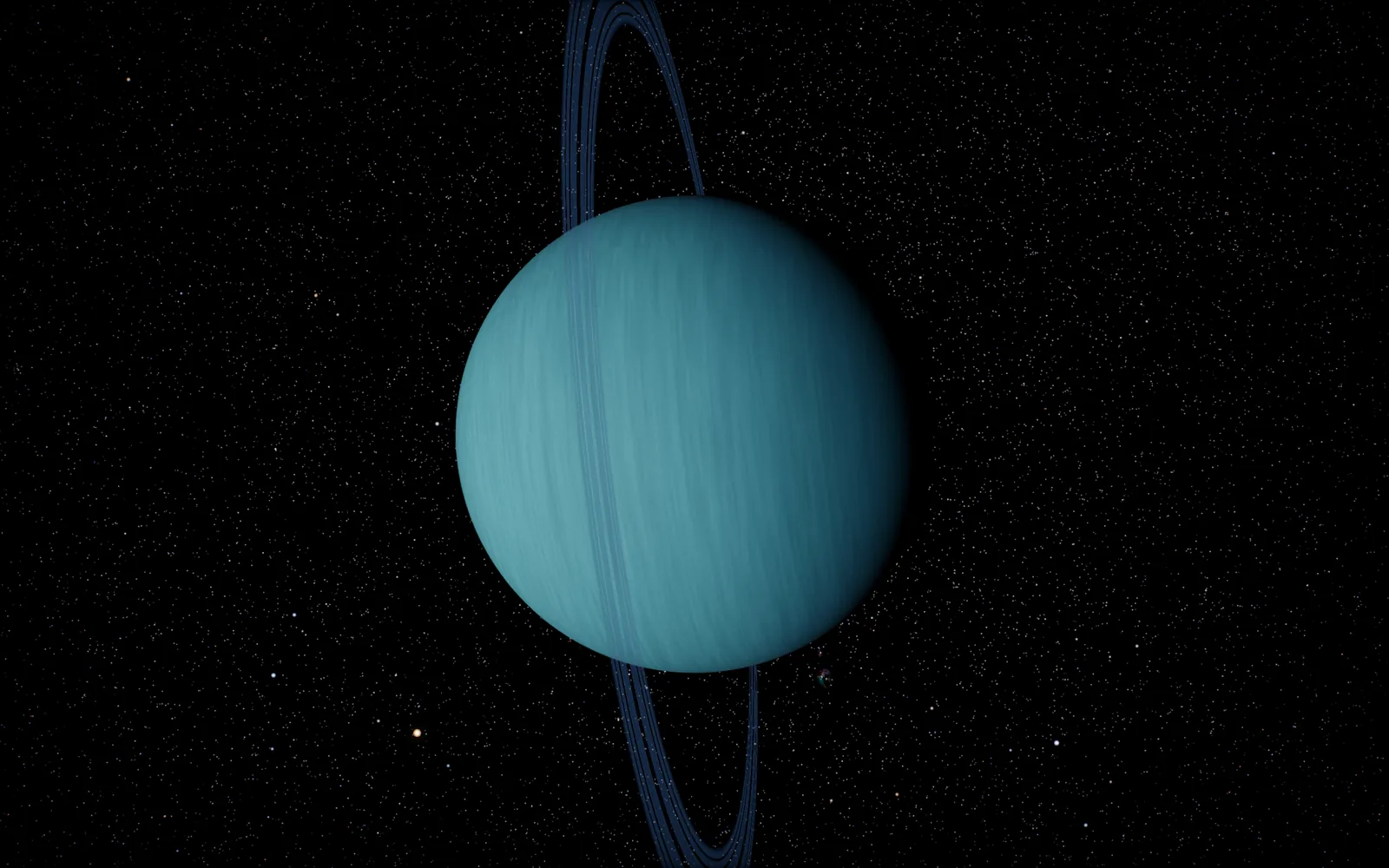
07 · 19.19 AU
Tipped over on its side, rolling around the Sun.
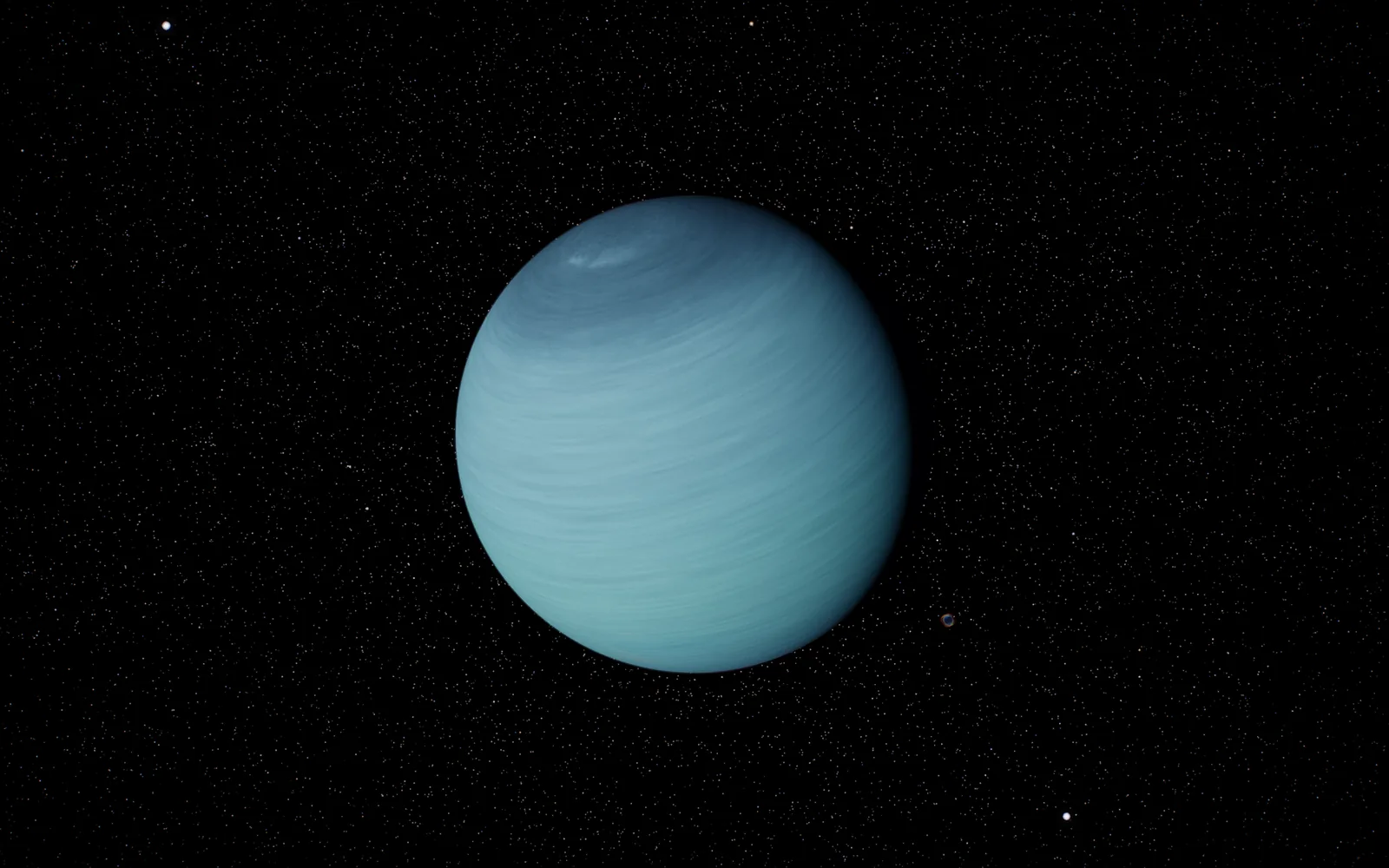
08 · 30.07 AU
The windiest world, where a year lasts 165 of ours.
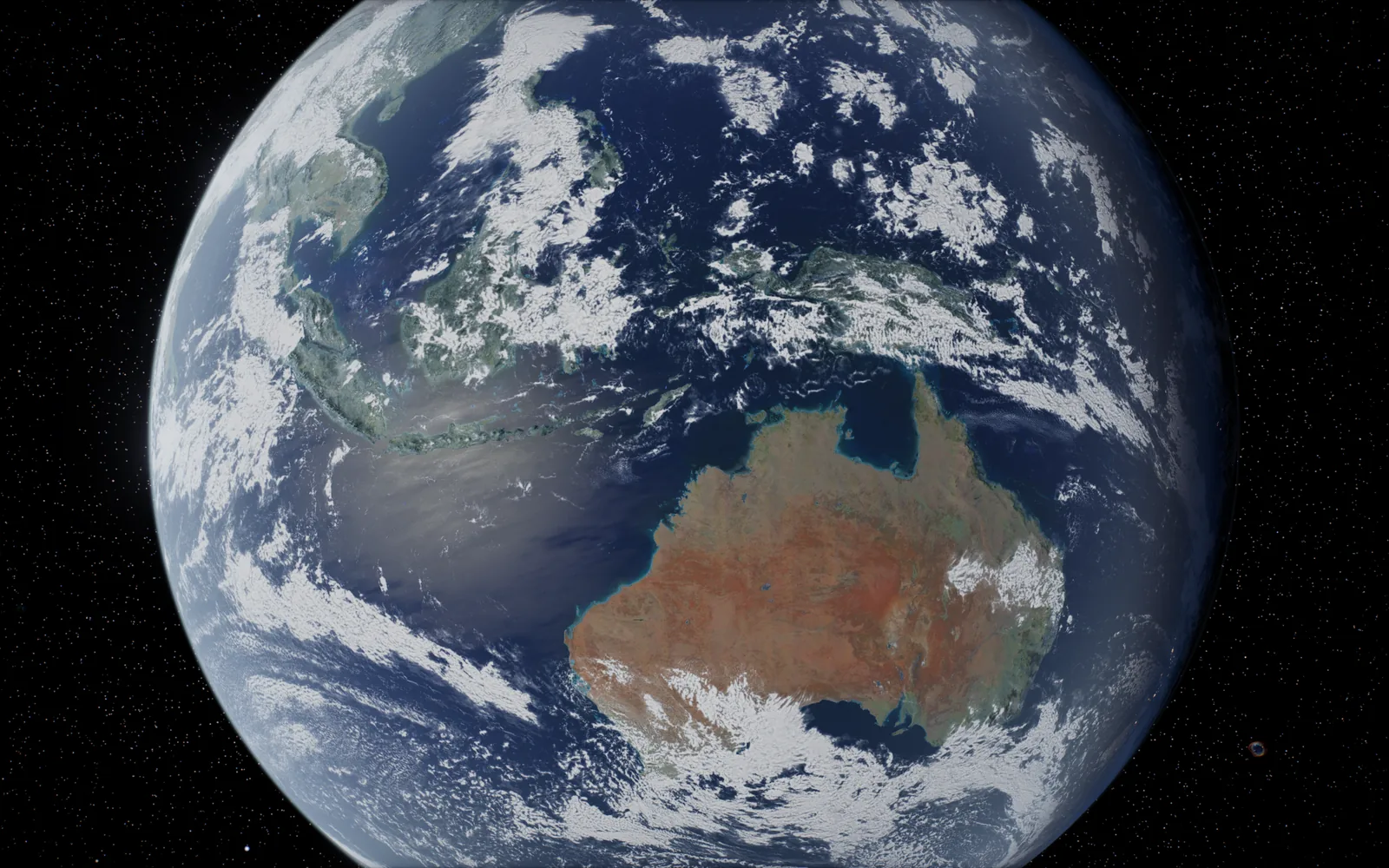
Straight from the screensaver
How it works
Questions
Any Mac on macOS 12 Monterey or later, Apple silicon or Intel.
No. The planets, textures and star field are all inside the download (about 125 MB), so it runs offline.
From orbital elements for each body, evaluated for the current date and time. Earth turns at its real rate, so the day side you see is the day side right now.
Yes. In System Settings, pick Solar System and press Options to choose the grand tour or one world from the Sun, Mercury, Venus, Earth, the Moon, Mars, Jupiter, Saturn, Uranus, Neptune and Pluto.
Both are in the works. The Mac version is the first to ship.
Yes. The 3D viewer stays free for everyone. Buying the screensaver helps keep it running.