Apple Vision Pro
The immersive app: the solar system all around you, planet environments and a world in your room.
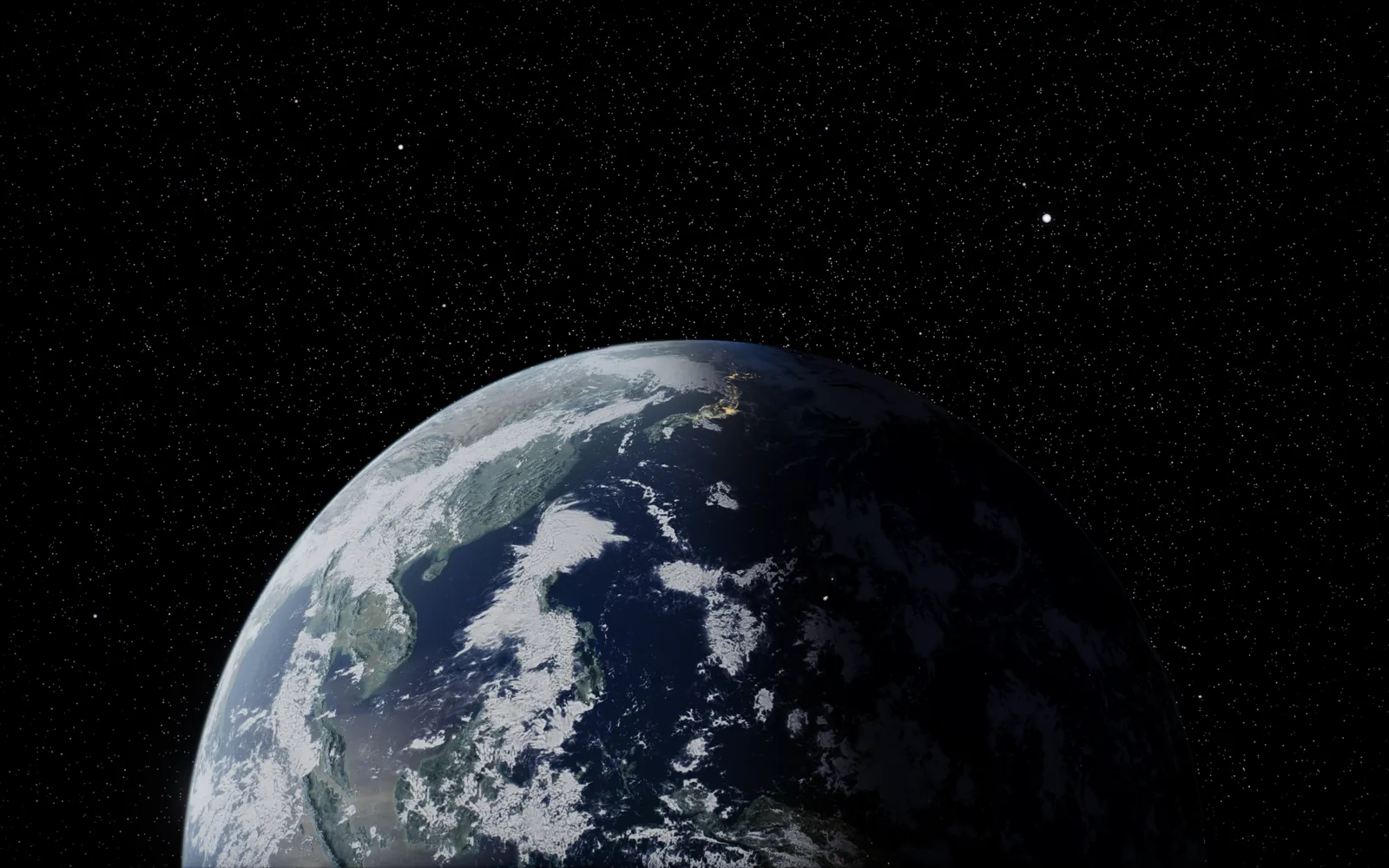
A native app for Apple Vision Pro. Every world where it is in the sky right now: all around you, overhead and close enough to walk around.
$4.99 once · Apple Vision Pro, iPhone, iPad and Mac · no subscription, no ads
Also on iPhone, iPad and Mac
Made for Apple Vision Pro
Float between the planets in a powered suit, sit beneath a giant world, or bring one into your living room. Each uses the real positions for today.
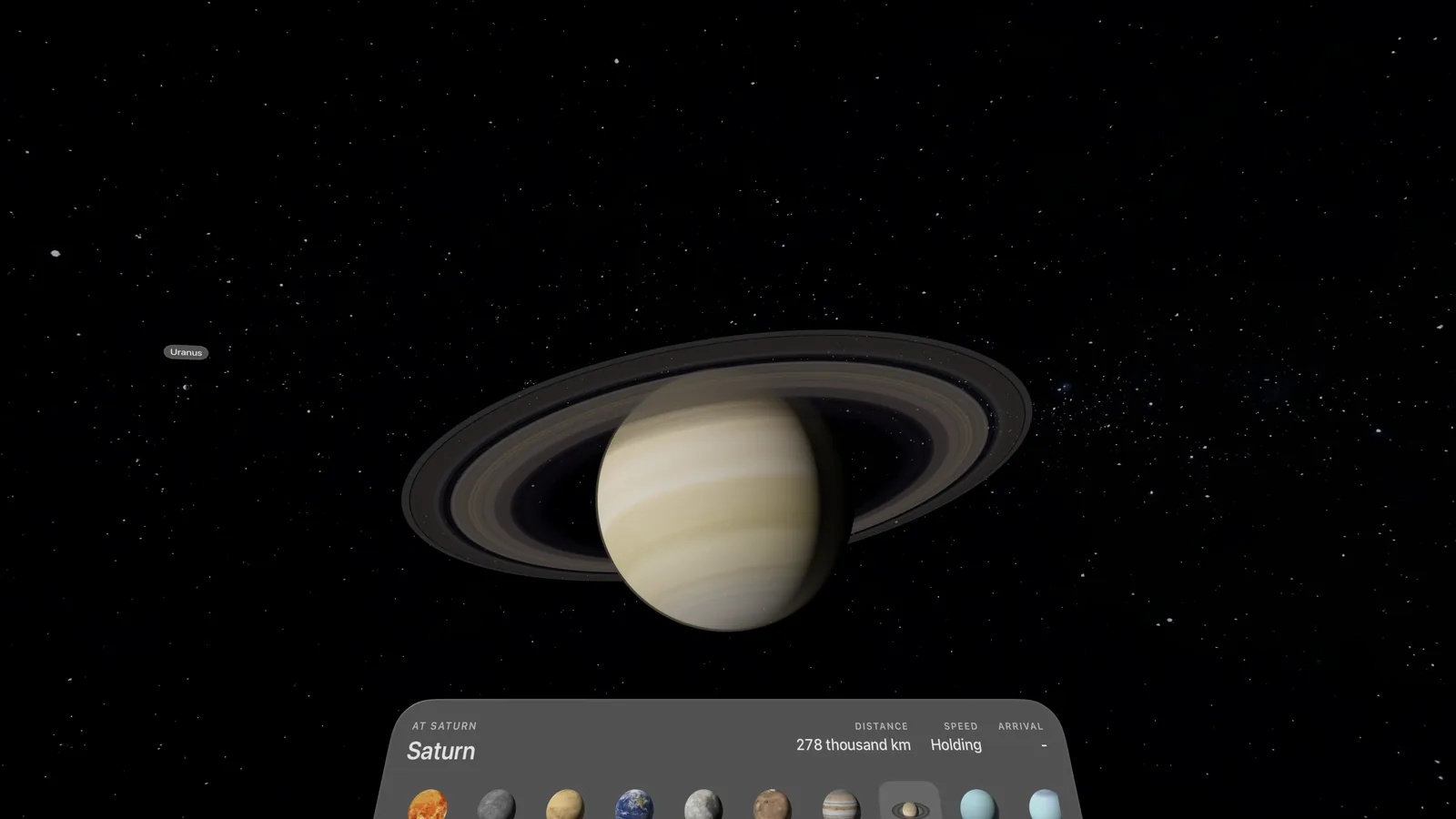
The stars all around you and every world at its real position. Pick one and your suit flies you there, easing in to arrive on its sunlit side. Or thrust wherever you look.
Environments
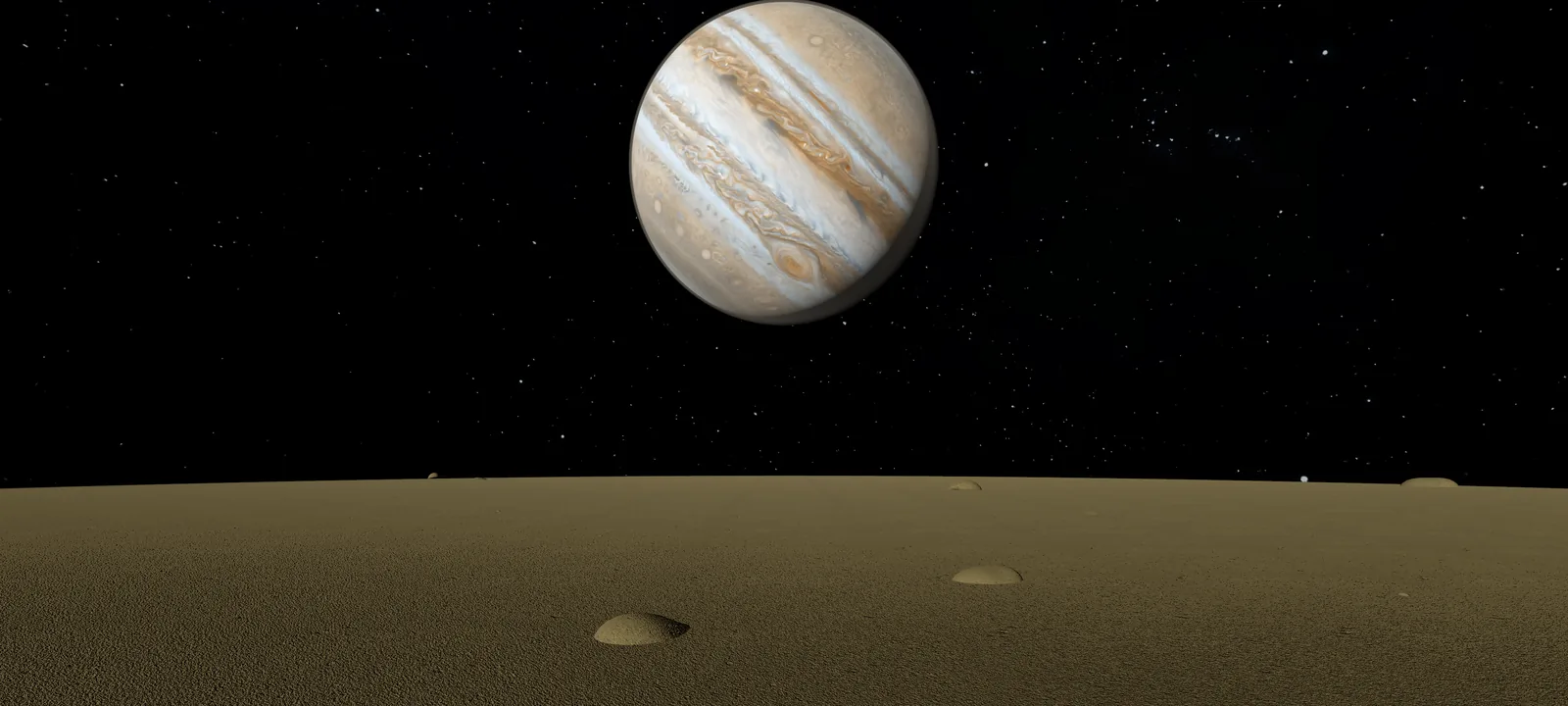
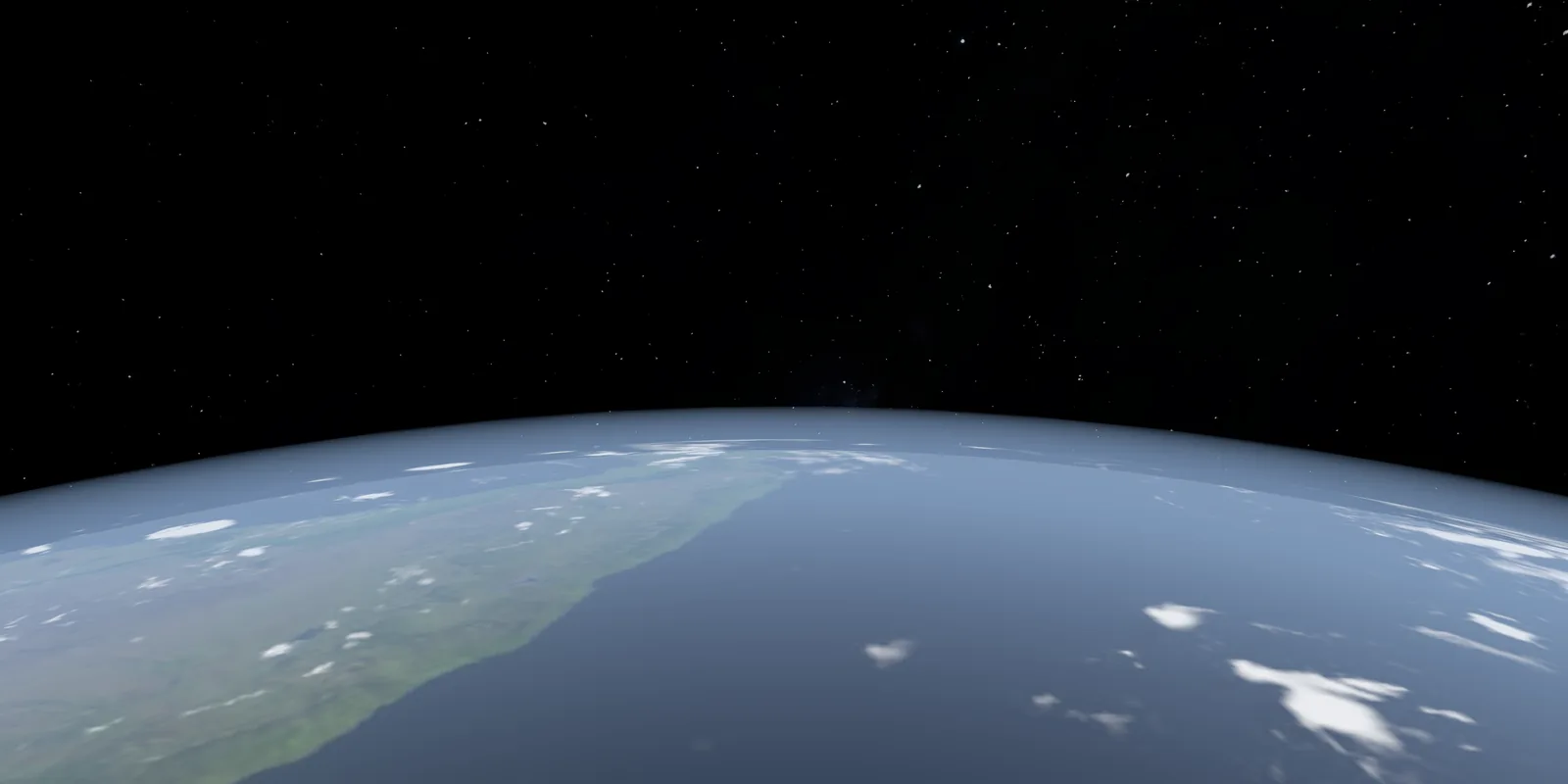
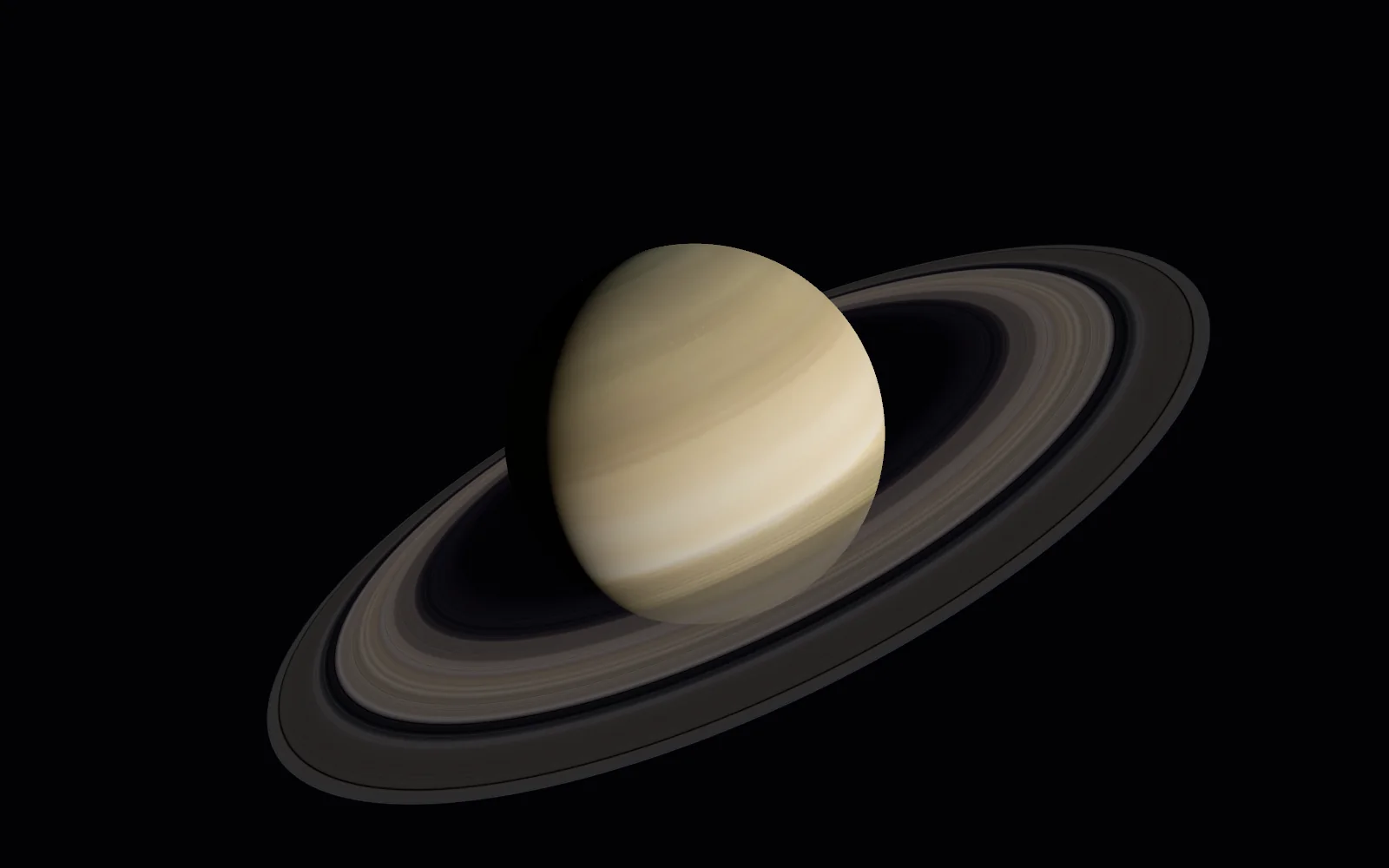
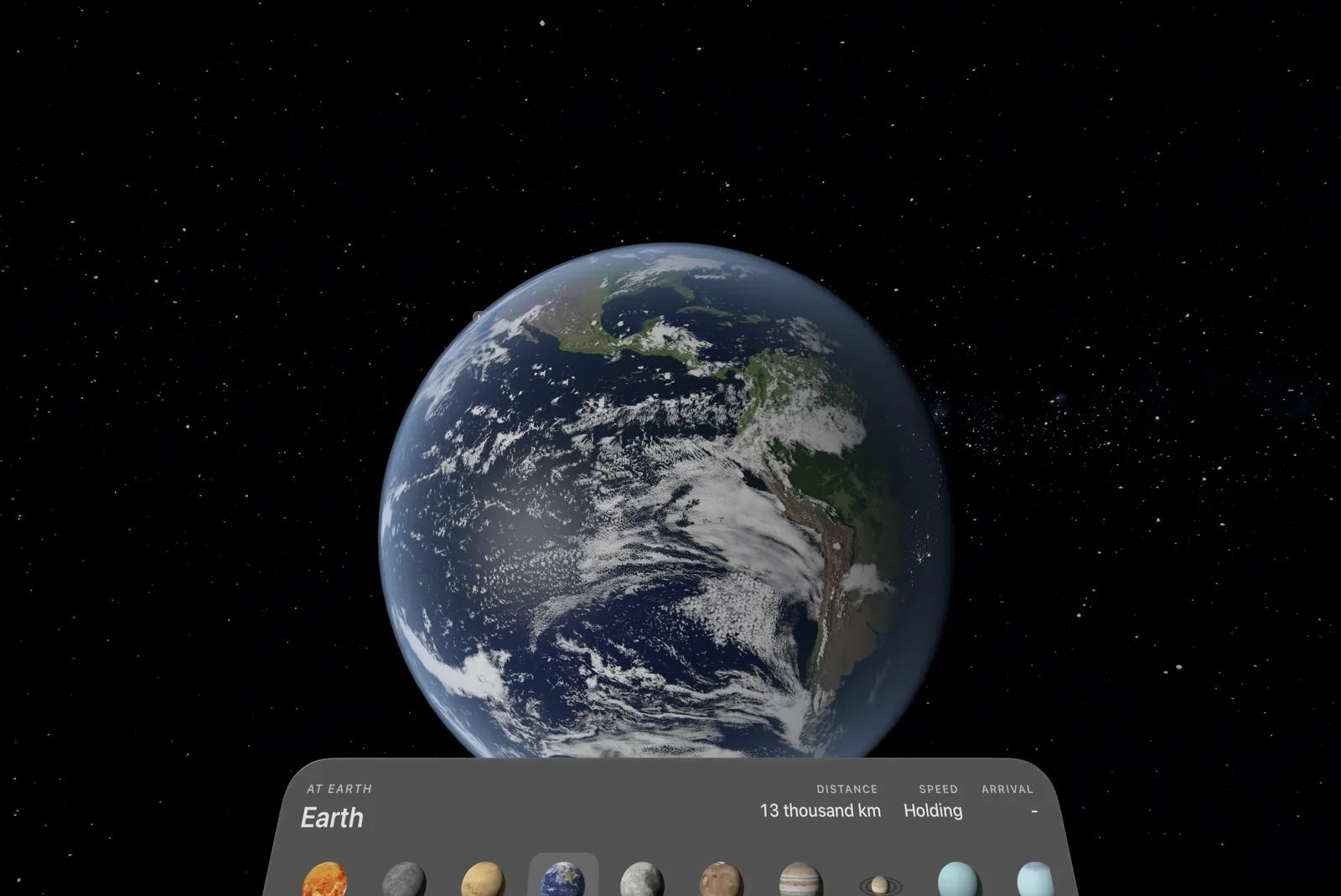
Environments put you somewhere still and enormous: on Io with Jupiter overhead, on Phobos beneath Mars, in orbit over the Earth, above the rings of Saturn, or watching the Earth rise over the Moon.
Each world turns at its own pace, lit by the Sun from where it really is, so the day side, the night side and the line between them are true right now.
Turn the Digital Crown to dial each place in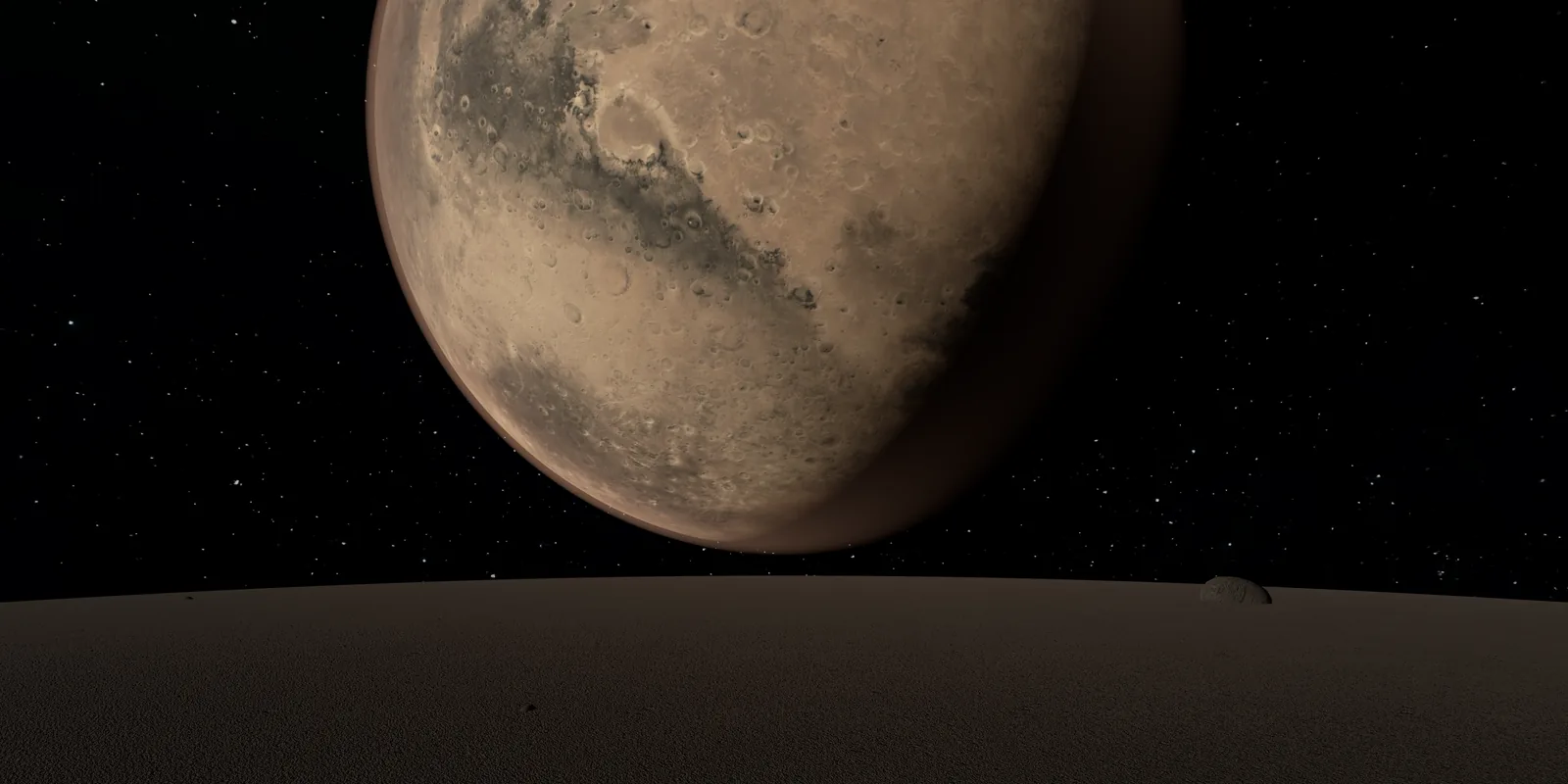
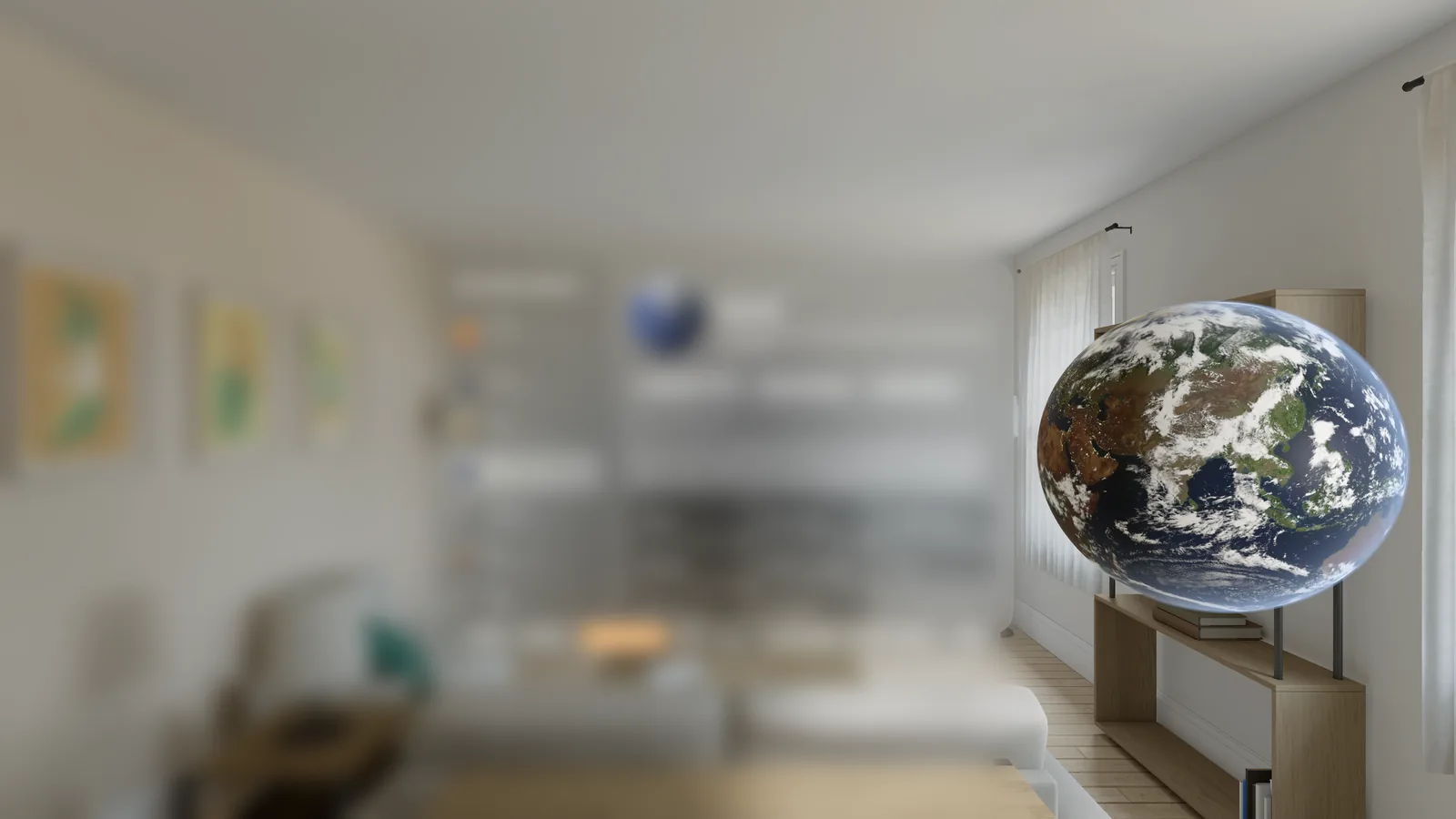
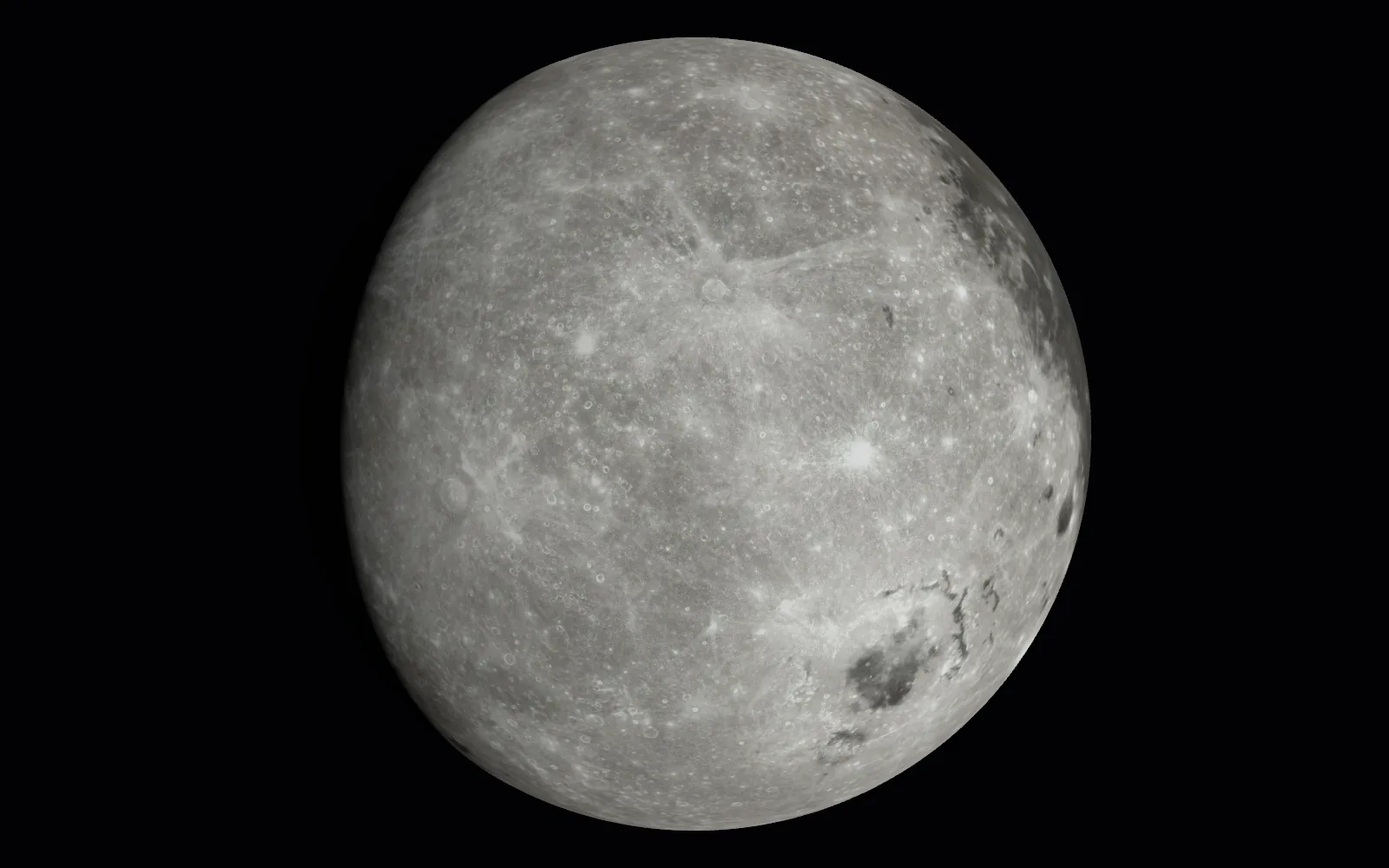
A world in your room
Bring any world into your room, about a metre and a half across, lit by the Sun from its real direction so its night side faces where night really is. Lean in to the craters, grab it and turn it.
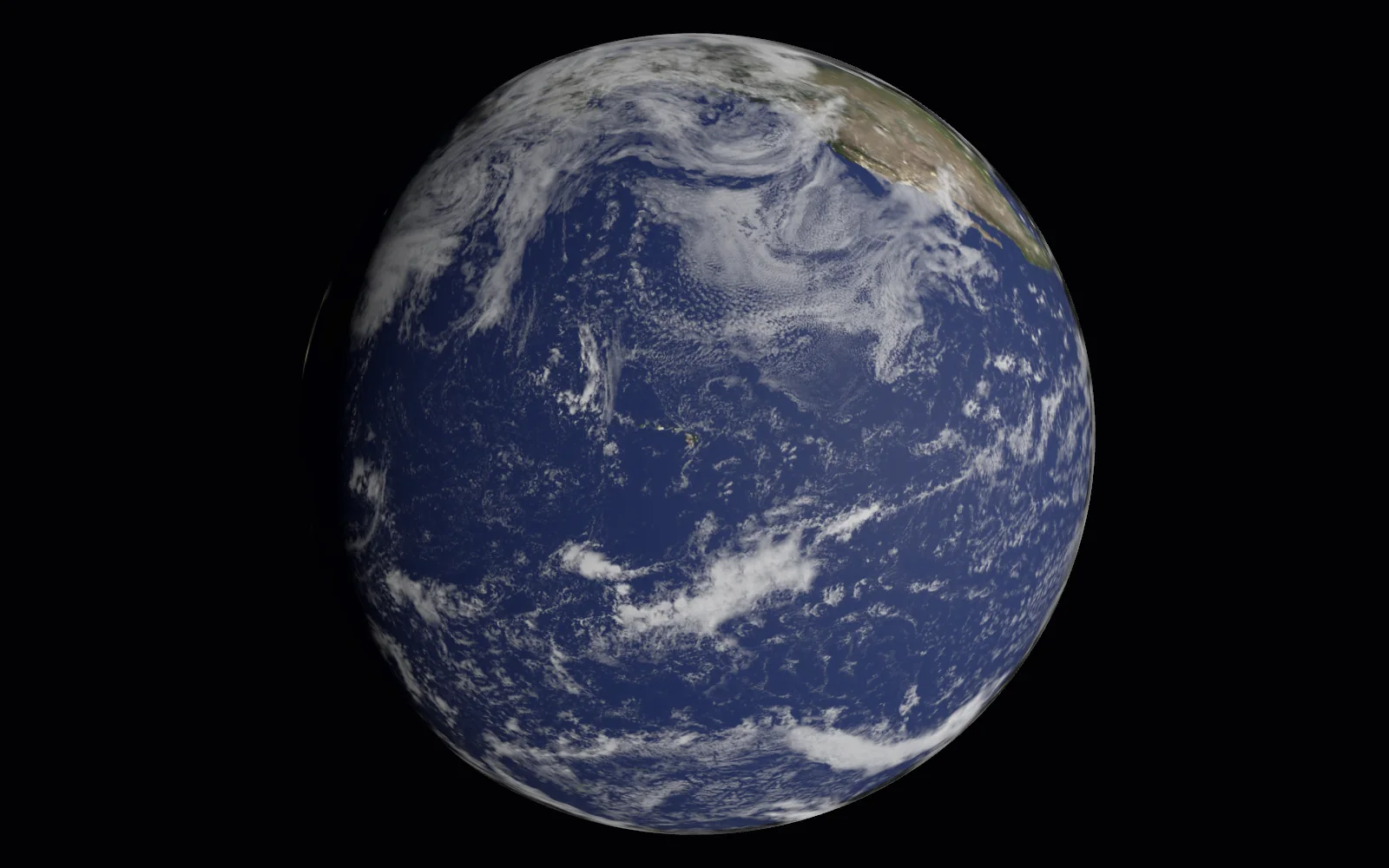
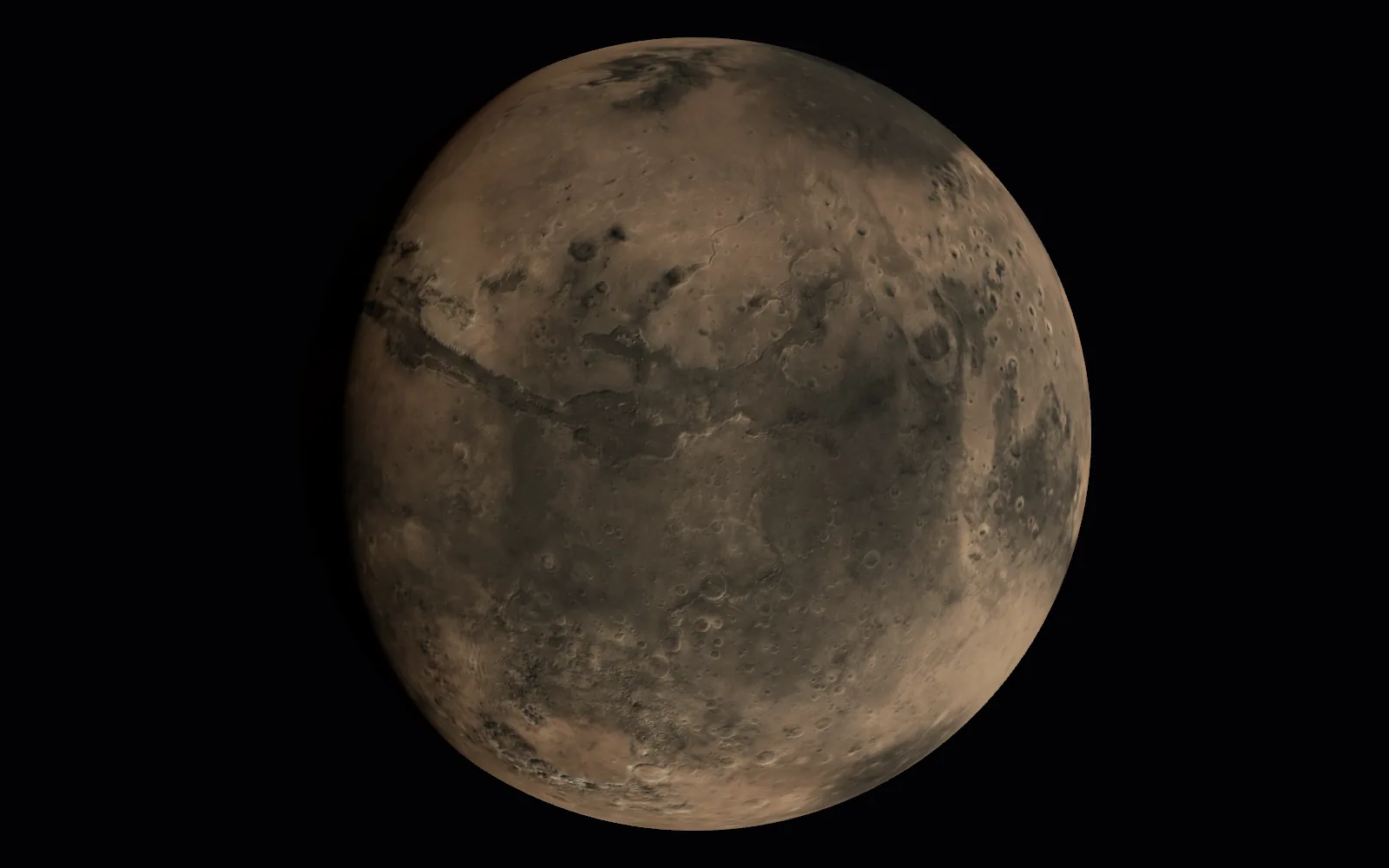
Real sky, right now
The app works out where every world is for the moment on your clock, from the same orbital calculations as 3dsolarsystem.online. Run time forward an hour, a day or a month a second and watch the planets move, then tap Now to come back.
Everywhere you are
The immersive app: the solar system all around you, planet environments and a world in your room.
The full 3D viewer and the Qmax space game, with touch controls made for it.
The viewer and Qmax on a bigger canvas, with touch, a keyboard or both.
The viewer and Qmax with keyboard and mouse, in a window or full screen.
Launch
One email, the day it reaches the App Store. Nothing else unless you ask for it.
Have a headset now? The web viewer runs in Safari on Vision Pro, and in the browser on Meta Quest and Pico, with VR and AR mode.
Questions
It is in development now and goes to Apple for review soon. Leave your email above and we will write once, the day it reaches the App Store.
$4.99, once. One purchase covers Apple Vision Pro, iPhone, iPad and Mac with everything unlocked: no subscription, no ads and no in-app purchases.
On Apple Vision Pro, the native immersive app: the solar system all around you, planet environments and a world in your room. On iPhone, iPad and Mac, the full 3D viewer and the whole Qmax space game, with everything unlocked, and the planets work offline.
An Apple Vision Pro with visionOS 26, or a recent iPhone, iPad or Mac. The exact requirements will be on the App Store listing.
Yes. Every planet and the Moon are placed from the same orbital calculations the website uses, for the time on your device, and the Earth turns to its real angle so its day and night sides match the sky outside.
They are separate. VR and AR mode unlocks the web viewer in headset browsers such as Meta Quest, Pico and Safari on Vision Pro. The App Store app is native, with its own immersive spaces, and is bought on the App Store.
Polyxmedia, the studio behind 3dsolarsystem.online. Questions go to hello@polyxmedia.com or the support page.