Our Solar System

In your headset browser

Stand among the planets.

The 3D viewer in your headset: float through the solar system in VR, or put it in your room in AR, with every world where it is right now. $2.99 once, in the browser you already have.

Open the viewer →

No app to install · one-time unlock · Meta Quest, Apple Vision Pro, Pico, Android XR

Two ways in

Go to the planets, or bring them to you.

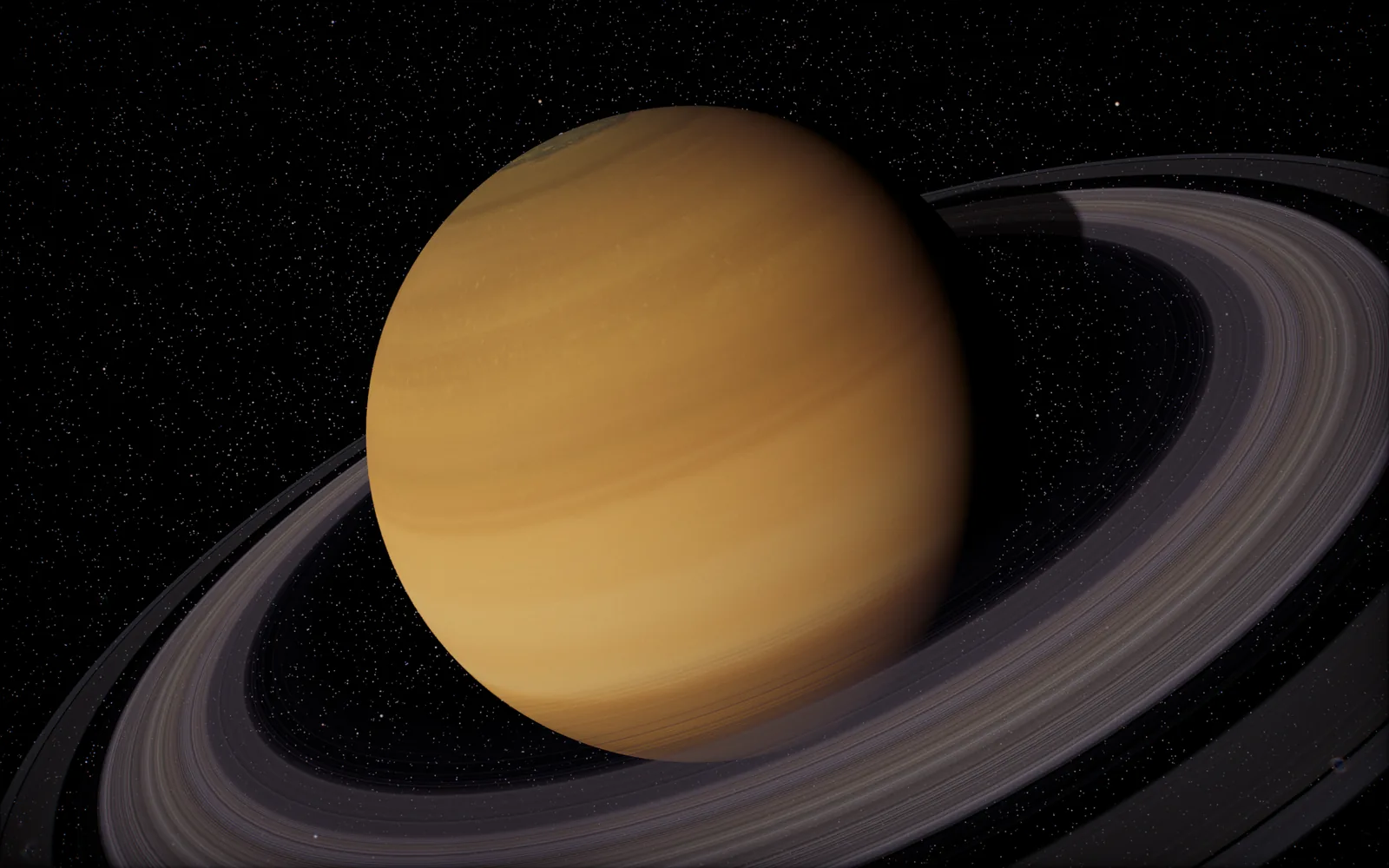
Saturn and its rings, rendered in the viewer

VR

Fully immersive
  • The room gives way to space, with the solar system scaled so you can float through it
  • Turn your head to find the Sun, Jupiter and Saturn's rings around you
  • Every planet and moon where it is right now, on the viewer's real-time clock
  • The same textures, lighting and stars as the flat-screen viewer

The Earth from space, rendered in the viewer

AR

In your room
  • Passthrough keeps your room, and the solar system appears in it
  • Walk around the planets and lean in to look closer
  • Day and night sides lit from the Sun's real direction
  • Needs a headset with colour passthrough, such as Quest 3 or Vision Pro

Headsets

Works in the browser you already have.

Meta Quest 3, 3S and Pro
Meta Quest Browser
Apple Vision Pro
Safari
Pico 4
Pico Browser
Android XR headsets
Chrome

It runs on WebXR, the browser standard for headsets, so there is nothing to download from a store. On a headset that supports only VR, the AR button stays hidden.

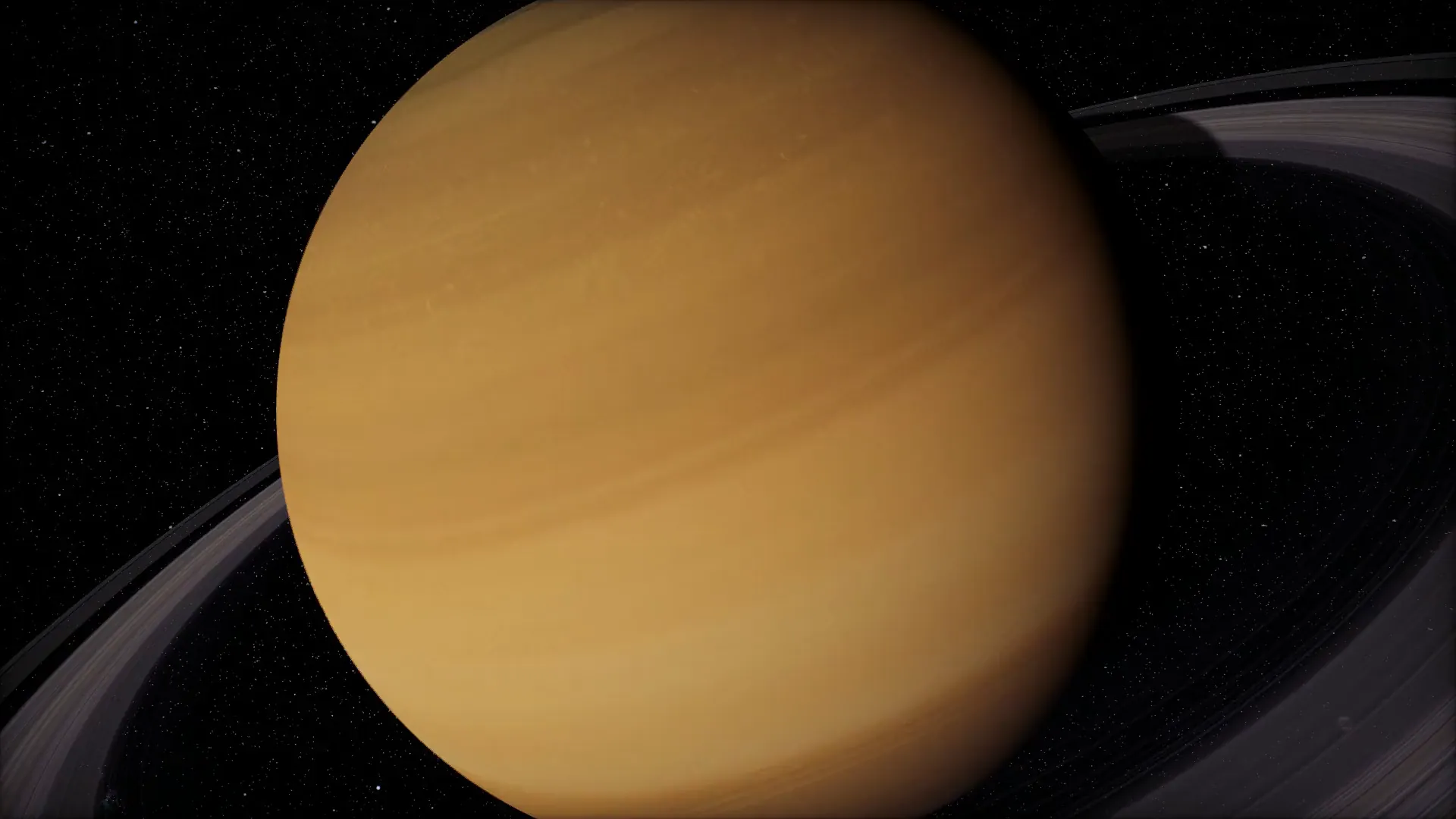
Saturn up close, rendered in the viewer
VR and AR

Saturn at arm's length.

Look along the ring plane, then step back until the whole system fits in view. Everything sits where it is in the sky tonight.

How to open it

Three steps, then look around.

  1. UnlockPay $2.99 once here, on a laptop, a phone or the headset itself, by card, Apple Pay or Google Pay.
  2. Open the viewer in the headsetGo to 3dsolarsystem.online/viewer/ in the headset browser. Bought on another device? Sign in there with the same email.
  3. Enter VR or ARPress Enter VR or Enter AR at the bottom of the viewer and the headset takes over.

On Apple Vision Pro? A native app is coming to the App Store, with a tabletop solar system and a world in your room.

The Vision Pro app →

Questions

Good to know.

Which headsets does it work on?

Any headset whose browser supports WebXR: Meta Quest 3, 3S and Pro in the Meta Quest Browser, Apple Vision Pro in Safari, Pico 4 in the Pico Browser and Android XR headsets in Chrome. AR needs a headset with colour passthrough.

Do I install anything?

No. It is the 3D viewer at 3dsolarsystem.online/viewer/, opened in the headset browser. Press Enter VR or Enter AR and the headset takes over.

I bought it on my laptop. How do I get it on the headset?

Open the viewer in the headset browser and sign in with the email you paid with. The unlock belongs to that email, so it works in every browser you sign in to.

Does the free viewer stay free?

Yes. Everything on the flat screen stays free. The unlock adds the headset modes, VR and AR.

Is it the same solar system?

It is the same viewer: every planet and moon where the ephemeris puts it right now, the same textures and the same real-time clock, at a scale you can stand inside.

Is there a native Apple Vision Pro app?

One is on the way, with a tabletop solar system and a world in your room. Read about the Vision Pro app. It is a separate App Store purchase.

What if something goes wrong?

Write to us from the support page or at hello@polyxmedia.com with the email you bought with. Refunds are handled there too.

Put the solar system around you.

Open the viewer →