VR mode runs the 3D viewer in your headset's browser over WebXR, and the first version of it put the solar system at arm's length. The world you'd been looking at became a globe about 36 cm across, 0.85 m in front of you, with the rest of the system laid out round it at the same scale and the Sun as a 60 cm ball 1.6 m away. It worked, and it felt like looking at a lovely model on a desk.
A headset can put you somewhere, though, so that's the default now. You start in space at true scale, which means one meter in the headset is one meter in space, and the Earth below you is 6,371 km in radius because that's how big it is. The desk model is still there, under "Hold the solar system", for when you want to grab the whole thing and turn it in your hands.
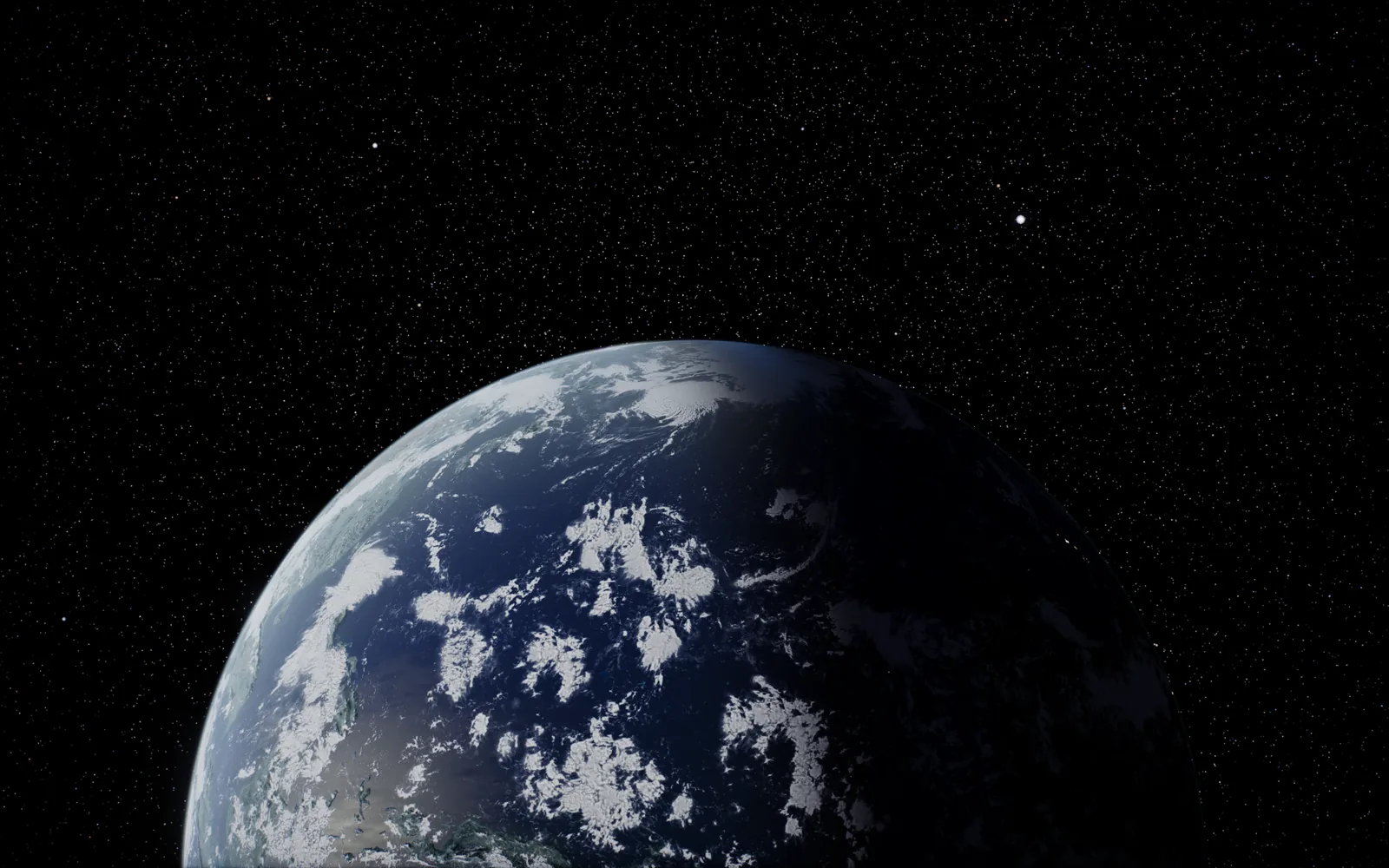
Waking up in orbit
A session starts 400 km up over the afternoon side of the Earth, with the Sun 25 degrees up behind you. You're looking away from it, along the ground toward the line where day turns to night, with the lit Earth and its clouds below you and the thin blue line of the atmosphere across the limb. There's a second start called Orbital sunrise that puts you right on the dawn line, facing the Sun as it sits 4 degrees over the limb. Both are placed from where the Sun is on the viewer's clock, the real time unless you've changed it, and the headset stays black until the start has landed, so you never see the camera arrive.
How true scale actually works
The viewer already knows how to fly a camera anywhere at true scale, so the headset rides that camera on a rig whose scale is scene units per meter, and the scene itself is never moved. That one decision means everything the viewer does each frame, focusing on a body, routing round planets, jumping to another star system, keeps working without knowing a headset is involved.
Post-processing was the first casualty. The flat view's look comes from a chain of passes, exposure, contrast, saturation, tone mapping, and none of that can run on the layer a headset draws into. So when a session starts, every material in the scene gets the same grade patched into its shader, in the same order, so the Sun keeps its limb and its prominences in the headset.
Depth was the hard part
The GPU needs a near plane and a far plane for every frame, and at true scale you can have a window frame centimeters from your face and planets billions of kilometers away in the same view.
three.js builds one combined frustum for both eyes, and its math divides by a number that, in 32-bit floats, becomes exactly zero once the far plane is more than about thirty million times the near one. Past that, the frustum turns into NaN. So each frame works out near and far from what's actually in view, then caps the ratio at ten million. The things that would get cut off, the sky, the stars, the Milky Way and the Sun itself, are drawn right at the far plane, and planets past it are drawn as points at their true direction and apparent size, so the sky still has its planets in it.
Then there's a second pass over a cleared depth buffer for everything that lives near you, the menu, the names, the info cards, your hands and the inside of the Cupola, with a near plane of 2 cm.
A few smaller things went wrong on the way. The default reference space three.js uses stood the Sun at your feet, and a camera position of zero at the start of a session made the Sun's direction NaN and turned the whole view white. Every name label also came out at about three hundred-millionths of its proper size, because three's sprites take their size from the model matrix and the rig's scale lives in the view matrix, so names are flat billboards now.
Going anywhere
Press X or A and a menu floats up half an arm in front of you, carrying the same catalogue as the viewer's Objects browser: the planets, the moons, the ISS, the asteroid belt, comets, the Milky Way and deep-sky objects. Pick one and the view fades to black, the viewer's own route runs while it's dark, and it fades back in where you've landed. You never see motion you didn't make, which is the kindest thing you can do to someone's stomach in VR.
Arrivals are framed for the light. You come in on the lit side with the Sun roughly over your shoulder, the giant planets fill about half your view, and Saturn is approached from just under its rings at 1.6 planet radii, so the B ring arches over your head with the globe ahead of you. Point at anything and pull the trigger, or pinch with your hand, and its card comes up next to it.
Standing in the Cupola
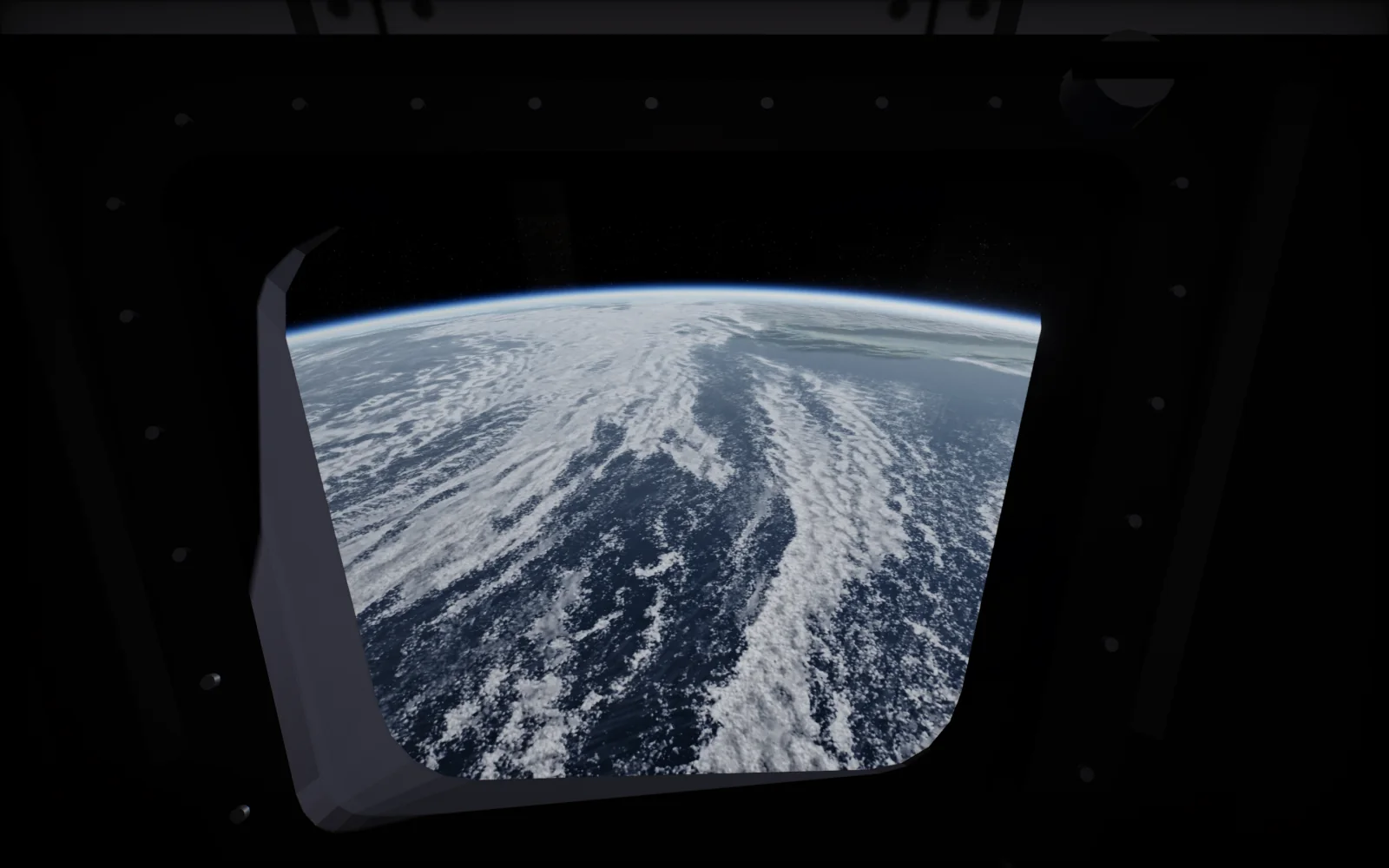
The Cupola is the ISS's observation module, and the viewer already models its seven windows from ESA and NASA dimensions, flying on the station's real orbit. In the headset you stand inside it, with up pointing away from the Earth, facing along the orbit, your head where an astronaut's would be. To keep the frame rate up in there the station skips its reflection renders and draws its 40 largest parts, which comes to 123 draw calls per eye.
Flying with a cockpit
Fly, in the Where tab, uses the flat view's fly mode physics as they are, approach cap, brake, flight assist and target lock included. The left stick thrusts and strafes, the right stick turns and climbs, B brakes, Y toggles flight assist and the trigger locks a target. Turning snaps 30 degrees, or turns smoothly inside a vignette if you prefer. Round you there's an original cockpit frame with a readout on the dashboard showing your speed, target, range, arrival time and whether flight assist is on.
Keeping a headset at frame rate
The first round of headset work started from 577 draw calls and 4.3 million triangles per eye. While a session runs, the heaviest extras are switched off, the satellite models, the small moons, the aurora, the comet volumes, and the result is 41 to 72 draw calls per eye at the Max preset. If frames still start missing, it steps down a tier and remembers that for next time, and everything is put back when you leave VR. I test it in Meta's Immersive Web Emulator set to a Quest 3, and it runs in any headset browser with WebXR, on Quest, Vision Pro, Pico and Android XR headsets.
VR mode is a $2.99 one-time unlock on the VR page, and the viewer on a flat screen stays free. Of all of it, the Cupola is my favorite, a window on the station's real orbit with the Earth going past underneath at the speed it really does.