When I wrote about the Mac screensaver I said Windows and Linux versions were in the works. They're out, and they play the same shows: the grand tour, one planet in the view you pick, the ISS from outside and from its Cupola, the Milky Way, the black hole and the famous space photos as live views, every world where it really is right now. One purchase, $1.99 on the screensaver page, covers all three platforms.
Getting there meant learning how two very different operating systems think about screensavers, and one of them, it turns out, mostly doesn't.
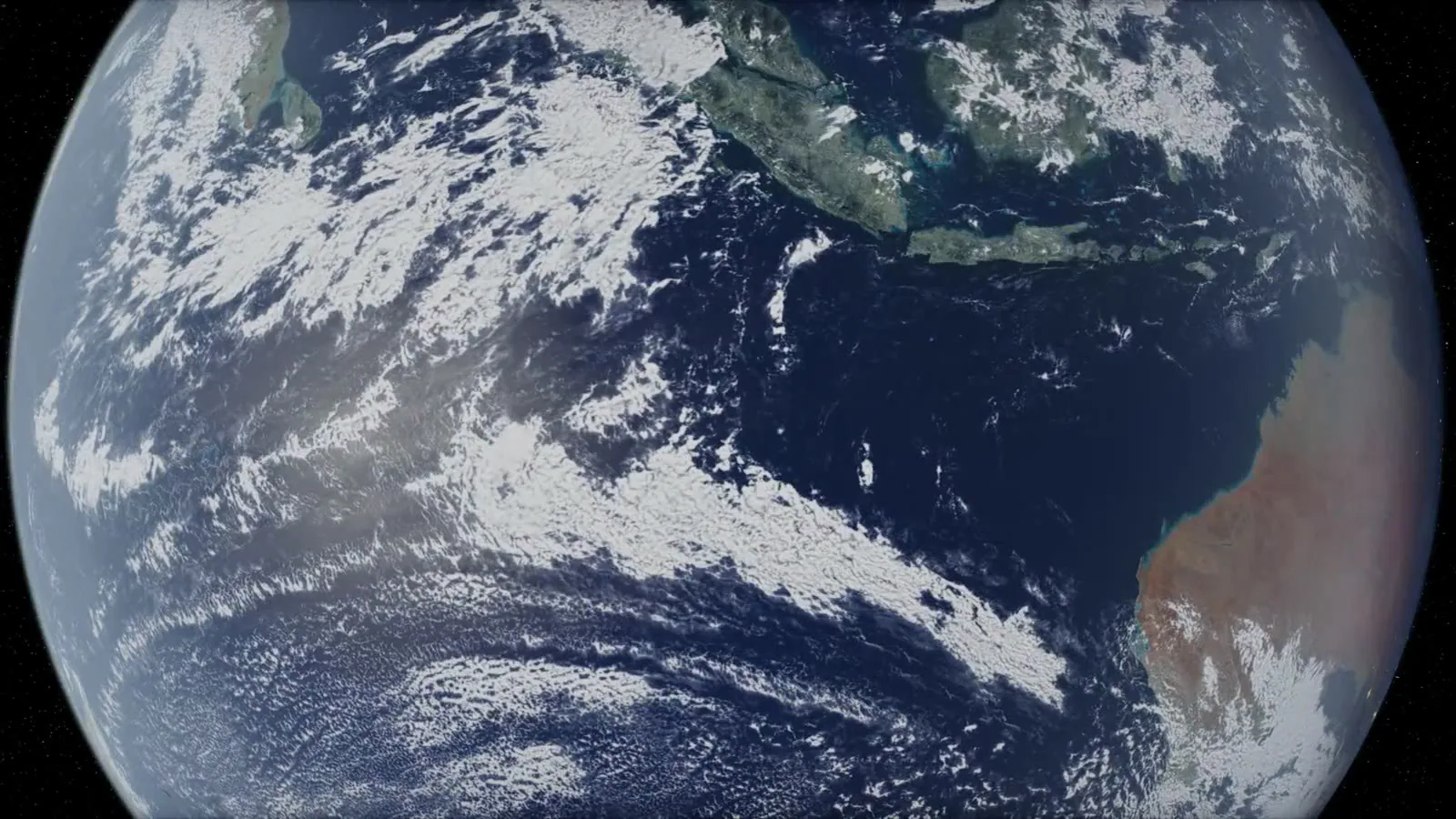
One engine, three shells
On the Mac, the screensaver hosts the viewer's screensaver page in a WebKit view. On Windows and Linux it's the same page inside Electron, with the same web payload, about 125 MB of the files the shows actually load, served from the same solarsaver:// scheme the Mac uses. A file the bundle doesn't carry comes from the live site, as on the Mac.
Both build from my Mac in under a minute each, with no Wine involved, in x64 and Arm versions, and the installers come out at around 190 to 220 MB.
Windows wants a .scr
A Windows screensaver is a program with a .scr extension, so the installer gives the app a second name. It's a per-user NSIS installer that never asks for an administrator, and it puts the app in your own Programs folder, then makes Solar System.scr as a hard link to the app's exe, or a copy on drives that can't do hard links. Screen Saver Settings lists it as "Solar System", from that file name.
One of the installer's pages offers to make it your screen saver and asks how long Windows should wait, anywhere from 1 to 60 minutes. That writes the saver's path the way Windows' own Install button writes it, plus whether a saver is on and the timeout, into your user's desktop settings, and tells the running session about the change.
Then the .scr has to answer Windows' commands. /s plays the show full screen, /c opens the settings, and /p asks it to draw into the little monitor in Screen Saver Settings. Electron can't draw into another program's window, so that one exits straight away and the little monitor stays empty, but the Preview button next to it plays the real show.
Two things bit me on the way:
- The Arm installer reported success while installing the app with every .exe and .dll missing. 7-Zip 24, which electron-builder packs the app with, picks a special filter for Arm executables, and the 7-Zip plugin inside NSIS can't decode it. Forcing the plain BCJ filter fixed it.
- The first uninstaller left files behind. Windows runs a screensaver as
Solar System.scron its own separate desktop, which electron-builder's running-app check doesn't see, so a running show kept its files locked. The uninstaller now stops a running show first, sets the screen saver back to (None) only if it's still ours, and cleans up the .scr and the settings.
There's also a quiet fallback for machines without a real GPU. Windows' basic display driver and the virtual adapters in VMs leave Chromium's windows blank, so on those the app switches hardware acceleration off and starts again, and any window that hasn't shown a frame within 15 seconds does the same.
The Windows builds aren't code-signed yet, so the first time you run the installer, SmartScreen says "Windows protected your PC". Press More info, then Run anyway, and that warning is only for the installer's first run. I tested the Arm build in a Windows 11 on Arm virtual machine, from the installer's screen saver page through Windows starting the show by itself after its wait, to the uninstaller clearing everything out.
Linux has no hook at all
GNOME and KDE have no way for a third-party program to be the screensaver. XScreenSaver's hacks only work on X11, and GNOME dropped it anyway, so on Linux the app is its own idle watcher.
The first time you run it, it opens its settings and adds itself to your session's autostart, then keeps running in the background with a tray icon where the desktop has one. Every 5 seconds it reads how long the machine has been idle. Once that passes your wait, it checks that the screen isn't locked and that nothing is holding an idle inhibit, which is what a playing video or a presentation sets, and only then plays the show. It plays once per idle spell, so if the screen locks and the show closes, it waits for someone to actually use the machine before it can start again.
The desktop's own screen blanking and lock keep their own timers, so your wait has to be shorter than the blanking or the screen just goes dark first, and the settings say so. On GNOME under Wayland, where an app can't see global input, the idle time comes from Mutter over D-Bus, and KDE and wlroots compositors answer through the idle-notify protocol. I haven't tried that on a real Wayland session yet, so if the show never starts by itself there, an X11 session is the fallback.
You get an AppImage and a .deb, both x64 and Arm. The AppImage is built on the static runtime, so it doesn't need libfuse2. Ubuntu 24.04 and later block the unprivileged namespaces Chromium's sandbox uses, so the AppImage needs --no-sandbox there, and that's why the .deb is the default Linux download. The Linux build is tested in Docker under Xvfb, a virtual display, including a fake KDE idle inhibit holding the show off and then letting it go.
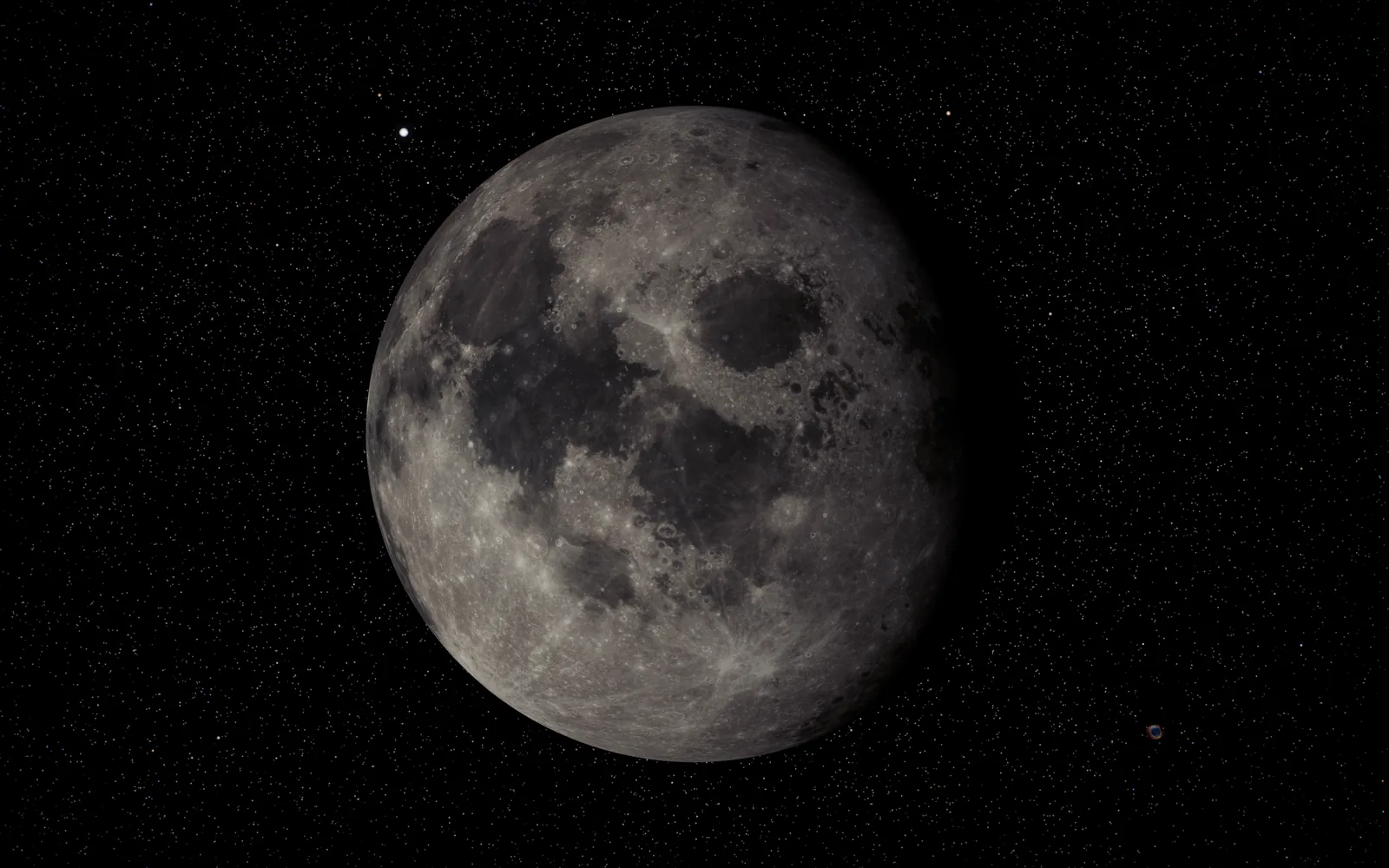
Getting out of the way
A screensaver that doesn't close when you touch the mouse is worse than none. The show ends on a key, a click, the scroll wheel, a touch or the pointer moving more than 12 pixels, which means a nudged desk doesn't count, with 0.8 seconds of grace for the fake move a brand new window gets.
Input is caught by the app's main process, outside the page, so a page busy drawing a slow frame can't hold you up. And because Windows doesn't always hand a screensaver the keyboard, the app also watches the system's own idle clock: if that clock goes back while the pointer stood still, someone pressed a key or a button somewhere, and the show closes.
The show plays on your main display and the others go black, unless you tick "Play on every screen", since every extra copy is a whole 3D scene of its own.
One purchase for all three
It's $1.99 once on the screensaver page, and the same purchase downloads the Mac, Windows and Linux versions, from the thanks page or your account. If you'd like the live wallpapers for your Mac as well, they come with the screensaver in the desktop bundle.
Windows and Linux could hardly be more different about this. One has its own file format and registry keys for screensavers, the other has nothing at all, and both now end up with the solar system on screen a few minutes after you stop typing.