The same engine that runs the 3D viewer now runs as a screensaver on the Mac. When your Mac goes idle the camera sets off across the solar system, and every planet it visits is sitting where it really is at that moment, at its true size, lit by the Sun from the direction the Sun really is. It runs offline, and it's $1.99 on the screensaver page.
I want to write down how a few parts of it work, because they're the decisions that make it look right, and most of them came from watching an early version look wrong.
Two shows
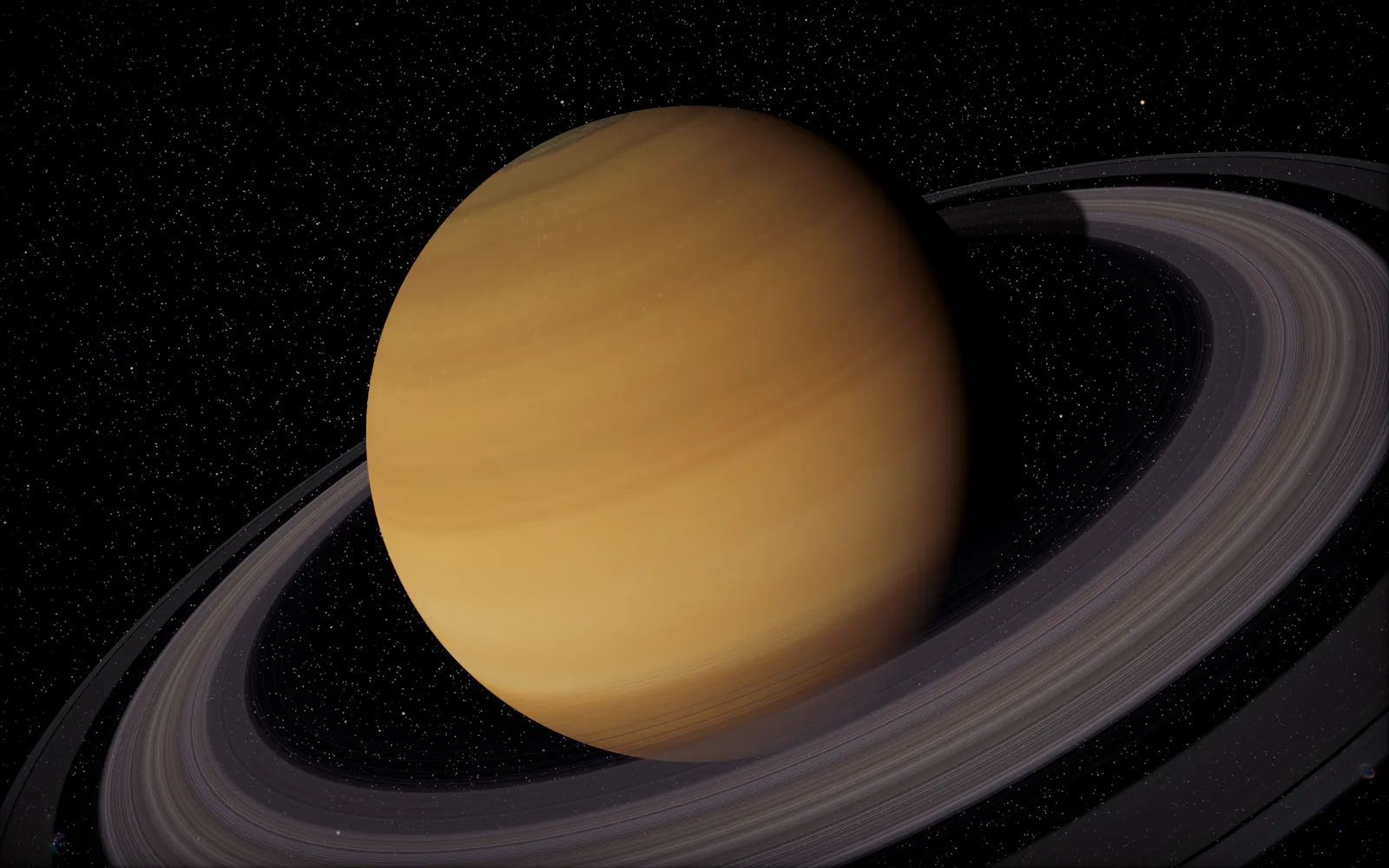
The grand tour starts at the Sun and works outward, every planet in turn, a pass over Earth's night side, then out past Neptune to the Milky Way and a black hole before it comes home again. The other show stays with one world, any of eleven from the Sun out to Pluto, and cycles slowly between four framings of it: the whole disc, a close pass over the lit surface, a low shot along the limb where day turns to night, and a high view that takes in its rings or moons. You pick in System Settings, under Screen Saver, with the Options button.
Everything is where it really is
Positions come from JPL's orbital elements for each planet, worked out for the current date and time, and the clock runs at the real rate. That means Earth turns once a day, the day side of Earth you see is the day side right now, and the planets drift around the Sun as slowly as they actually do.
Scale is real too. Most solar system visuals squash the distances and blow up the planets so everything fits on a poster, and the screensaver does neither. The Sun is enormous, Jupiter is enormous next to the rest, and the space between them is properly empty. Long hops take a few seconds and some of that is just stars, which felt odd at first and then felt honest.
Why every planet faces the Sun
My first tour used fixed camera positions for each planet, and on the day I recorded it, half of them were dark. The camera was sitting on Saturn's night side because that's where the fixed position happened to be that week, and you got a black disc with a thin crescent of ring.
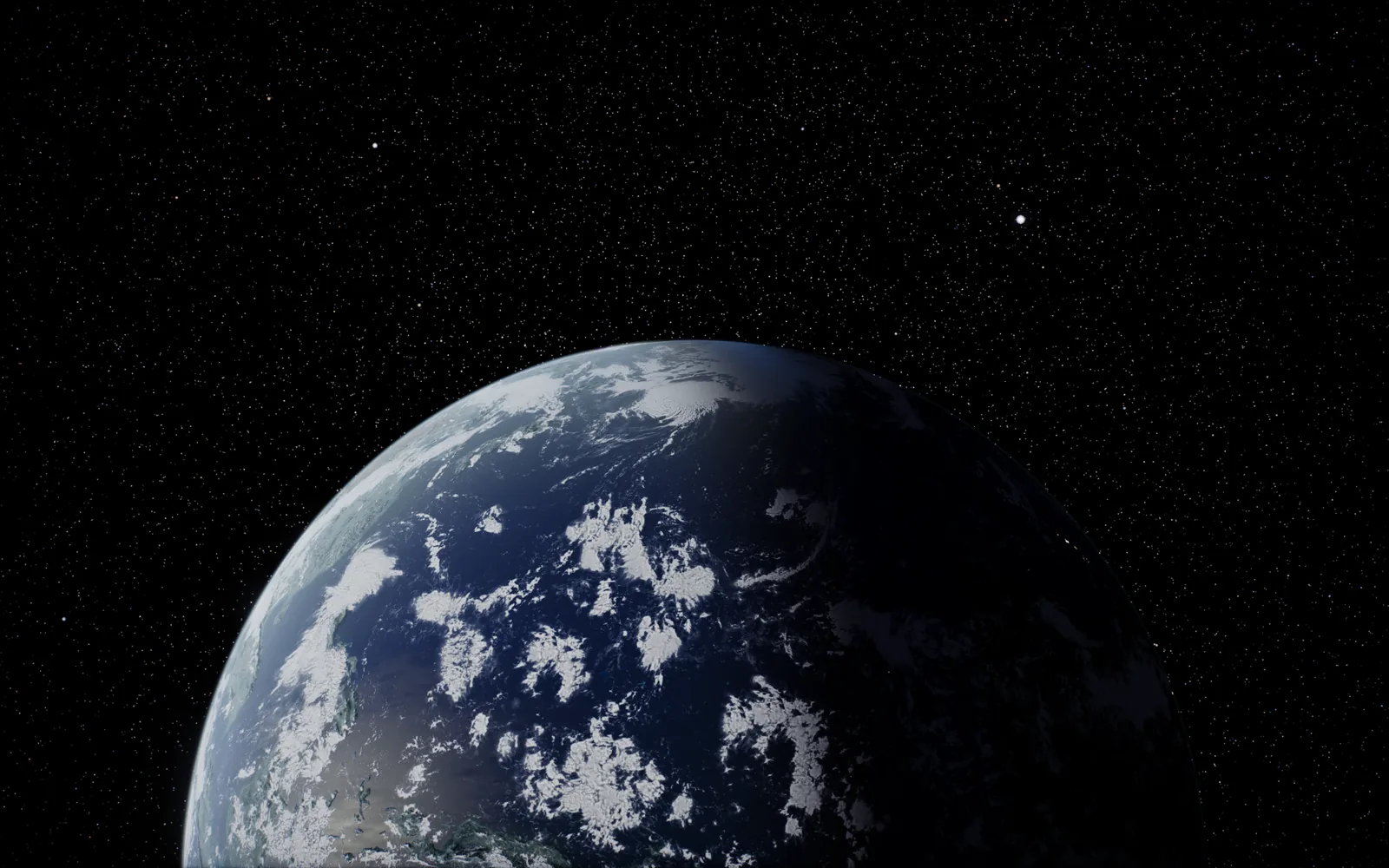
So each framing is placed relative to the Sun instead. The camera sits at a set angle from the direction of the Sun as seen from the planet, and because the Sun's direction comes from the same ephemeris as everything else, the lit side always faces you, whatever the date puts where. The one exception is the night-side pass over Earth, which is deliberately framed round the back so you get the dark side with the dawn breaking along its edge.
Transitions that feel like flying
Moving between two planets is harder than it sounds when the distances run from a few thousand kilometers to billions. A straight line with an ease on it spends the whole move far away and then rushes in at the last second.
The camera is held as three things, the point it's looking at, the direction it's looking from and how far away it is, and a move eases each one on its own. The distance moves on a log scale, so pulling out from Neptune to a view of the whole Milky Way covers every order of magnitude at the same pace. The view turns onto the destination in the first part of the move and then flies in on it, so you're always looking at where you're going. On long hops the camera also rises above the plane of the planets, so the trip reads as a flight across the system. The slow drift of one shot keeps turning underneath the move into the next, so there's no stop at the handover.
Close-ups that stop before they go soft
This is my favorite bit. Every planet's surface is a texture, a map wrapped round a sphere, and if you get too close the texture just magnifies into blur. So the close framings don't use a fixed distance. For each planet, the screensaver works out how close it can get before one texel of the surface map covers more than about 1.5 pixels on your screen, and stops there.
That depends on three things: how wide the map is, how tall your screen is in pixels and the camera's field of view. Earth and Mars have 8K maps, so on a Retina screen they come in to about 2.2 planet radii from the center. Jupiter, Saturn and Pluto have 4K maps and stop further out, around 3.3. On a 1080p screen everything can come closer, because each pixel covers more. Uranus and Neptune are drawn procedurally, and their bands start to speckle inside about 3.4 radii, so that's their floor, and the Sun stops at 2.2 so its edge stays in frame.
It's a small calculation and it's the reason the close-ups look expensive, nothing ever goes soft.
Small things
The loading screen is its own quiet version, a black screen with a small orbit and a hairline of progress, so waking the Mac fades from dark into space rather than showing a website's title card. The whole thing is about 125 MB, carries only the textures the shows use, runs happily with no connection, and there's no analytics in it at all.
Windows and Linux versions are in the works. Until then, if you want to see it moving, the screensaver page has a reel recorded straight from it, and the viewer is still free for everyone.
I built it because I wanted to look up from my desk and see where Saturn actually is today, and now I can.