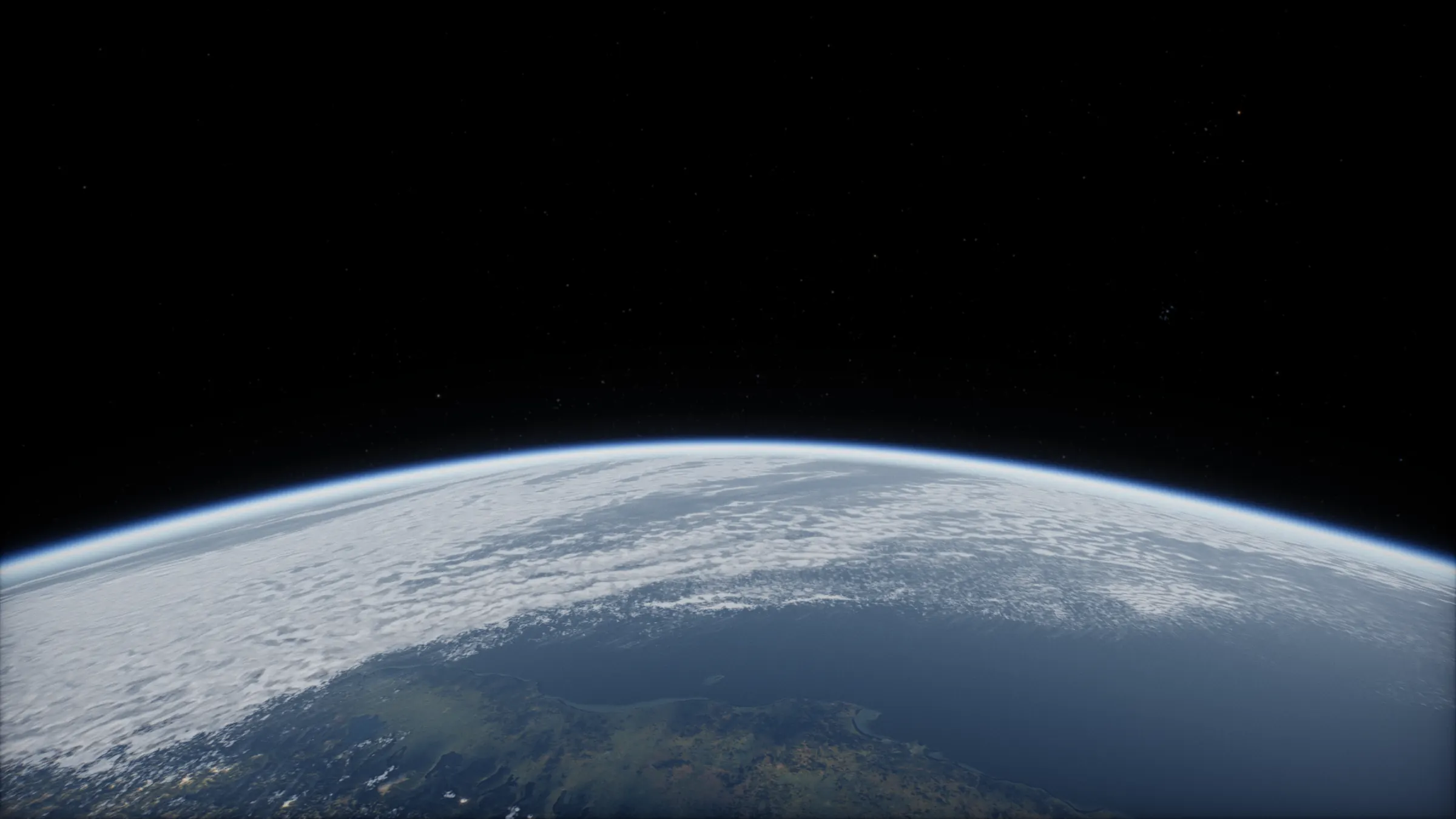
The solar system on Apple Vision Pro.
Safari on Vision Pro runs the viewer’s VR mode. You open in orbit 400 km above the Earth at true scale, with the planets and stars where they are tonight all round you.
No app. Safari is enough.
Apple Vision Pro · Safari
What works on Apple Vision Pro.
- VREnter VR puts you in orbit above the Earth at true scale, the real sky round you. Turn your head and your body to look anywhere.
- ARSafari on Vision Pro offers websites VR sessions only, so Start AR does not appear there. For a solar system in your room, the native Vision Pro app is on the way.
- Look and pinchLook at a planet and pinch to go there. Look at empty sky and pinch and hold to open the menu: any world, the Cupola, an orbital sunrise. Grabbing the solar system in Hold and flying need controllers, which Vision Pro does not have.
How to start on Apple Vision Pro.
- Open SafariGo to 3dsolarsystem.online/viewer/.
- UnlockPay $2.99 once, here or in Safari. Bought on another device? Sign in with the same email.
- Press Enter VRIt sits at the top centre of the viewer. Allow hand tracking if Safari asks.
- Look and pinchLook at a planet and pinch to go there. Pinch and hold on empty sky for the menu.
Questions.
Does AR work on Apple Vision Pro?
Not in Safari: it offers websites WebXR’s VR mode and not its AR mode, so the viewer shows only Enter VR there.
I see no Enter VR button in Safari.
Safari on early visionOS versions kept WebXR behind an advanced setting. Check that WebXR is turned on in Safari’s advanced settings, then reload the viewer.
Is there a native Vision Pro app?
One is on the way, with a tabletop solar system and a world in your room. Read about the Vision Pro app. It is a separate App Store purchase.
I bought it on my laptop. How do I get it on the headset?
Open the viewer in the headset browser and sign in with the email you paid with. The unlock belongs to that email, so it works in every browser you sign in to.
Other headsets.
- Meta QuestMeta Quest Browser · how to start
- PicoPico Browser · how to start
- Android XRChrome · how to start
Everything VR and AR mode does, with a look around from Saturn’s rings.