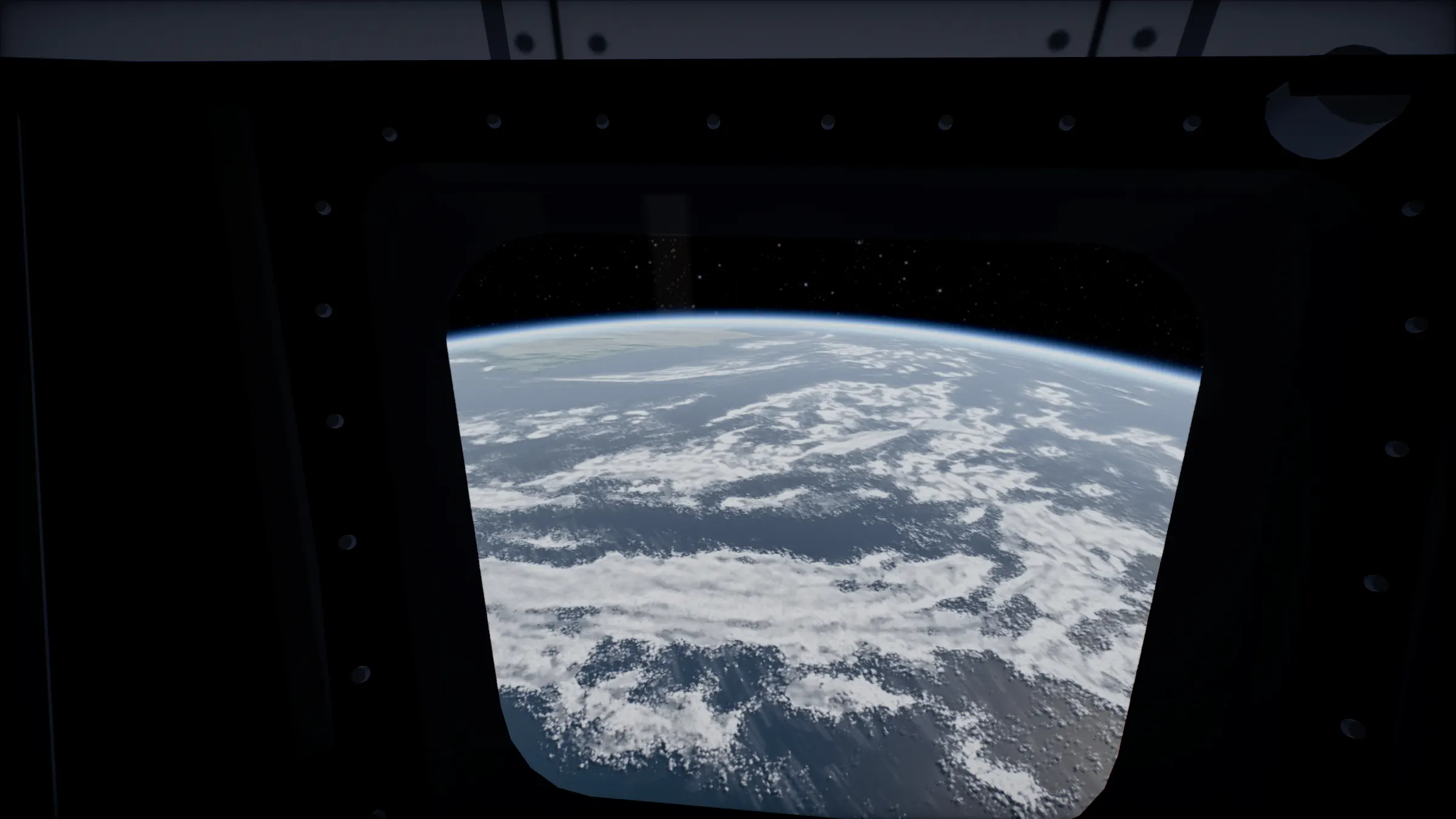
The solar system on Pico.
The Pico 4 runs the viewer’s VR mode in the Pico Browser, with its controllers for everything the headset menu offers.
No app. The Pico Browser is enough.
Pico 4 · Pico Browser
What works on Pico.
- VREnter VR puts you 400 km above the Earth at true scale. The menu (A or X) takes you to any planet or moon, the Cupola, an orbital sunrise, holding the solar system or flying.
- ARThe viewer shows Start AR only where the browser offers WebXR’s AR mode. The Pico Browser has offered VR, so expect Enter VR; if a version offers AR, Start AR appears beside it.
- ControllersPoint and pull the trigger to go to a world. A stick turns you 30 degrees, grip grabs, and in Fly the left stick thrusts and the right one turns.
How to start on Pico.
- Open the Pico BrowserGo to 3dsolarsystem.online/viewer/.
- UnlockPay $2.99 once, here or in the headset. Bought on another device? Sign in with the same email.
- Press Enter VRIt sits at the top centre of the viewer. The headset takes over.
- Press A or XThe menu opens in front of you: Go to, Where, and Time and view.
Questions.
Does AR work on Pico 4?
Only if the Pico Browser offers WebXR’s AR mode. The viewer asks the browser and shows Start AR only when it can open, so on a browser that offers VR alone you will see Enter VR.
Which Pico headsets?
Pico 4 in the Pico Browser. Any headset whose browser runs WebXR can open the viewer; the buttons it shows are the ones its browser supports.
I bought it on my laptop. How do I get it on the headset?
Open the viewer in the headset browser and sign in with the email you paid with. The unlock belongs to that email, so it works in every browser you sign in to.
Other headsets.
- Meta QuestMeta Quest Browser · how to start
- Apple Vision ProSafari · how to start
- Android XRChrome · how to start
Everything VR and AR mode does, with a look around from Saturn’s rings.