iPhone
On the App Store
The viewer and Qmax with touch controls made for a phone, upright or on its side.
For iPhone and iPad
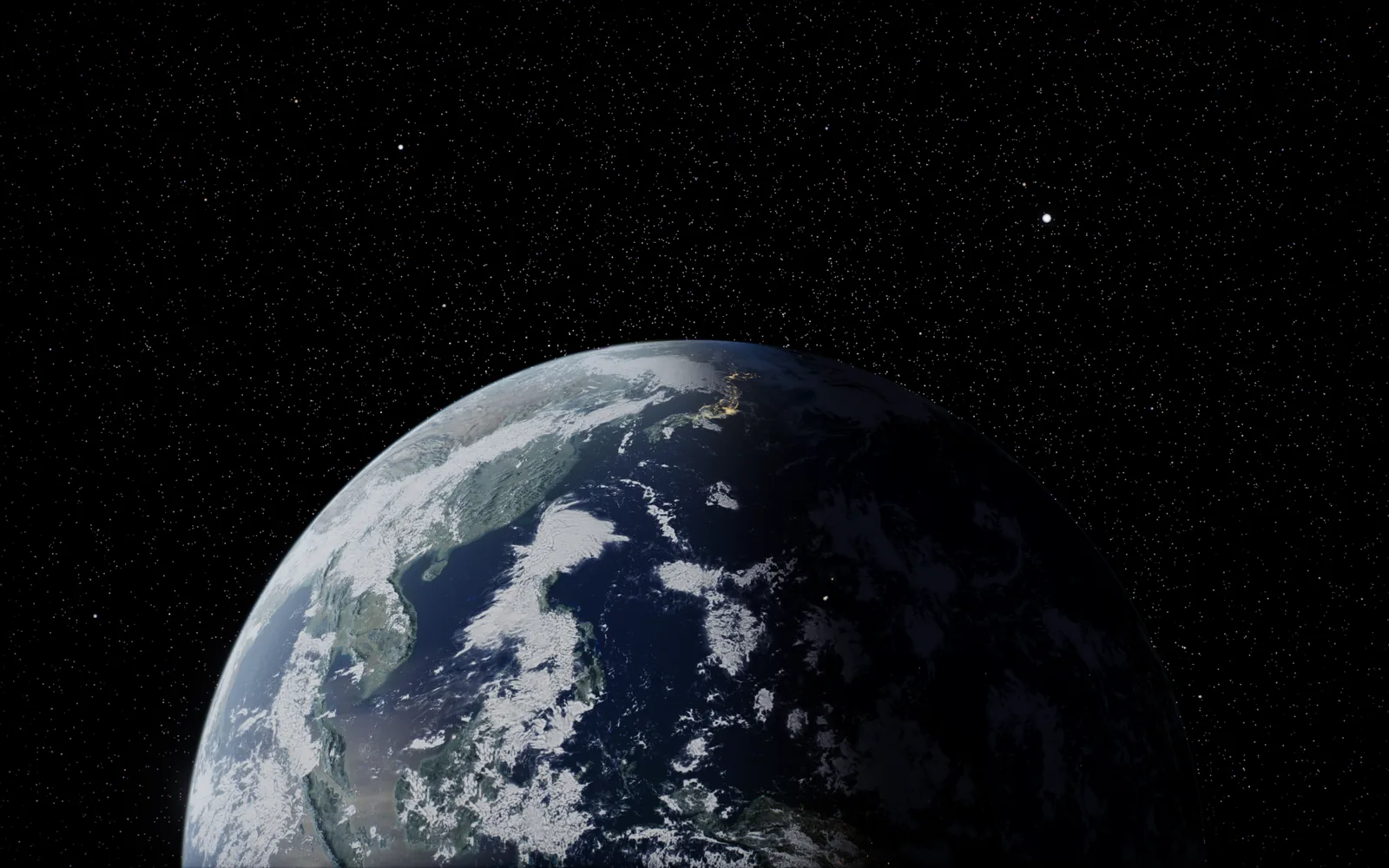
Every planet, moon and dwarf planet in 3D at its real position for this moment, the Earth down to city streets, and Qmax, a space program on a real-sized Earth.
$4.99 once · no ads, no accounts, no subscription · plays offline
Coming to the Mac and Apple Vision Pro in the same purchase.
The solar system, live
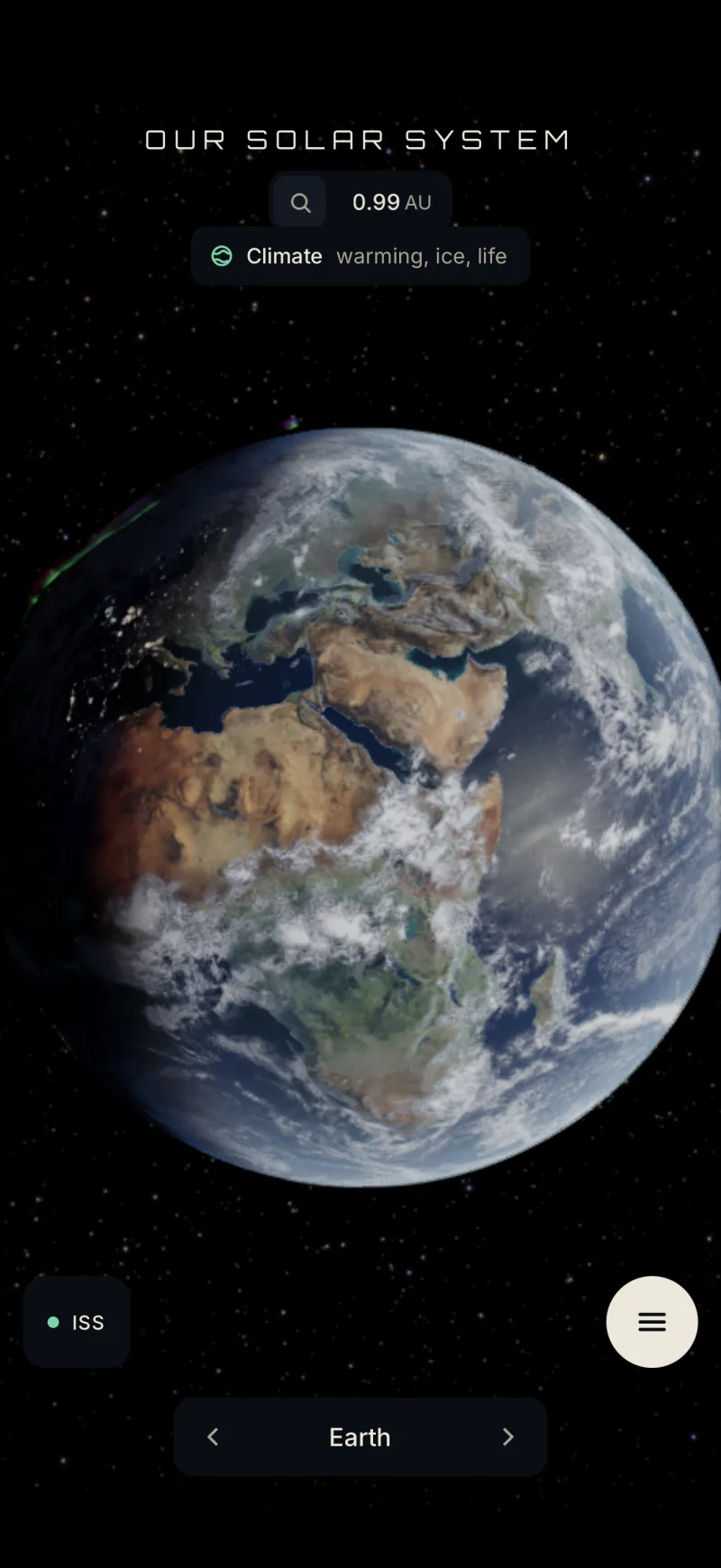
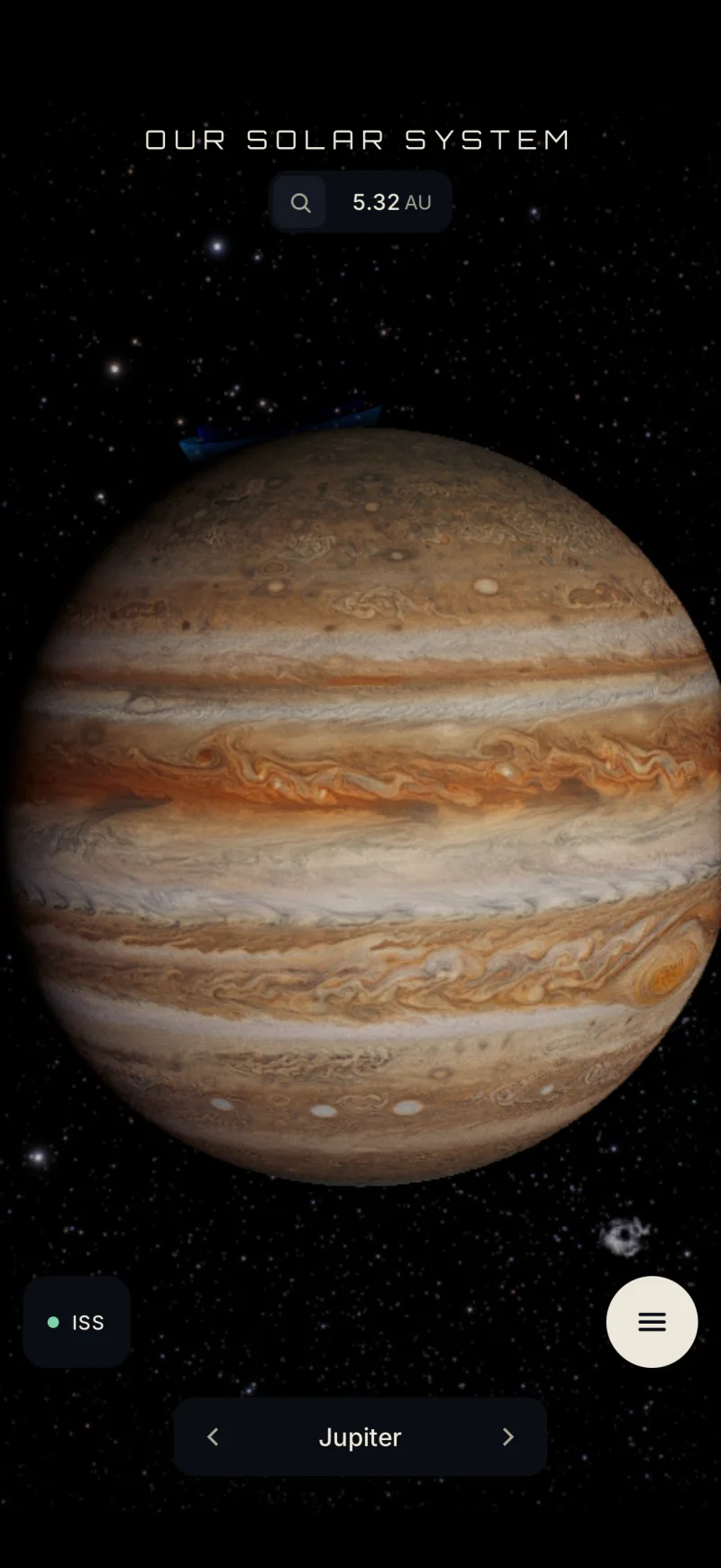
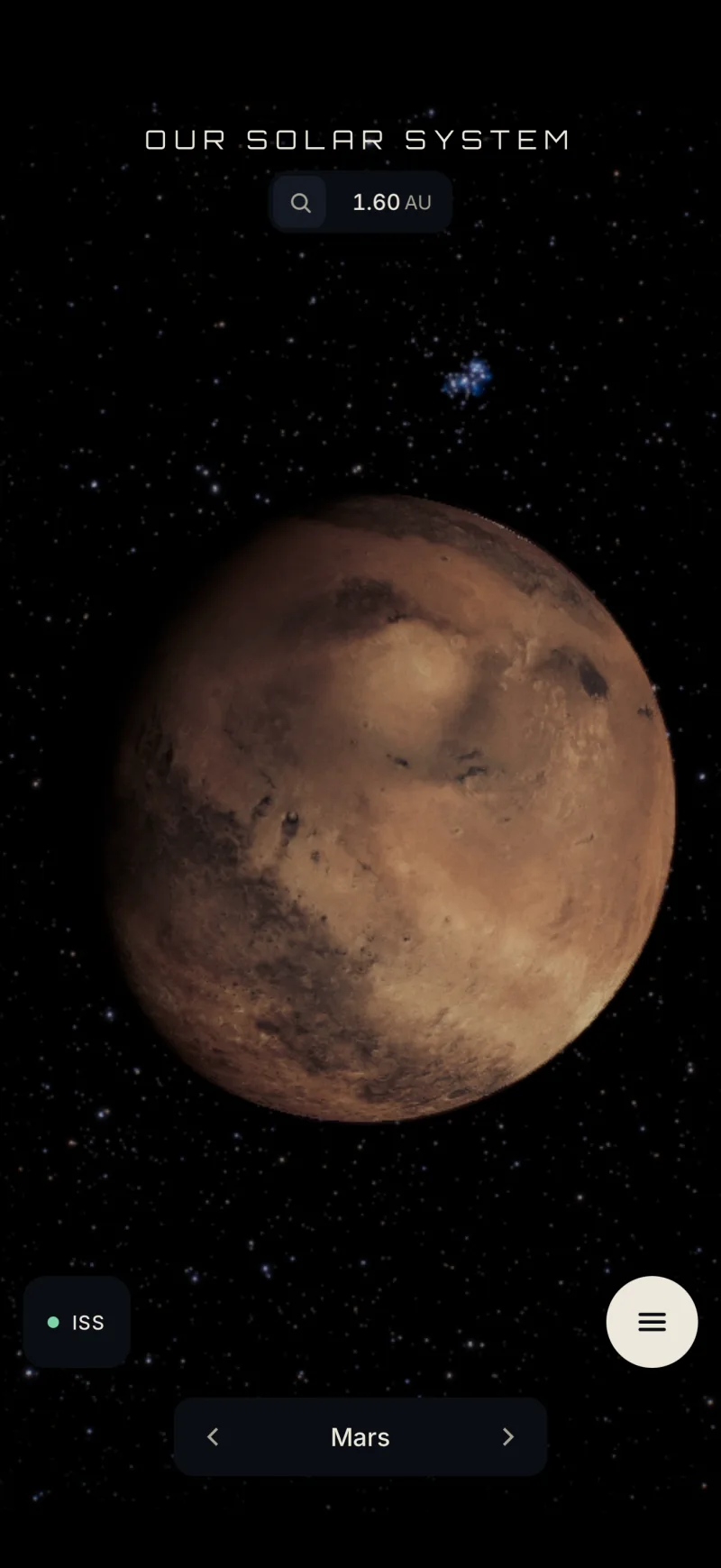
Fly from the Sun to Pluto through a solar system worked out from real orbital data. Watch the Earth turn with the real day and night, the seasons and the Moon's phase for today, then speed time up or run it backwards. Switch to true scale to feel the gaps between the planets, or line every world up side by side at its real size.
Zoom into the Earth
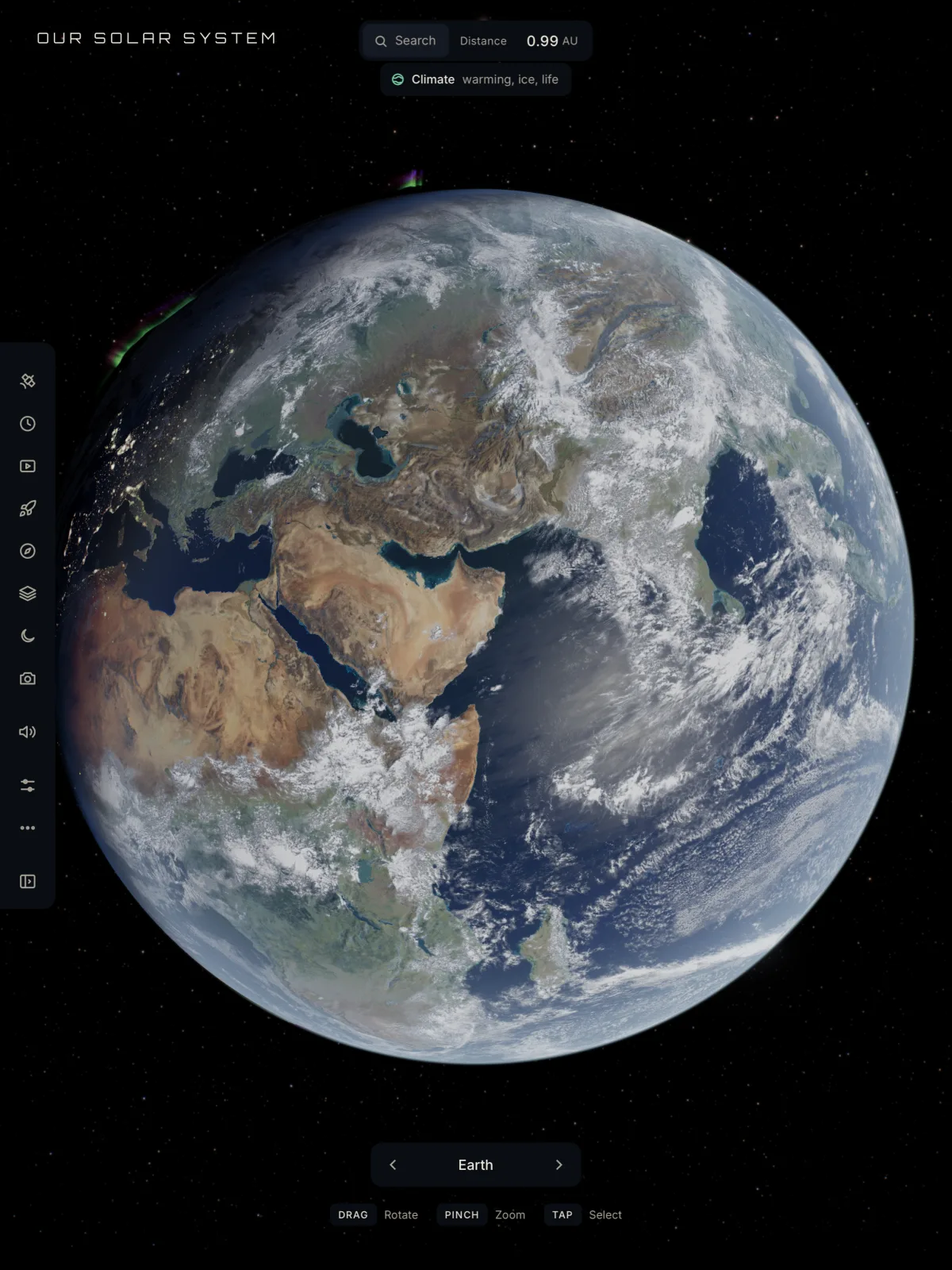
Dive from orbit towards the ground through NASA Landsat and Sentinel-2 imagery, sharp enough to pick out streets in a city. Live clouds, real oceans and city lights on the night side.
Thousands of real satellites, Starlink among them, orbit where they are right now.
Qmax, included
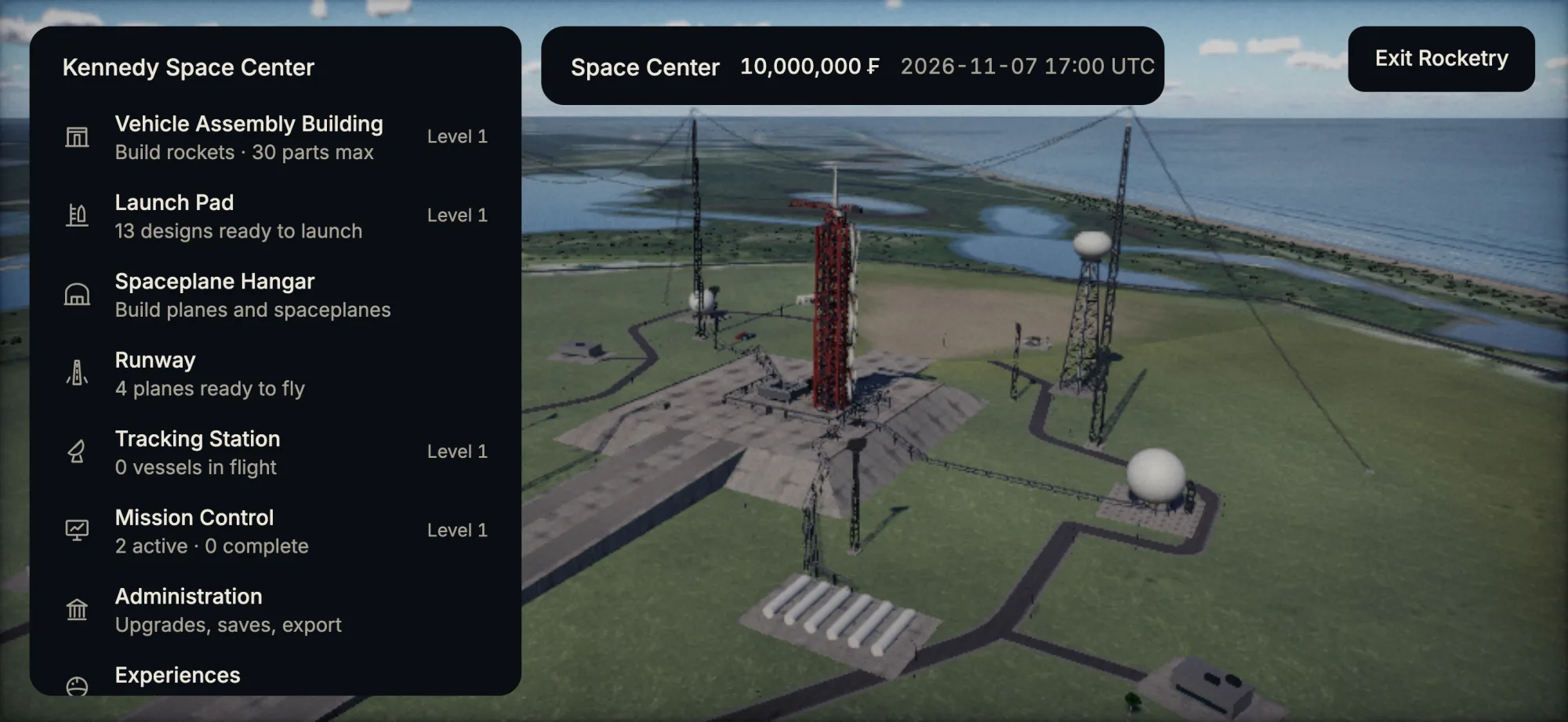
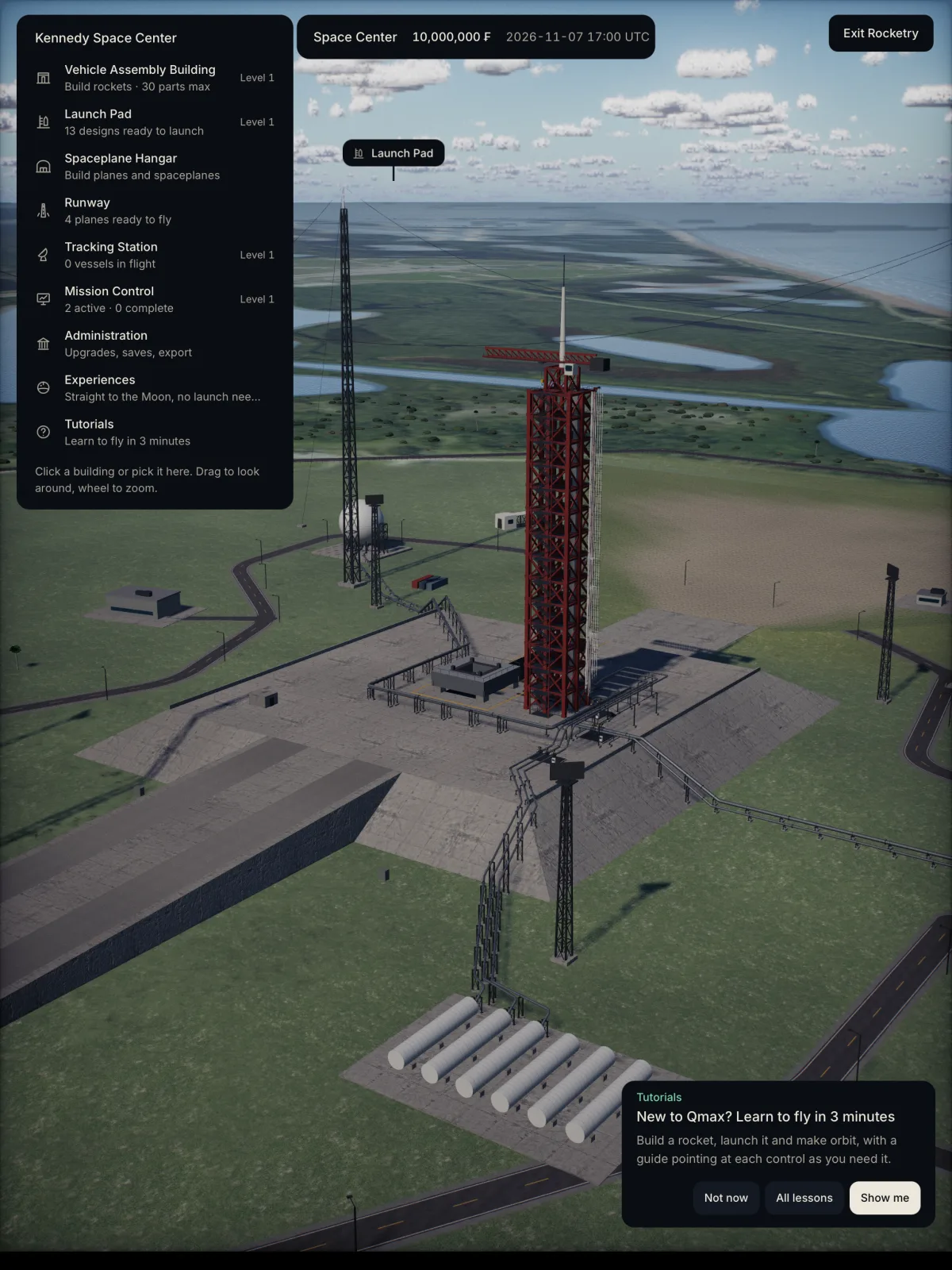
Build rockets part by part, launch from Florida and fly them to orbit with real physics on a real-sized Earth. Dock in orbit, land on the Moon, drive a rover across it, reach Mars, and design spaceplanes that take off from a runway and fly to space. Career mode runs it all with contracts and funds. More about Qmax
On iPad
One purchase installs it on your iPhone and your iPad. Touch works everywhere, and so does a keyboard or a game controller when you connect one.
Also inside
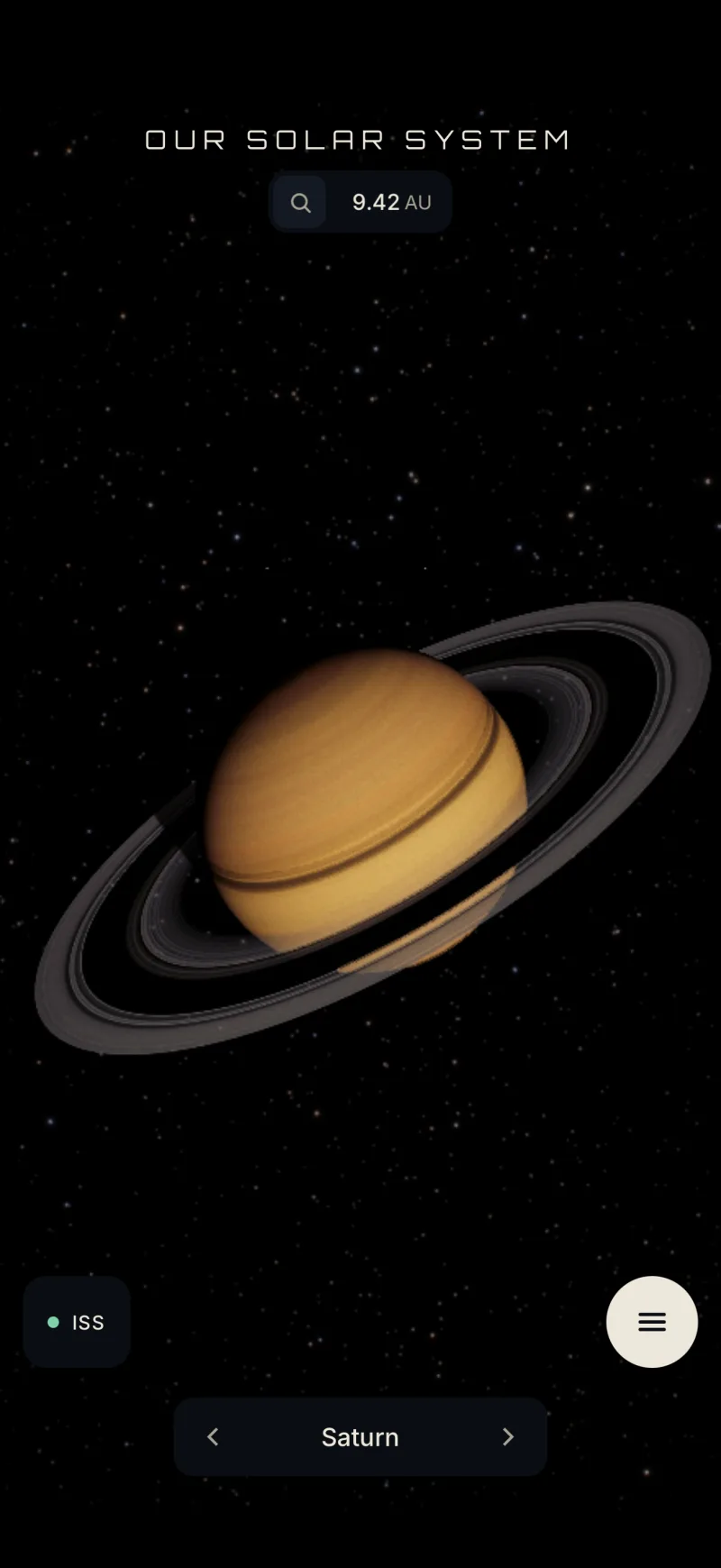
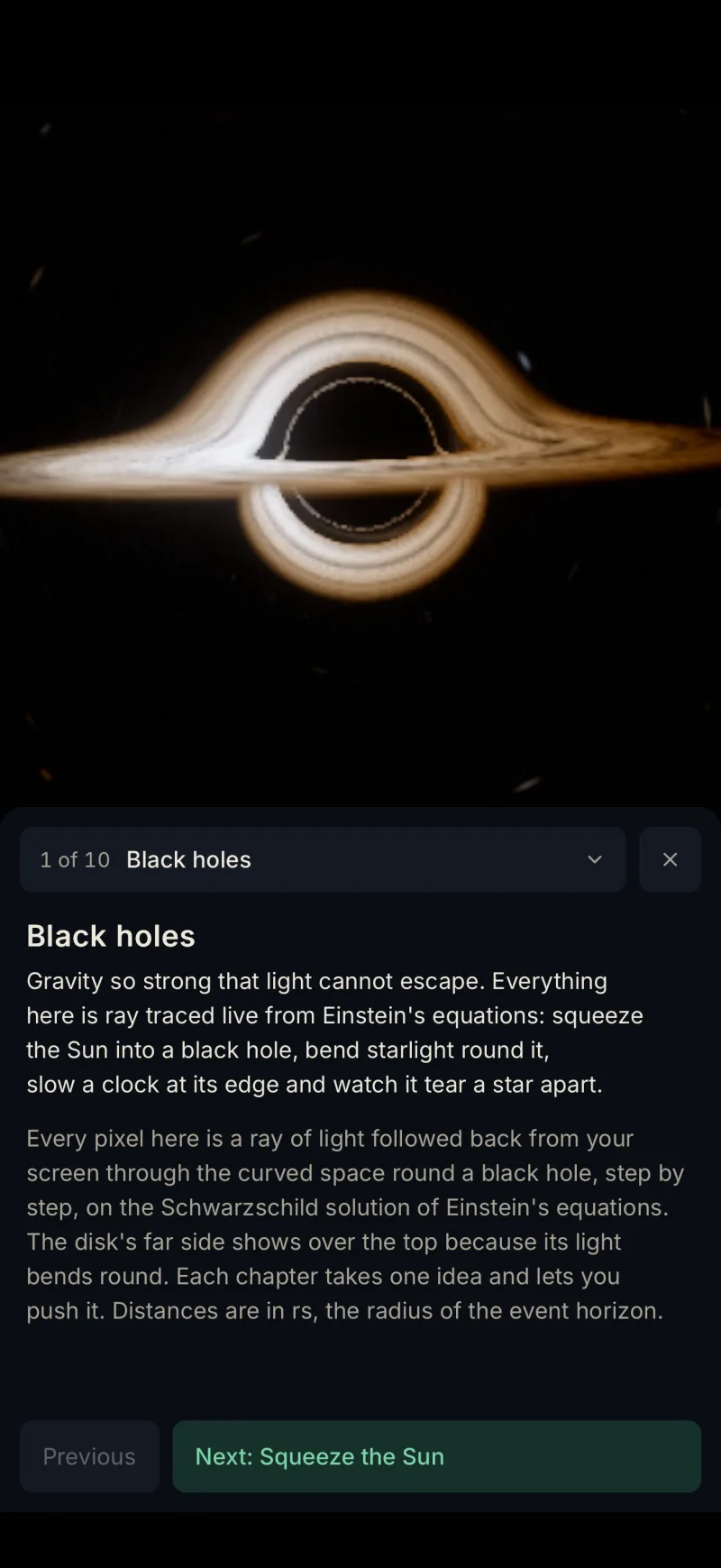
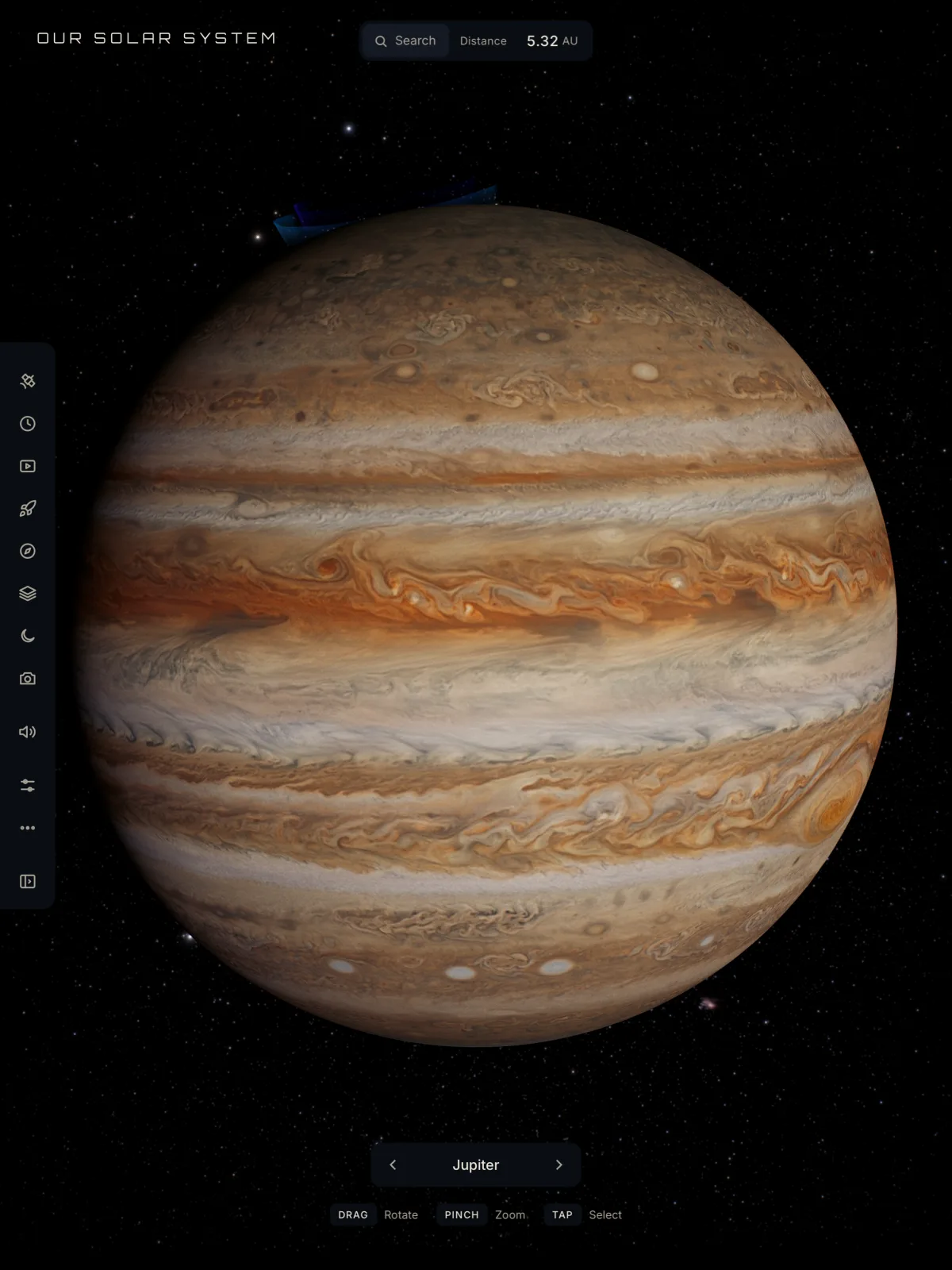
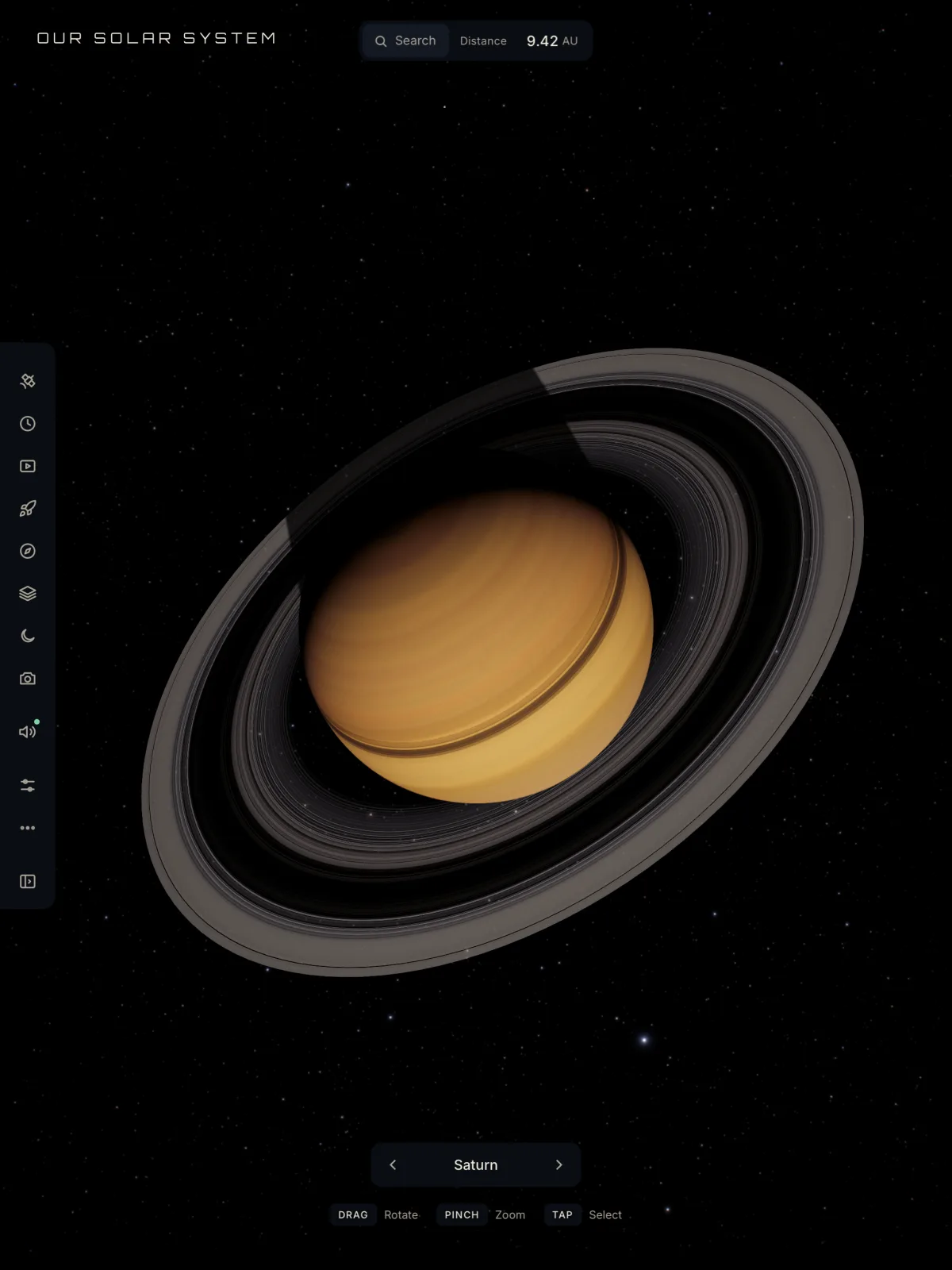
Visit the Sun's churning surface, Saturn's rings, Jupiter's storms and the moons of every planet. Head out to see the Milky Way from outside, a black hole bending starlight, and a wormhole near Saturn that leads to another star system.
One purchase
On the App Store
The viewer and Qmax with touch controls made for a phone, upright or on its side.
On the App Store
The same app on a bigger canvas, with touch, a keyboard or a game controller.
Coming soon
The viewer and Qmax with keyboard and mouse, in a window or full screen.
Coming soon
A native immersive app: the solar system around you and a world in your room.
About the Apple Vision Pro app
Questions
$4.99 once, on the App Store where you are. Apple sets each country's price from the US one of $4.99 (£4.99 in the UK, ¥800 in Japan). No ads, no subscription and no in-app purchases. The same purchase covers the Mac and Apple Vision Pro when they come out.
An iPhone with iOS 17 or later, or an iPad with iPadOS 17 or later. The App Store listing shows which models it runs on.
Yes. The solar system and Qmax are inside the app, so it plays with no connection. When you are online it streams in the sharpest imagery of the Earth, the Moon and the clouds, and the latest satellite positions.
It is the same viewer as 3dsolarsystem.online, carried inside the app so it runs offline, with touch controls, native menus and the whole of Qmax, the Moon and Mars included. The website stays free in any browser.
They are separate purchases. The app has no accounts and everything in it is included in its price, so it needs no unlock.
Nothing. The App Store lists it as Data Not Collected: no account, no analytics, no tracking and no advertising, and your saves stay on your device. The privacy policy has the detail.
Polyxmedia, the studio behind 3dsolarsystem.online. Questions go to hello@polyxmedia.com or the support page.