Is this 3D solar system free?
Yes. The viewer runs in your browser with nothing to download and no account to make. The optional paid extras are the screensaver for Mac, Windows and Linux, VR and AR on headsets, and the full version: the Qmax rocketry game past its free first flight, fly mode below 30 km over the Earth, and the galaxy map.
What can I do in the solar system simulator?
Set any date from 1800 to 2200 and run time at any pace, from real time to most of a year every second, forwards or backwards. Follow any planet or moon, switch between true scale and the Artistic view, and see eclipses, satellites and the ISS where they really are. Fly mode puts you at the controls of a spacecraft, and in the Qmax rocketry game you build rockets that fly on the Earth's real gravity.
Are the planets in their real positions?
Yes. Your browser works out where each one is for the exact moment on the clock. At true scale, where the viewer opens, the planets come from the VSOP87 planetary theory, the Moon from the Meeus lunar theory and the named moons of the other planets from orbits fitted to JPL Horizons. Leave time on Real and the solar system keeps pace with the wall clock, or set any date from 1800 to 2200. The Artistic view places the planets from JPL's orbital elements, fitted for 1800 to 2050 so later dates are approximate, and keeps the moons on their real orbital periods with an illustrative place along each orbit.
Is the 3D solar system to scale?
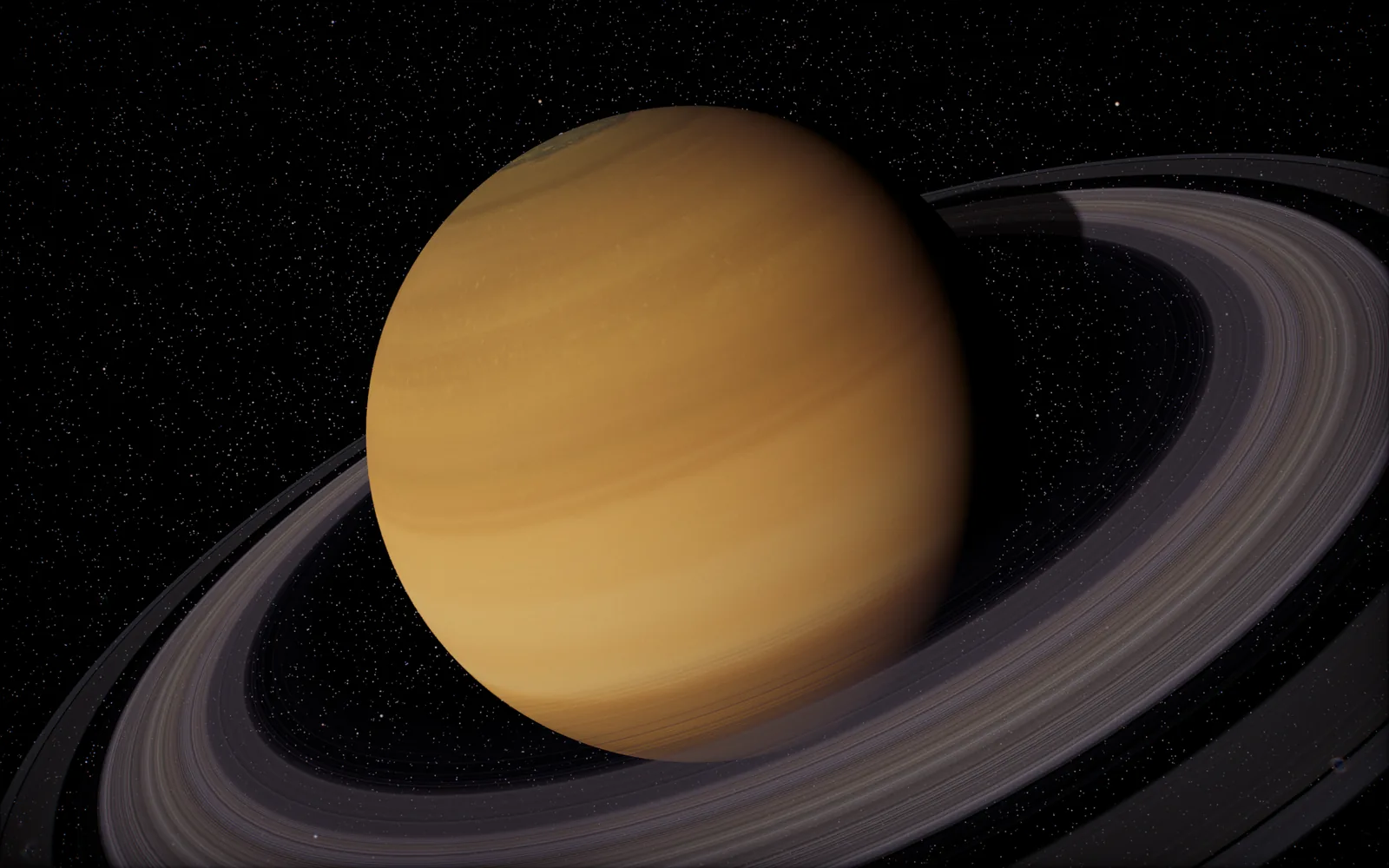
Yes, by default. It opens with everything at its true size and distance, where the planets shrink to bright points until you pick one. The Artistic switch spreads sizes and distances out so every planet is visible at once, and a slider sets how much. To Scale mode lines up the Sun and planets side by side at their real relative sizes.
How do I move around?
Drag to turn the view, scroll or pinch to zoom, and click any planet or moon to fly to it. The arrow buttons step from world to world, the time bar runs the clock from paused through real time to most of a year every second, forwards or backwards, and the controls panel holds the rest: To Scale, satellites, sky events, eclipses and fly mode.
Does it work on phones, tablets and Chromebooks?
Yes, in any current browser with WebGL 2: Chrome, Safari, Edge or Firefox. Phones and tablets get touch controls and lighter graphics. Fly mode is easiest with a keyboard.
Can I use it to teach?
Yes. Teachers mode has 28 ready-made lessons for ages 5 to university, each with a Present mode for the classroom projector and a pupil version with questions and tasks. Every fact in a lesson cites its source.
Is it a simulation or an animation?
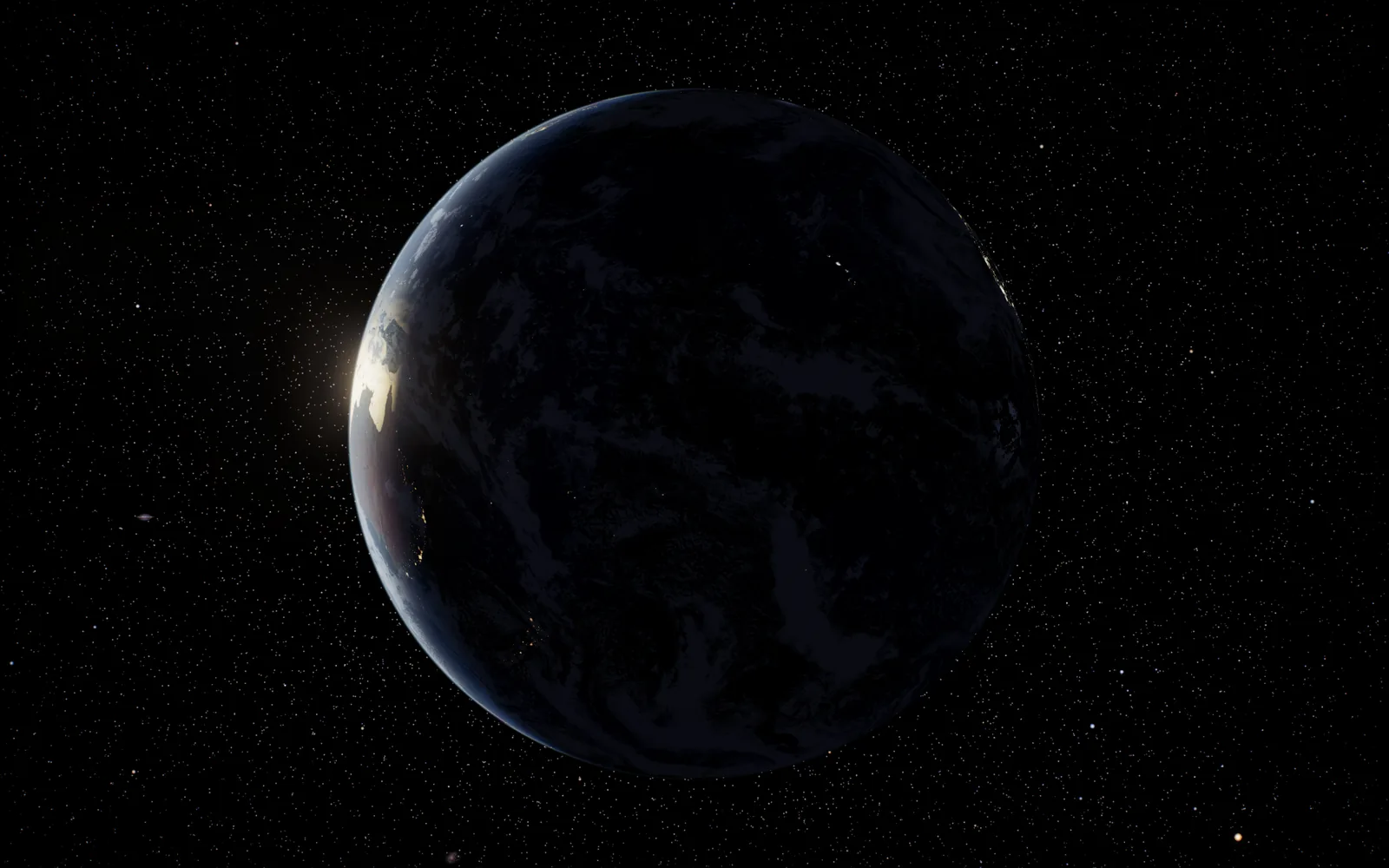
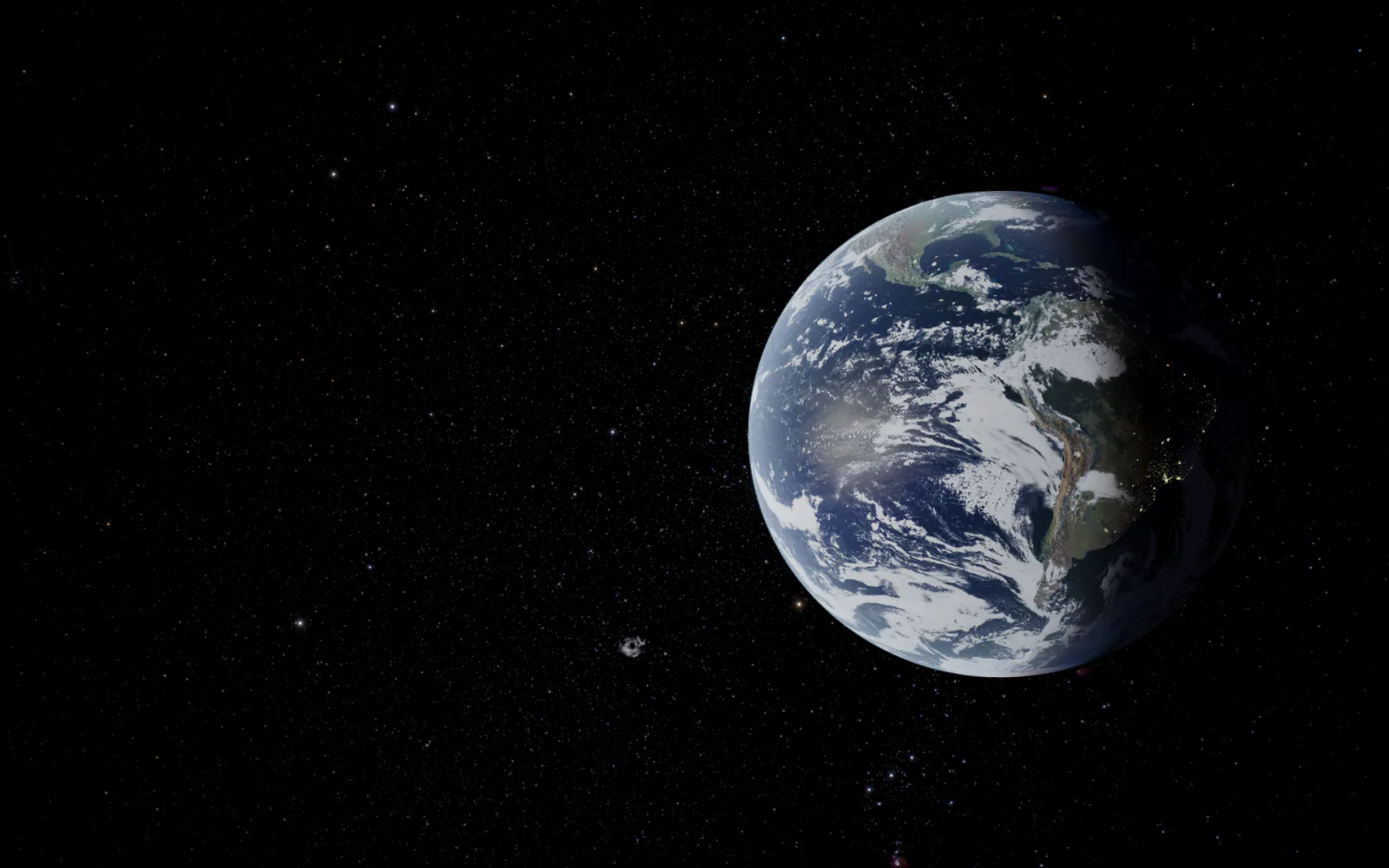
A simulation. Each body is placed from its orbit for the time on the clock, the Earth turns by its real rotation angle so the day side and the seasons match the date, and eclipses come out of the real geometry of the Sun, Earth and Moon. Run the clock backwards and everything retraces its path.
Where does the data come from?
Planet positions from the VSOP87 planetary theory and JPL orbital elements, the Moon from the Meeus lunar theory, satellites from CelesTrak and launches from Launch Library 2 by The Space Devs. Surface maps come from NASA, USGS, ESA and EOX, with Solar System Scope's maps for Venus, Mars, Uranus and Neptune. The credits page lists every source.
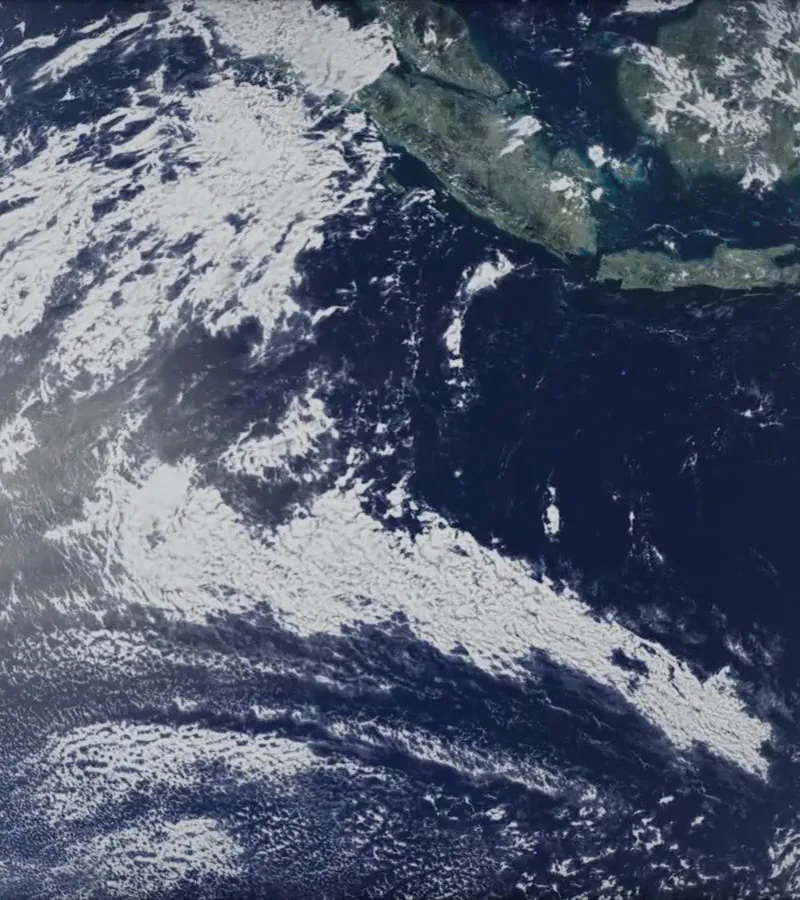
 Open the 3D viewerView the solar system in 3DFree · In your browser
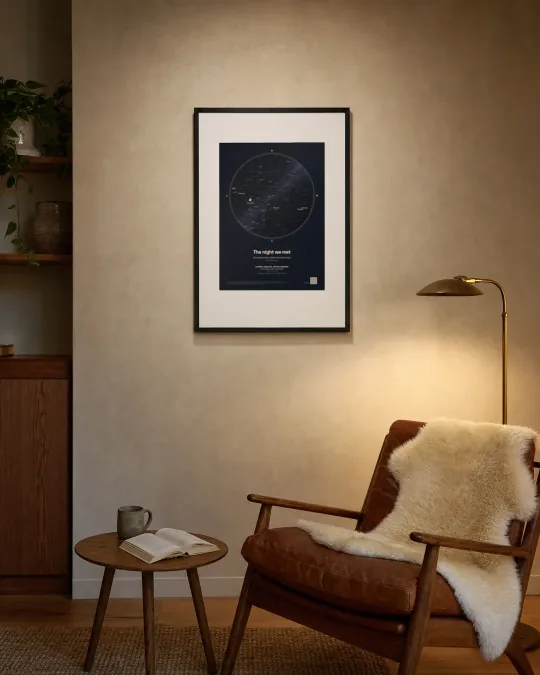
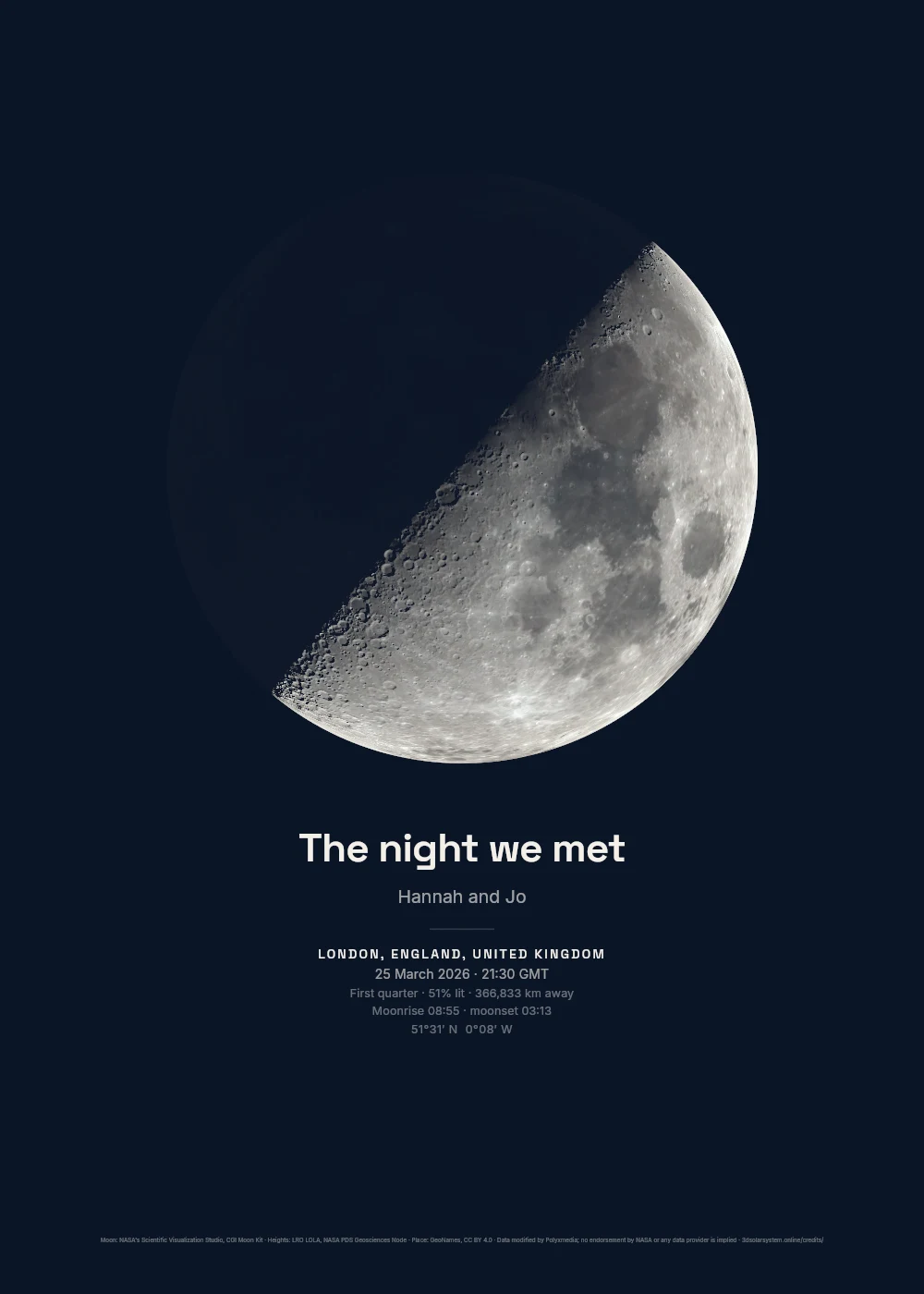
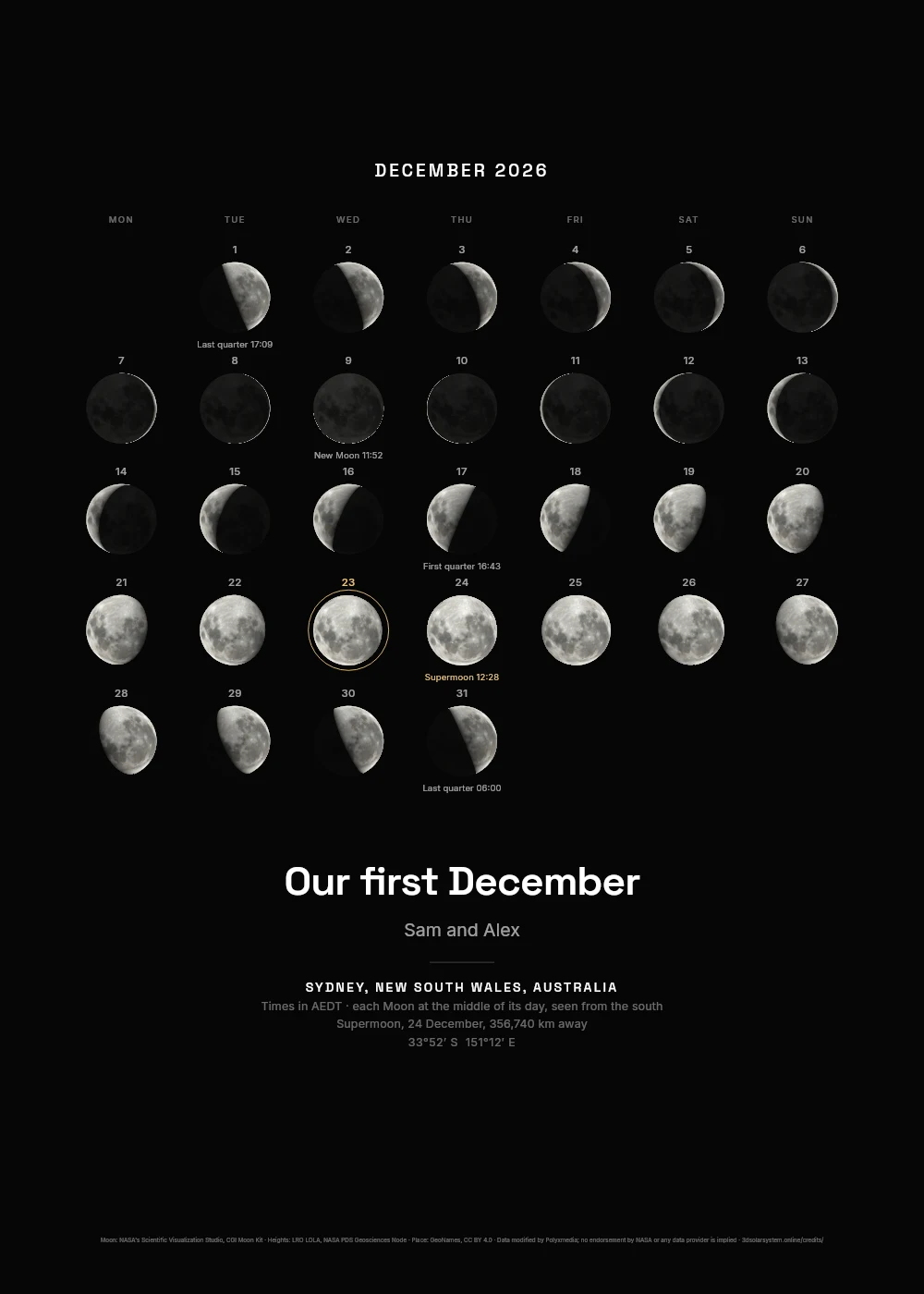
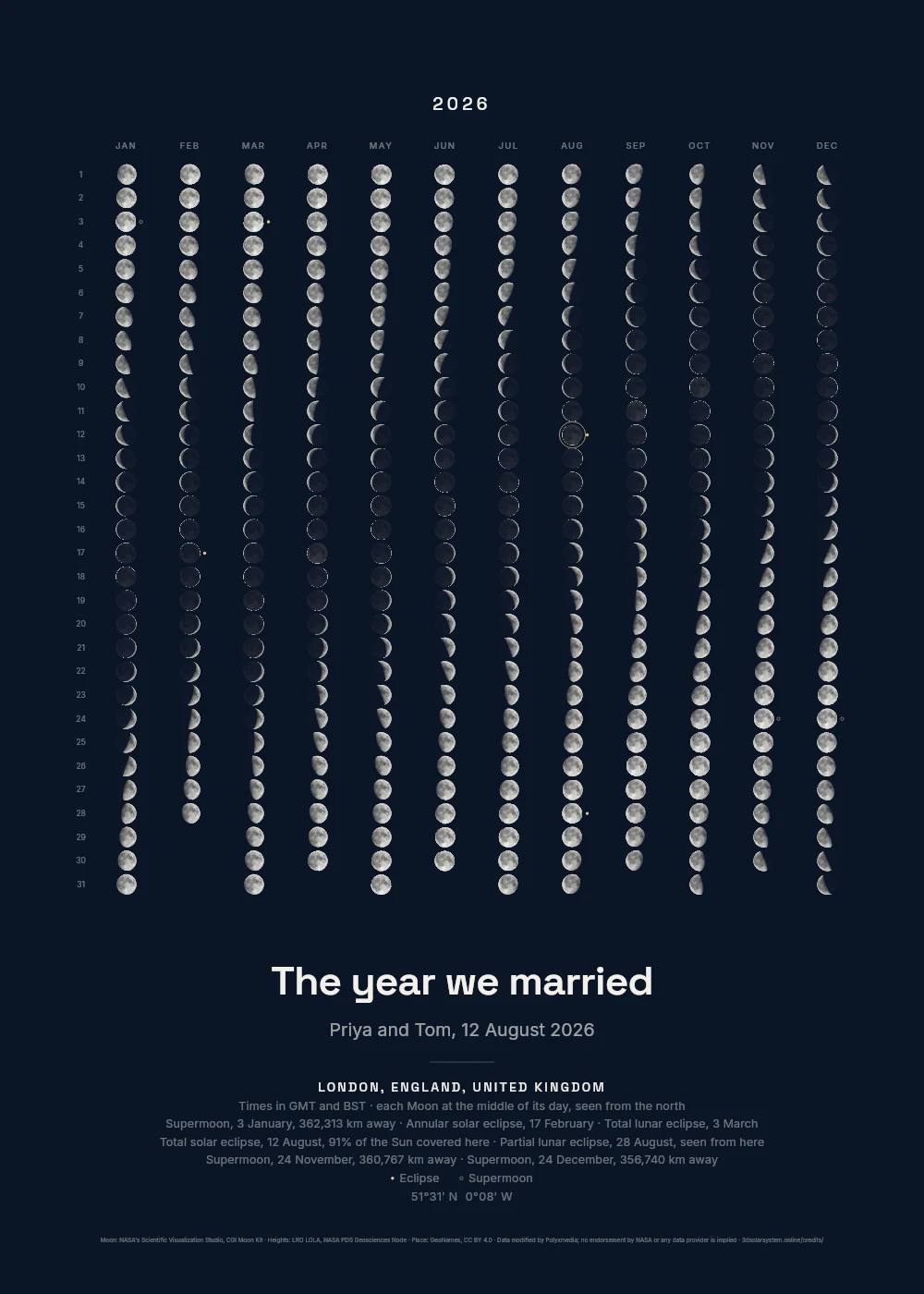
 Moon printsThe Moon over your night
From £19
 Live wallpapersMac and Windows, alive
$4.99
 ScreensaverMac, Windows, Linux
$1.99
 VR and AR modeStep into space
$2.99
 PlanetariumThe sky where you are
Free





 Sun
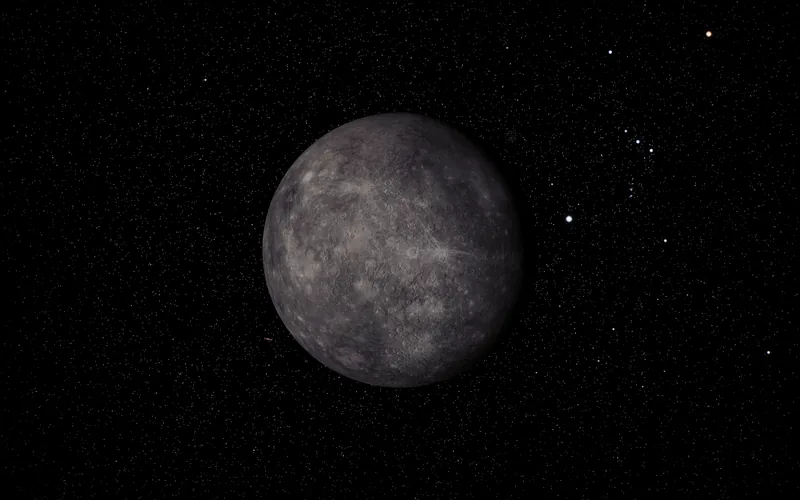
 Mercury
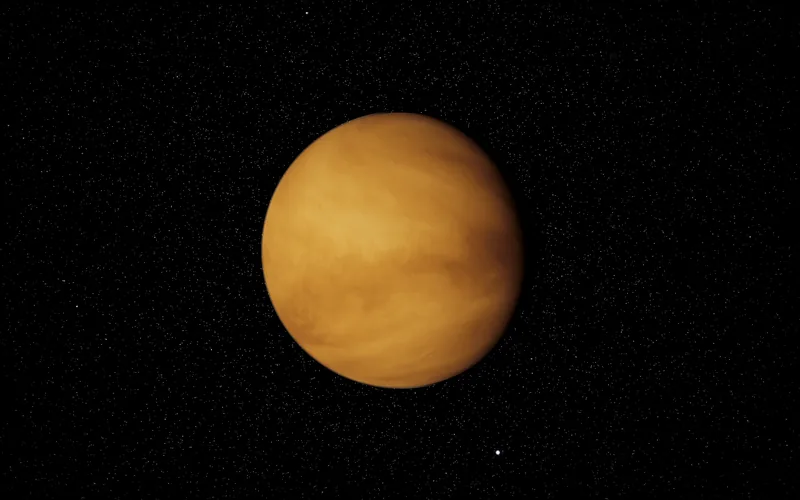
 Venus
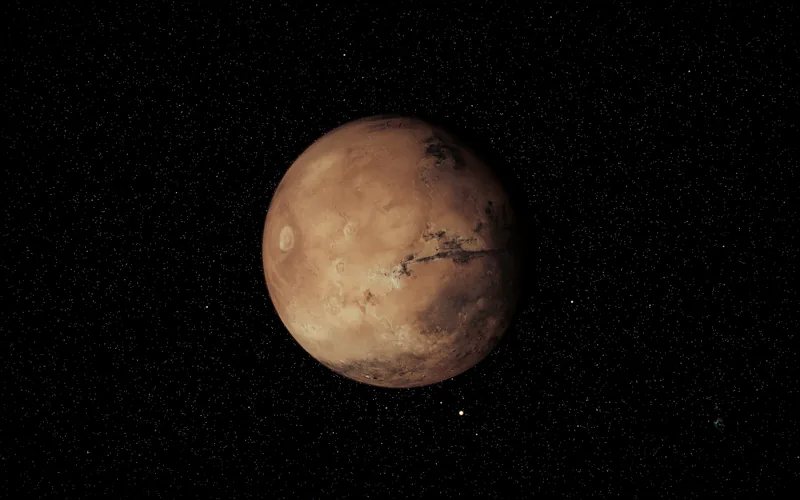
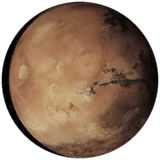 Mars
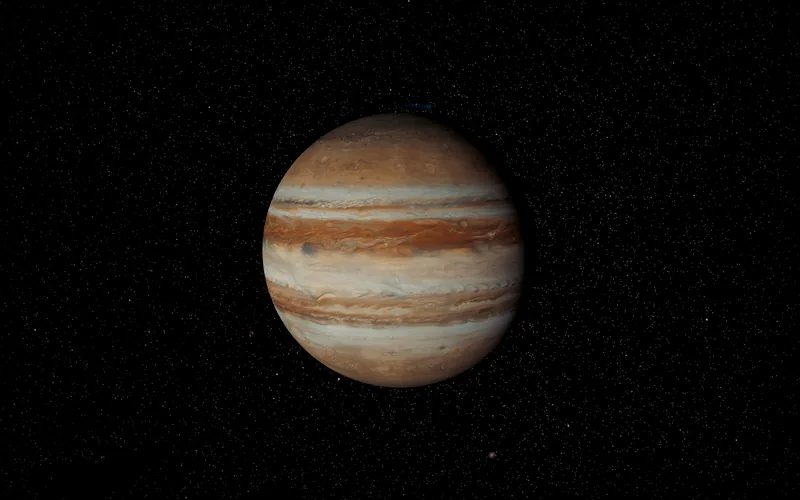
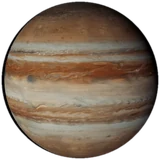 Jupiter
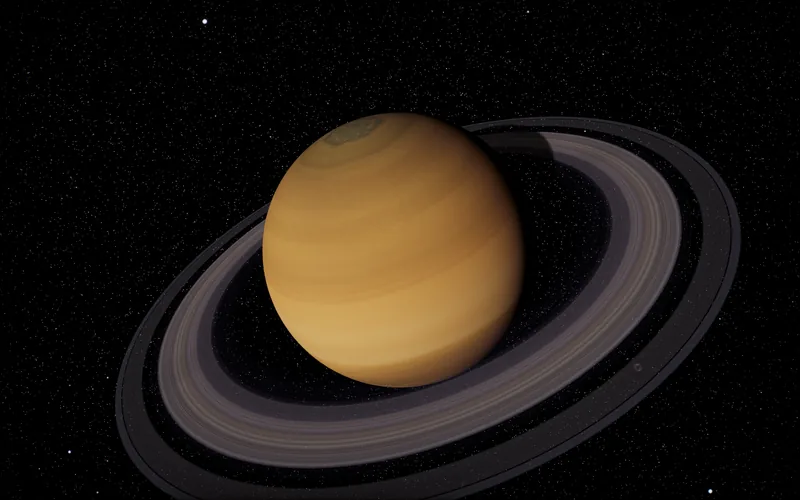
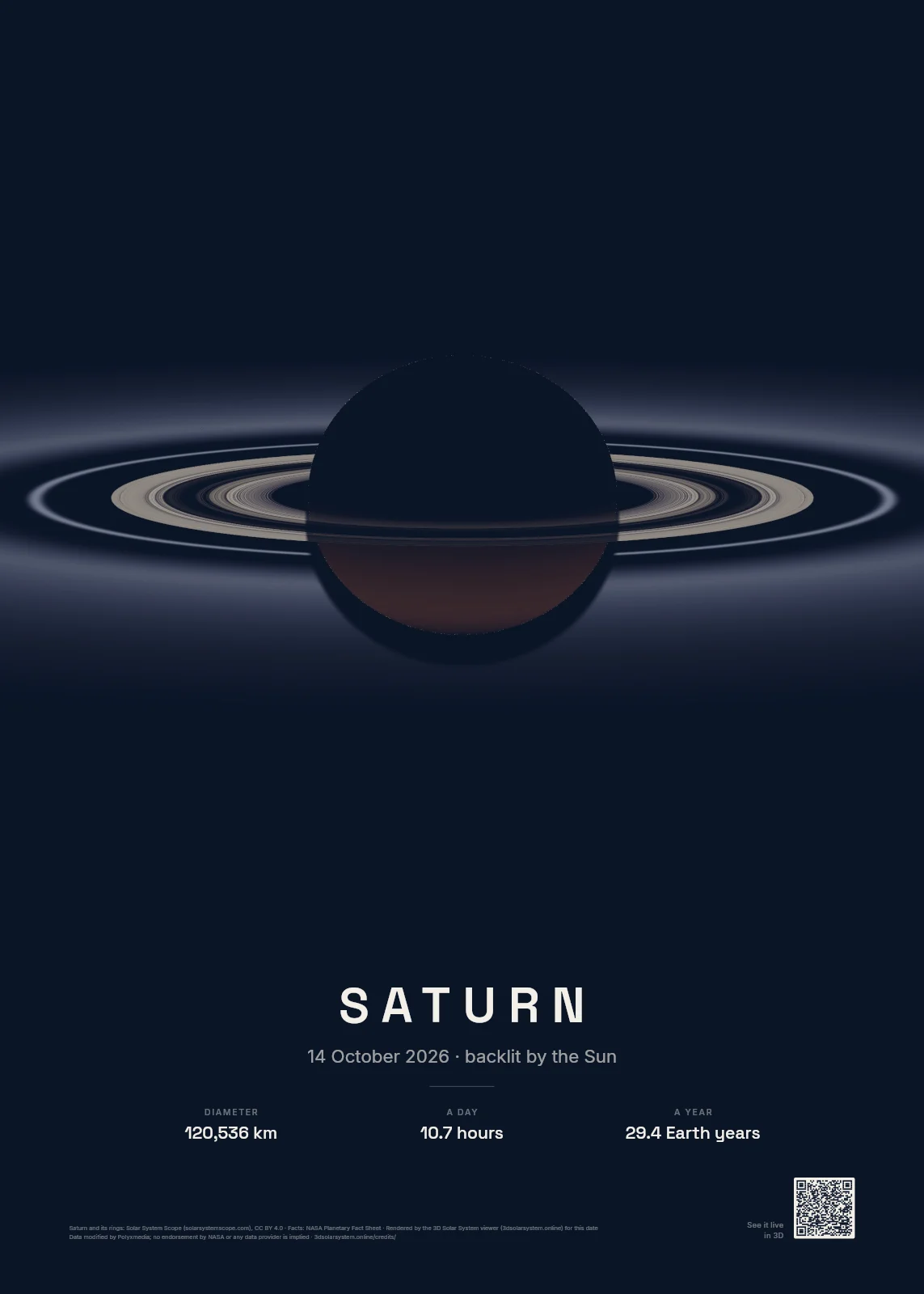
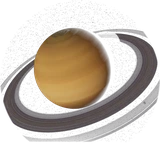 Saturn
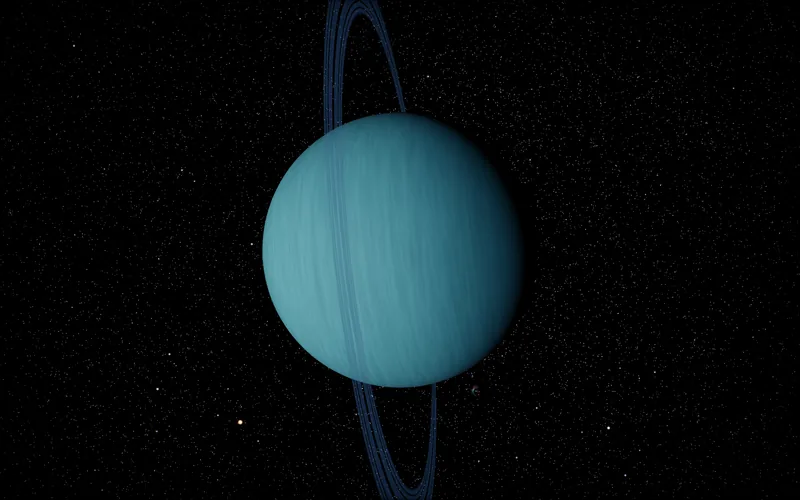
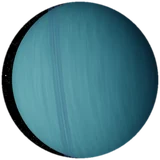 Uranus
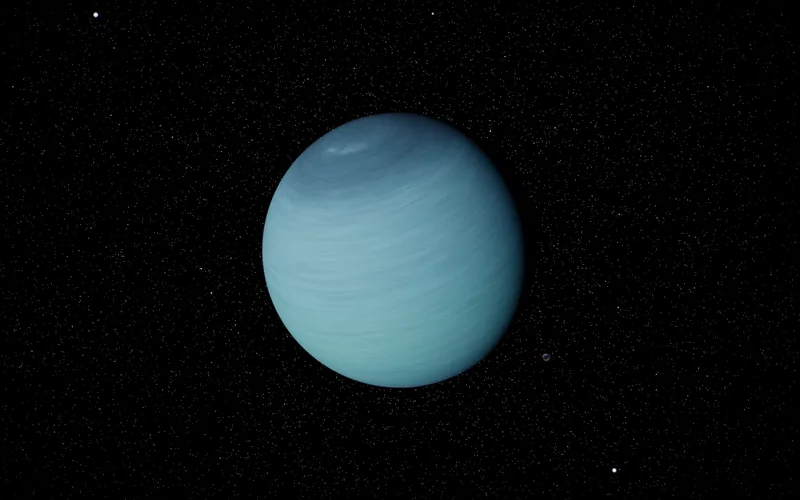
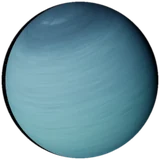 Neptune