Rocketry mode is a build, launch and orbit game that lives inside the 3D viewer. You put a rocket together, roll it out to the pad at Cape Canaveral, and fly it to orbit around a planet that's the real size of Earth, 6,371 km in radius, which means getting to orbit costs what it really costs, about 9.4 km/s of delta-v once you count gravity and drag. It runs in a browser tab, there's nothing to install, and the planet under the pad is the same Earth you can zoom out and look at from space.
If you've played Kerbal Space Program you'll feel at home fast, that's the lineage and I'm not shy about it. The difference is scale. Kerbin is a tenth the size of Earth so orbit comes cheap, here it doesn't, and that changes how every rocket gets designed.
Where you start
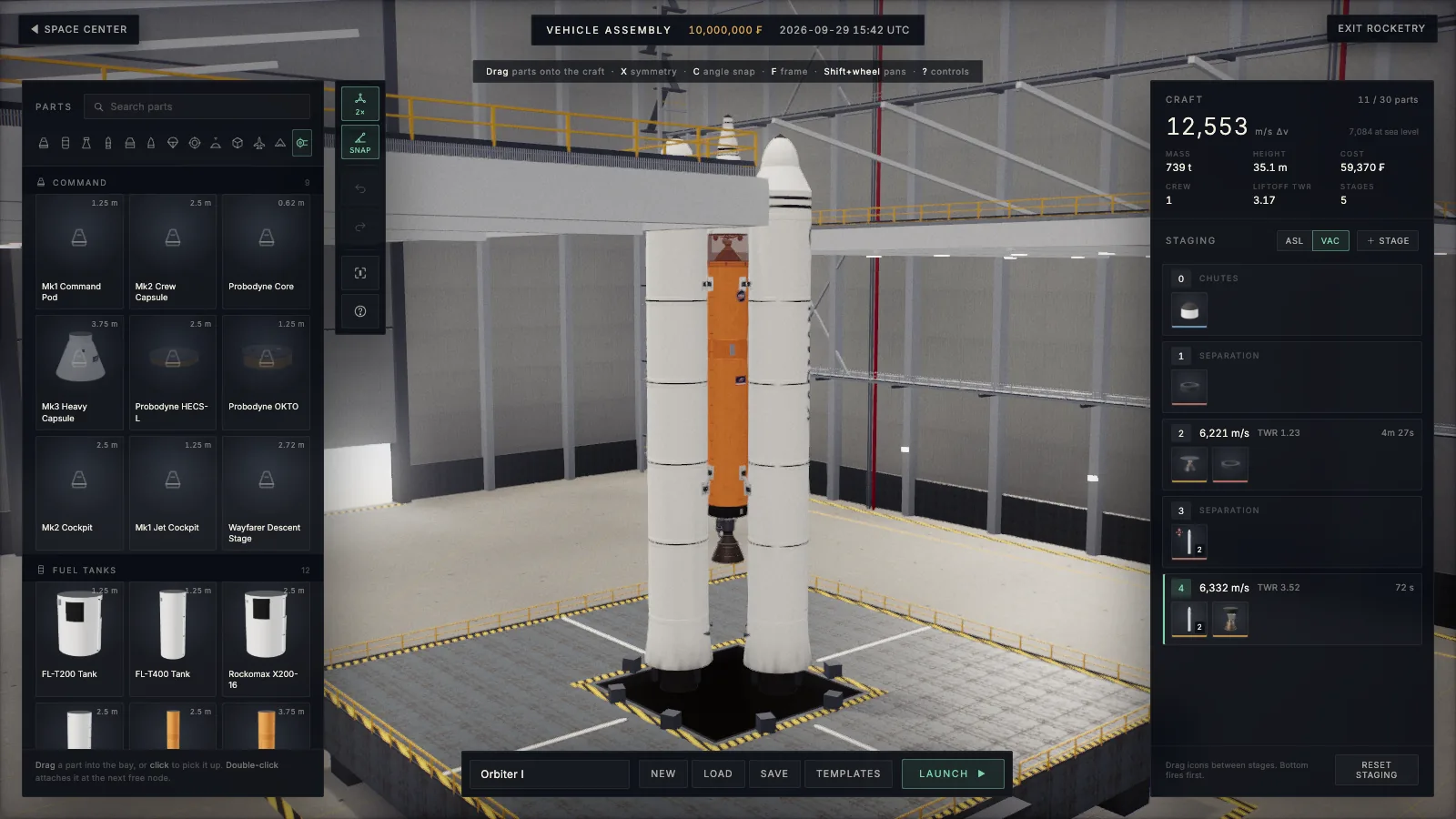
Open the viewer and press the ROCKETRY button next to fly mode. You land at the Space Center, and from there you can walk into the Vehicle Assembly Building, the launch pad, the Spaceplane Hangar and a list of Experiences, which are ready-made scenes I'll get to in another post.
The VAB is where rockets get built. Parts snap together in a stack, boosters go on radially with symmetry, and the panel on the right tells you the numbers that actually matter, total delta-v, thrust to weight on each stage, mass and part count, all worked out as you build. If a design can't lift itself off the pad the numbers say so before you waste a launch on it.
There are starter craft if you'd rather fly first and build later. Orbiter I is a crewed two-stage launcher with heavy boosters and a bit of spare margin for hand flying, and there's a comsat lifter, a set of station modules with tugs to dock them, a Moon lander, and a few planes including a single stage to orbit spaceplane.
Launching
On the pad, Space starts the terminal count, and Space again during the count skips straight to ignition. After that Space fires each stage in turn, and the staging stack on screen shows you what goes next.
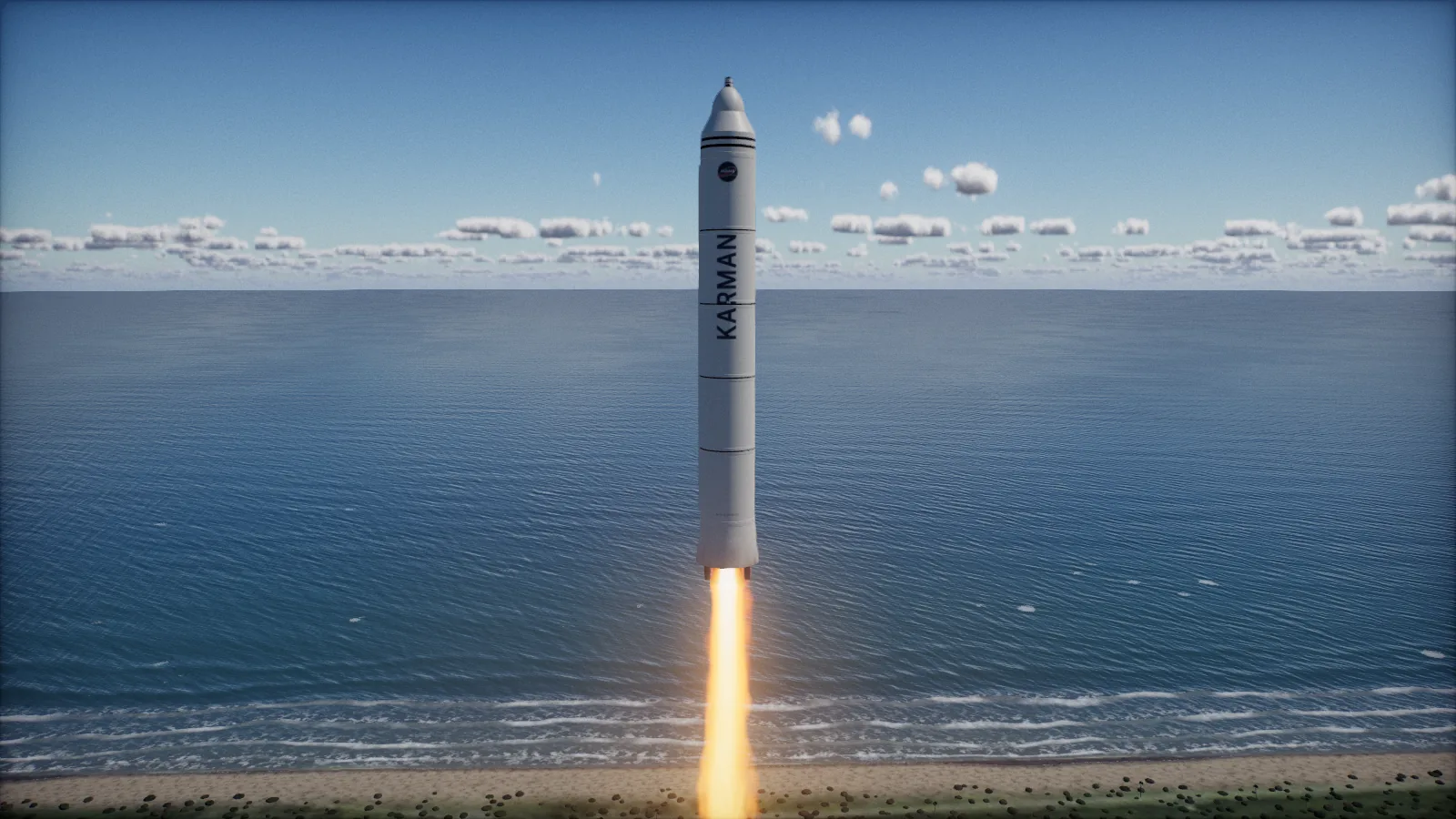
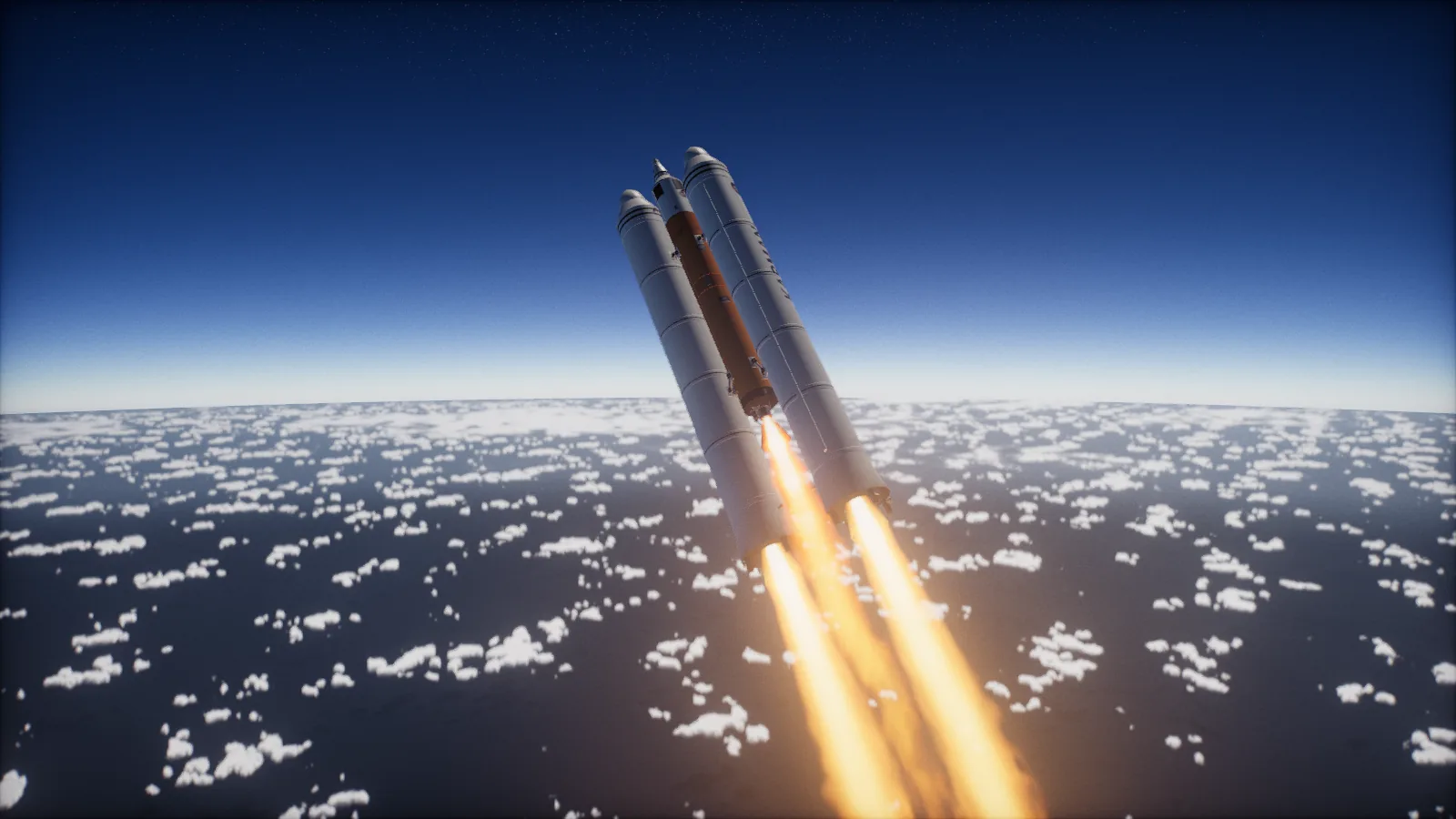
The ascent is where the real Earth bites. You want to go up first to get out of the thick air, then start leaning east, roughly 45 degrees of pitch by 10 to 15 km and close to level by 50 km. East because the Earth's spin hands you about 400 m/s for free at the Cape's latitude, and level because orbit is almost entirely sideways speed, around 7.8 km/s of it at low altitude. Going straight up gets you a very expensive trip back down.
If you'd rather watch, B hands the ascent to the autopilot, which flies the same kind of gravity turn and stages for you.
Reading the flight
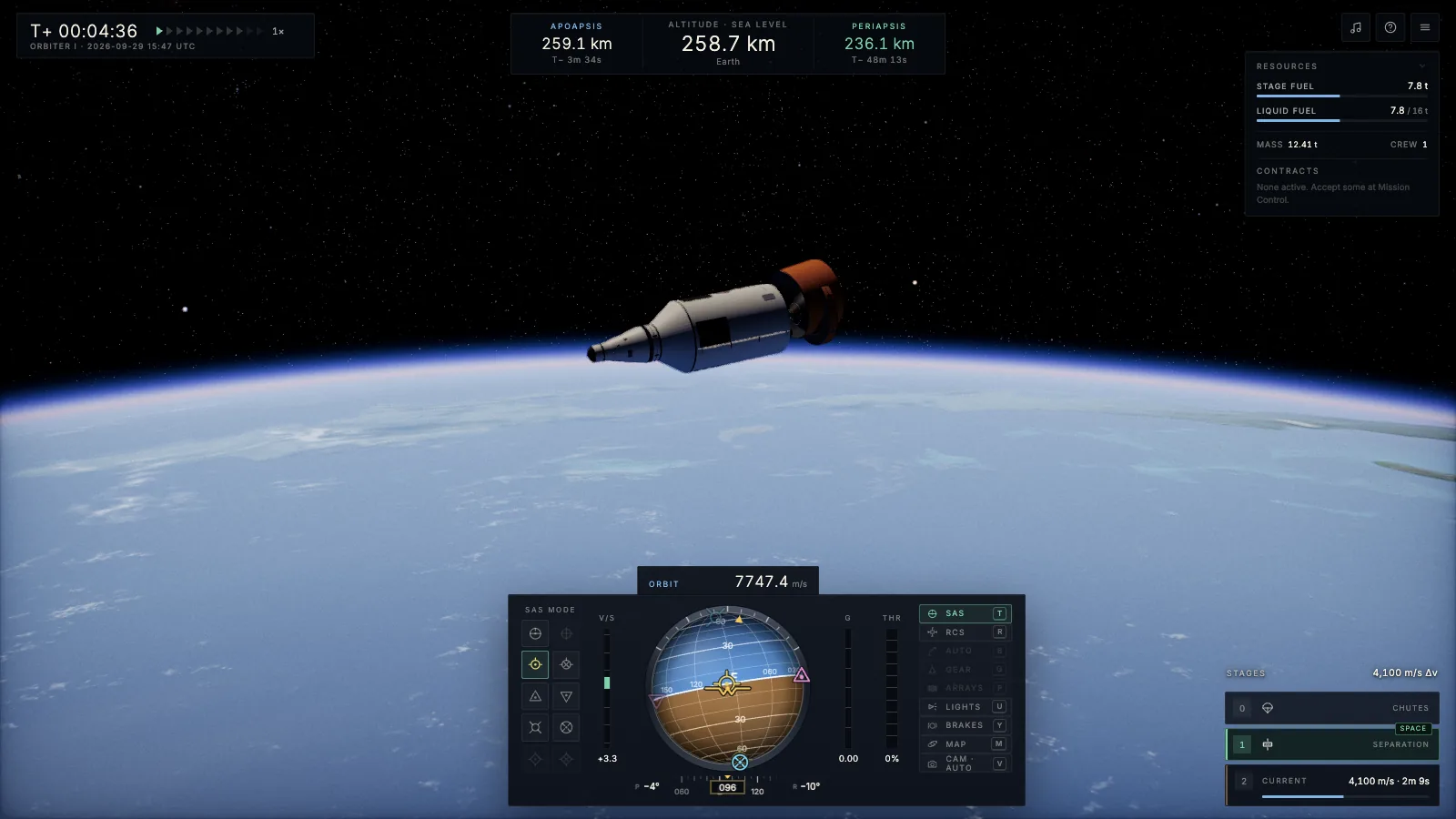
The instrument you'll use most is the navball, the sphere at the bottom of the screen. It shows your attitude against the horizon, and it carries the markers that matter for orbital flying, prograde and retrograde, normal, radial and the direction of any planned burn. SAS can hold any of those for you, which is how you point the rocket without fighting it.
At the top of the screen sits the apoapsis and periapsis readout, Ap and Pe, the highest and lowest points of your current orbit. During the climb Pe is deep underground, because the orbit you're on still hits the planet. You keep burning until it comes up past the atmosphere, and the readout turns green the moment it clears. That green number is the whole game in one glance. If you leave Earth's sphere of influence entirely, Ap reads ESCAPE.
The map, and going further
M opens the map, where your orbit is drawn as a line around the planet with Ap and Pe marked on it. You can drop a manoeuvre node anywhere on that line, pull its handles to add prograde, normal or radial speed, and see the new orbit before you burn. The prediction chains Kepler arcs across spheres of influence, so a transfer to the Moon shows you the flyby, the periapsis at the Moon and the path home, all before you've spent a drop of fuel.
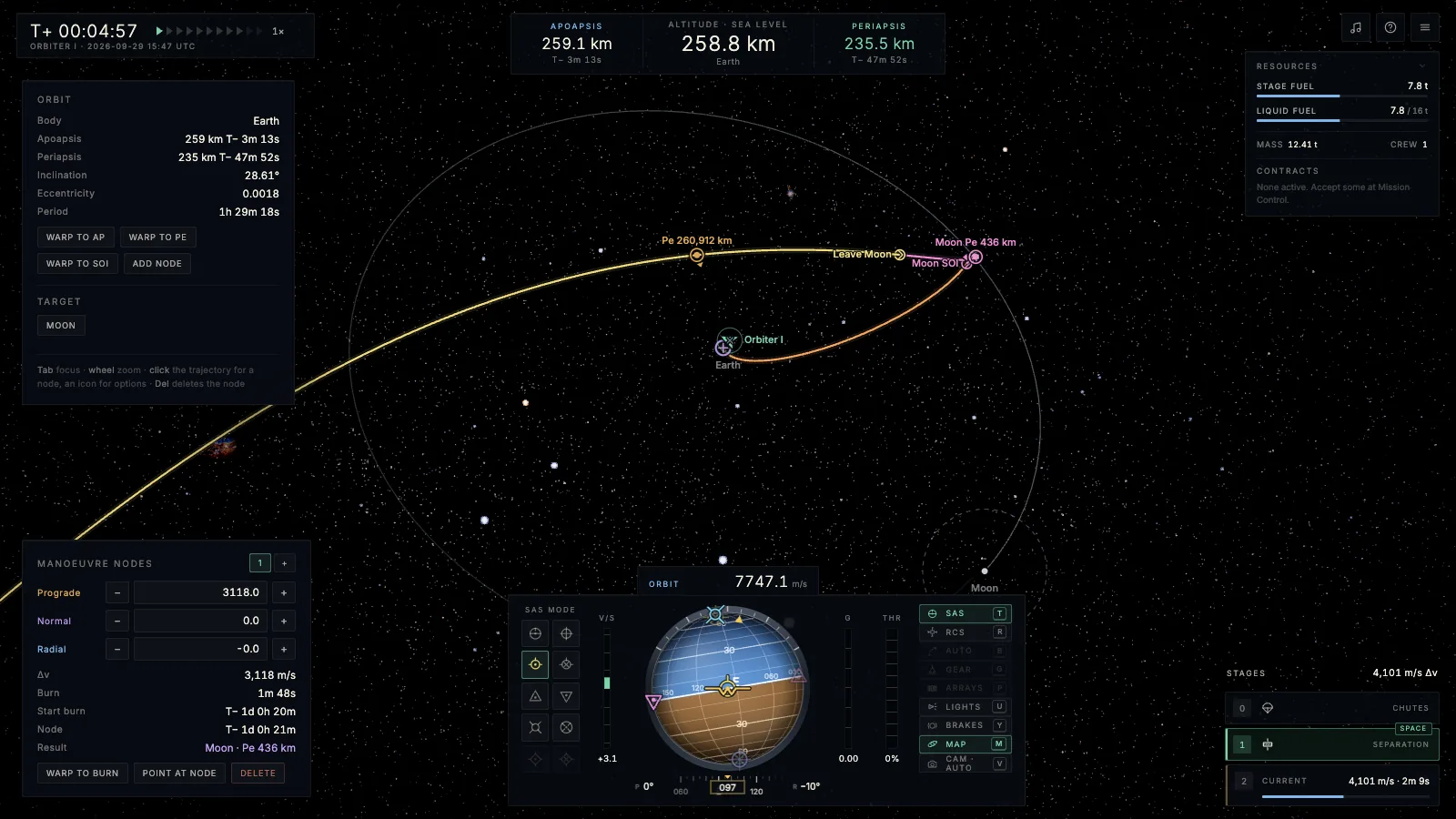
The Moon itself is on its real orbit, driven by an ephemeris, so the launch window is a real launch window. From there it goes as deep as you want it to, rendezvous and docking with a docking camera and an alignment dial, stations assembled module by module, landers, rovers, and a career mode with funds, contracts and recovery money that pays more the closer to the Cape your capsule comes down.
Why build it on a real planet
Honestly because it was sitting right there. The viewer already had an Earth with real imagery, real clouds and the right day and night for the date, so putting a rocket on it felt like the obvious next thing, and flying the real numbers makes getting to orbit feel earned. You look down from 250 km and it's the actual coastline of Florida under you, built from NASA's Blue Marble imagery, and I don't think that gets old.
If you want to try it, open the viewer, hit ROCKETRY, and take Orbiter I up. Your first launch will probably end in the Atlantic, mine did too.